

marketing spend that is outside of your integrated platforms. Any spend that is added to the configuration sheet will then be included in the Executive-level and the Marketing Overview modules.
Video Walkthrough
Steps
-
Open your Configuration Sheet from your store in the SourceMedium workspace with Open sheet. (Other ways to find it)
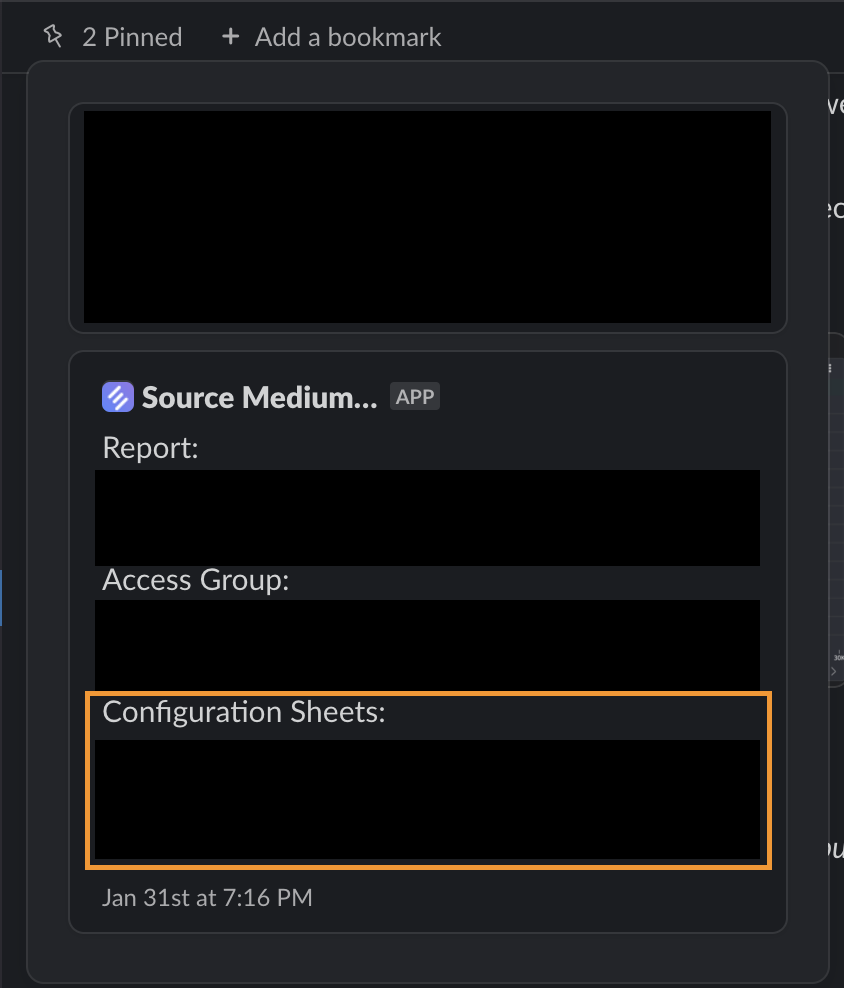
-
In the
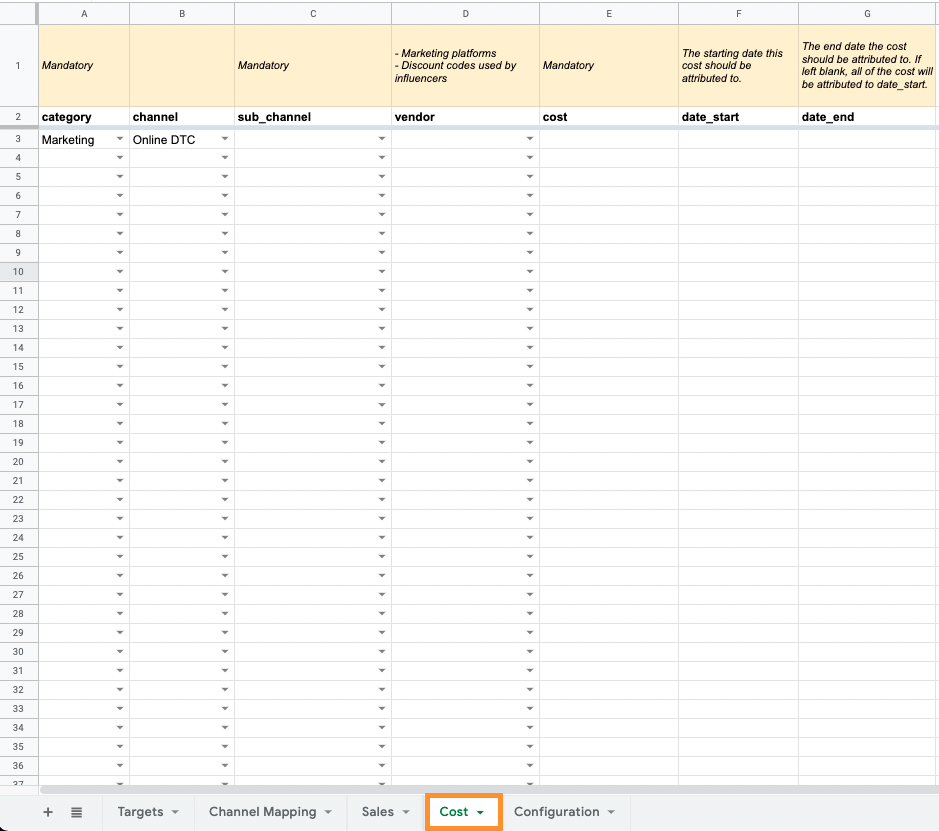
Costtab, select the appropriate values for each columncategory- selectMarketingchannel- select the channel where you’re expecting to see returns on this spend (Online DTC, Wholesale, etc.)sub_channel- select the sub-channel that the spend is associated with (new sub-channels can also be added within theConfigurationtab)
Anysub_channelcontaining the following terms (not case sensitive) will be pulled into theSponsorships & Influencersmodule:influencerpodcastnewsletteraffiliatesponsorship
vendor- select the specific platform related to the spend (can add additional values inConfigurationtab)
-
Enter your marketing spend in the
costcolumn and applicable dates-
date_startanddate_endwill amortize the cost for that spend across the range ofdate_starttodate_ende.g. $1,000 spend from 10/1/2021 to 10/10/2021 would tack on $100 spend for each day. If no date_end is provided, all cost is attributed todate_start
-
- If this is your first time using the Cost tab, tell your account manager or integrations@sourcemedium.com so we can enable custom costs for your account.