1
Open your workspace
Signing in lands on your dashboard. With one store, SourceMedium takes you straight into it.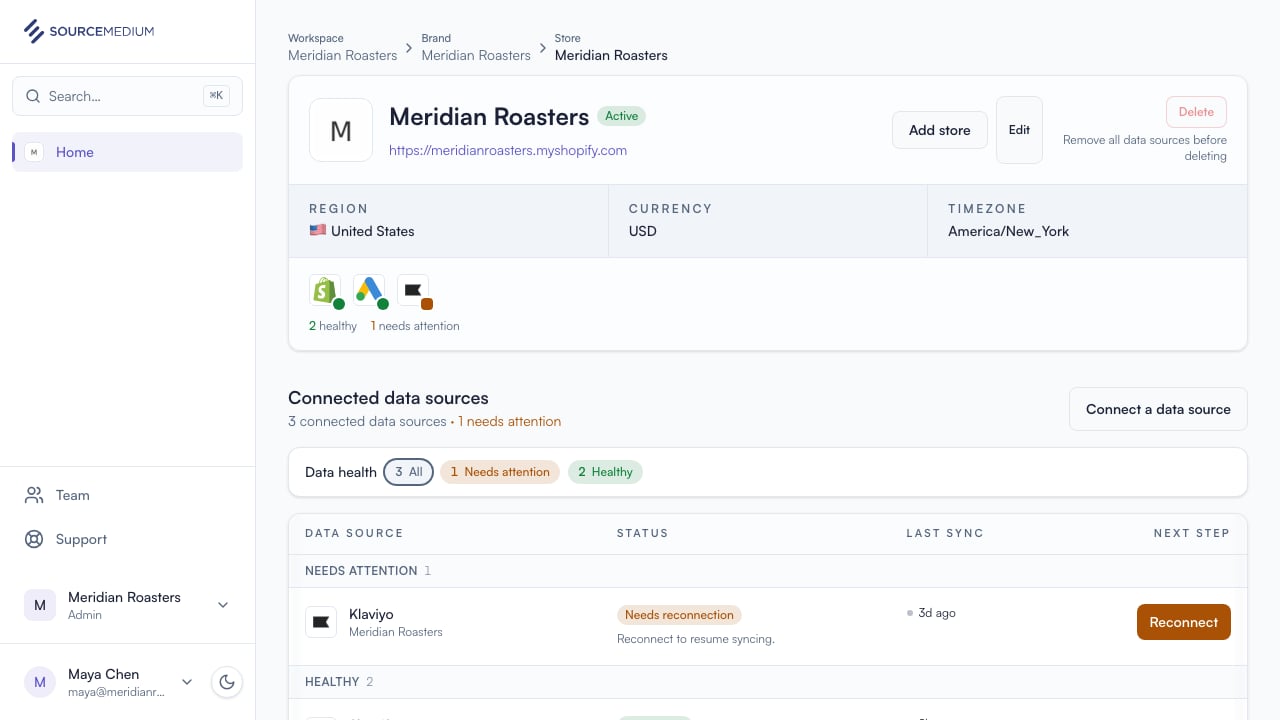
2
See your brands and stores
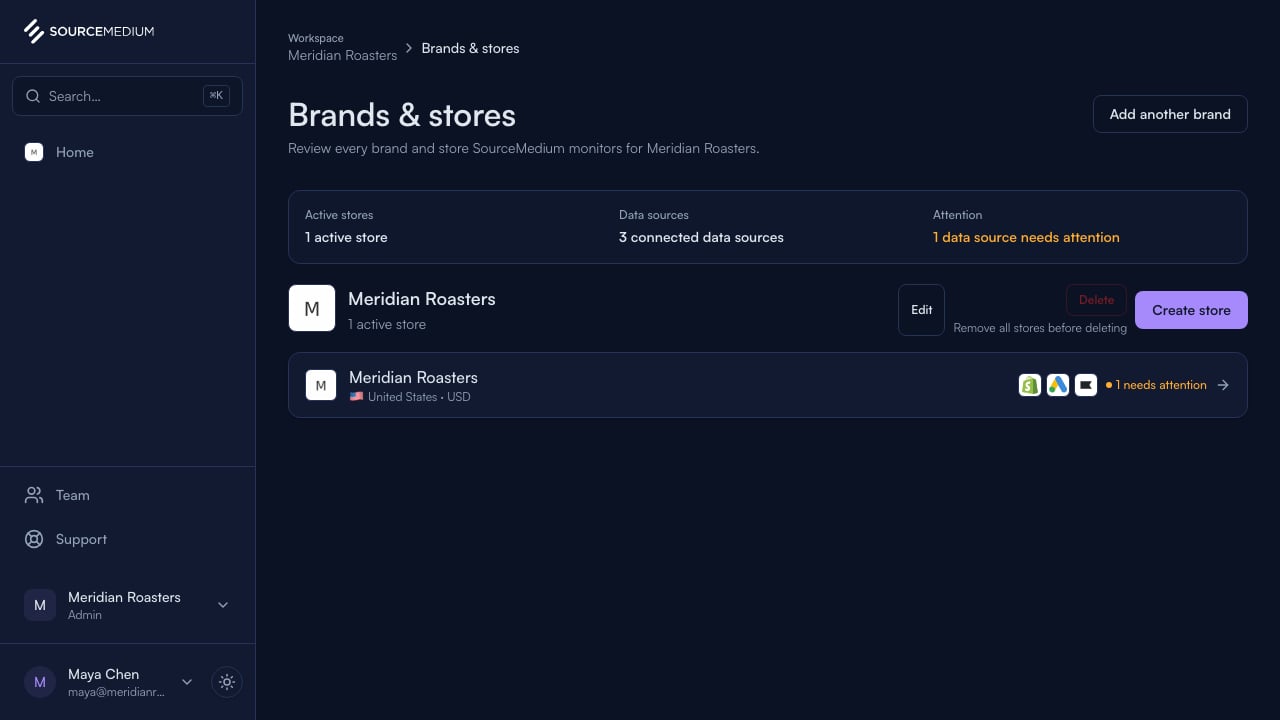
Brands & stores shows everything SourceMedium is tracking for your organization.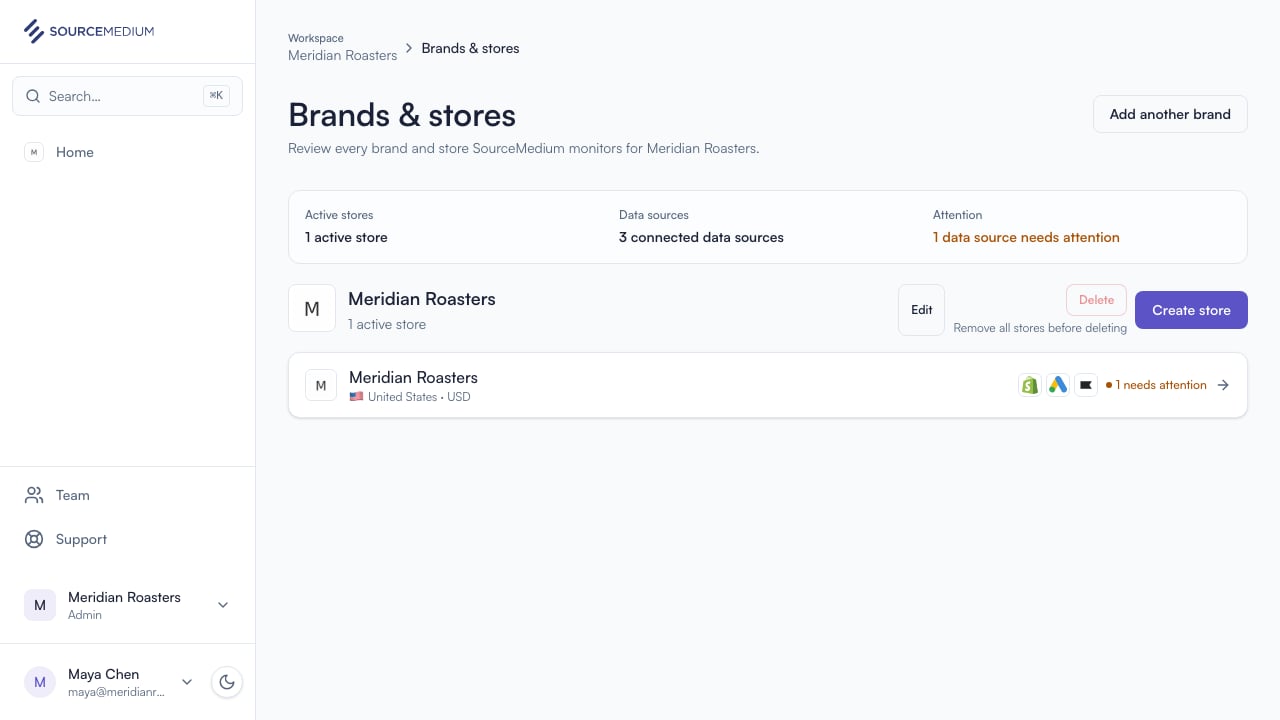
3
Check your data sources
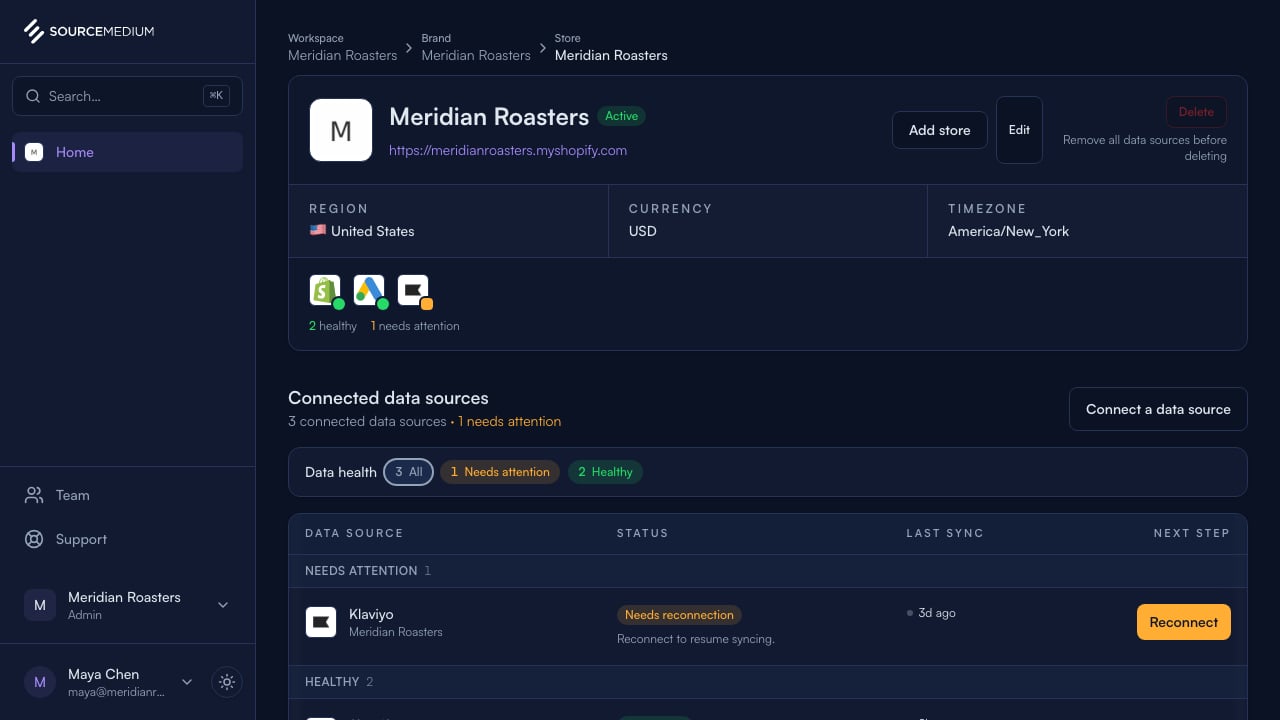
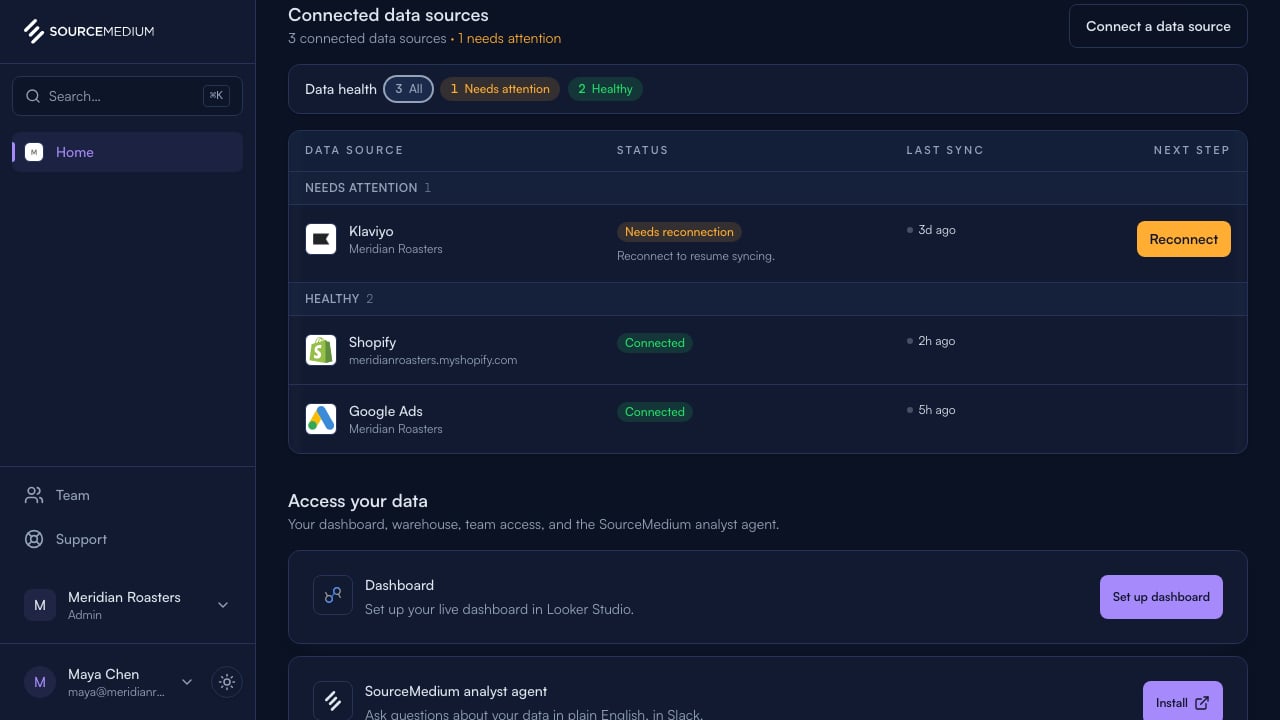
Each store lists its connected data sources and status. Klaviyo’s Needs reconnection status and Reconnect action show exactly what needs attention.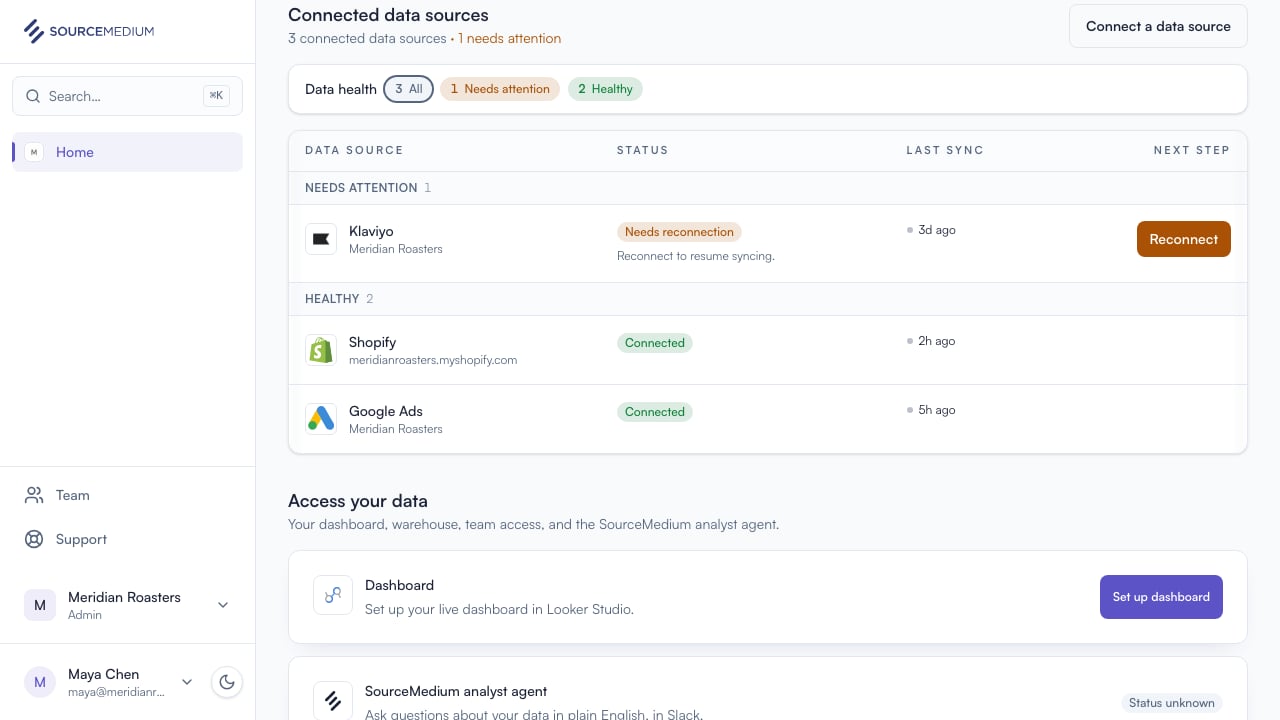
4
Open the connection
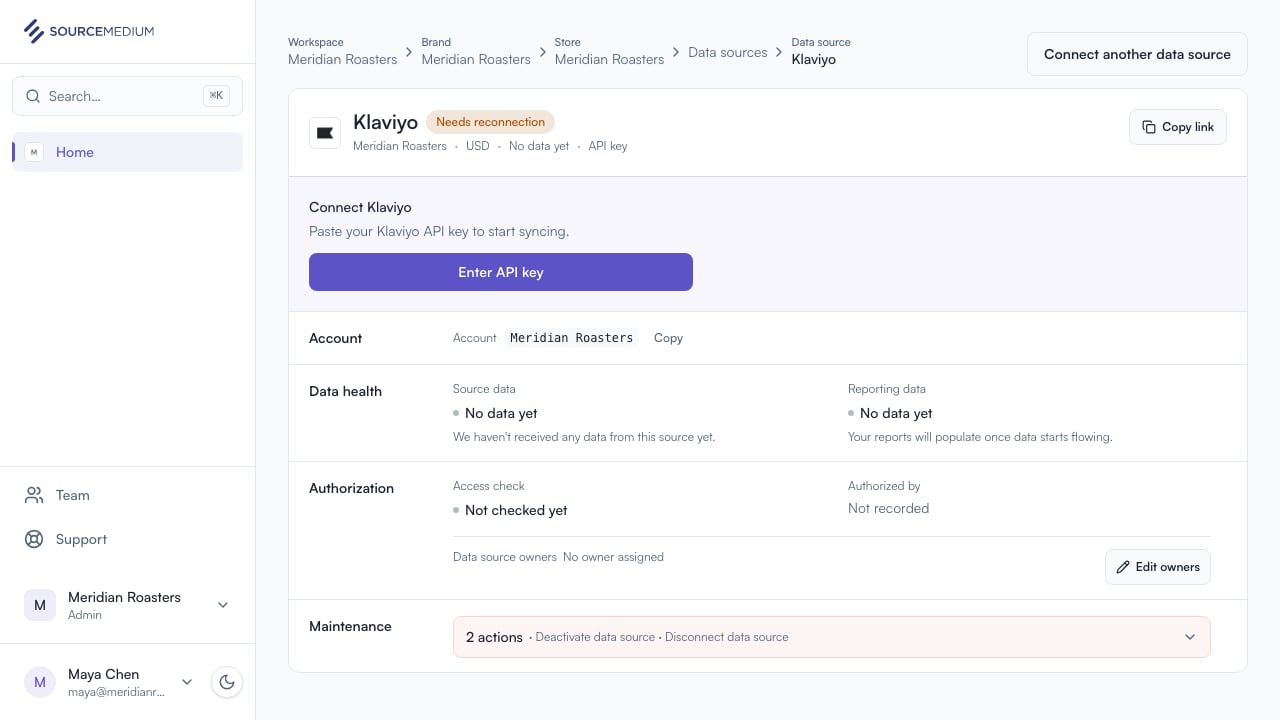
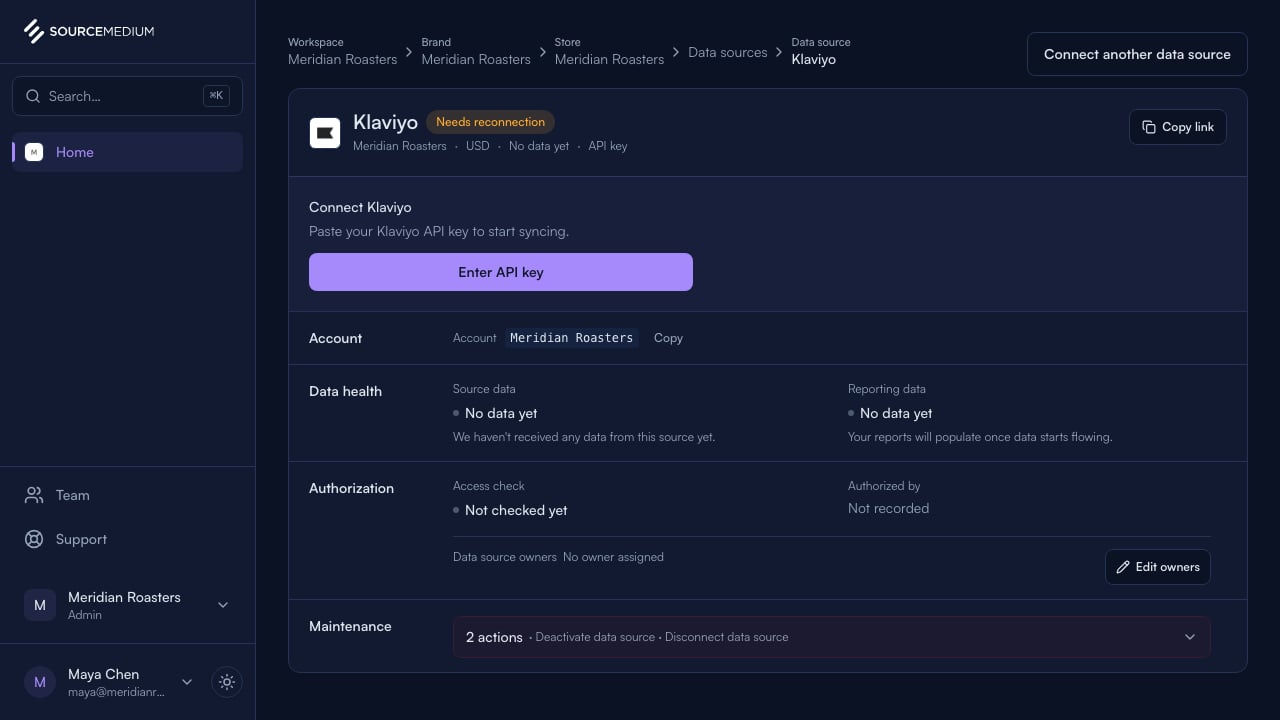
The connection page has the full picture: sync history, status, and the reconnect action.