You need the Editor role (or Admin) in your workspace for this. See
Roles & permissions.
1
Open the data source list
From your store page, Connect data source lists every source available to connect. Sources that use keys carry an API key tag.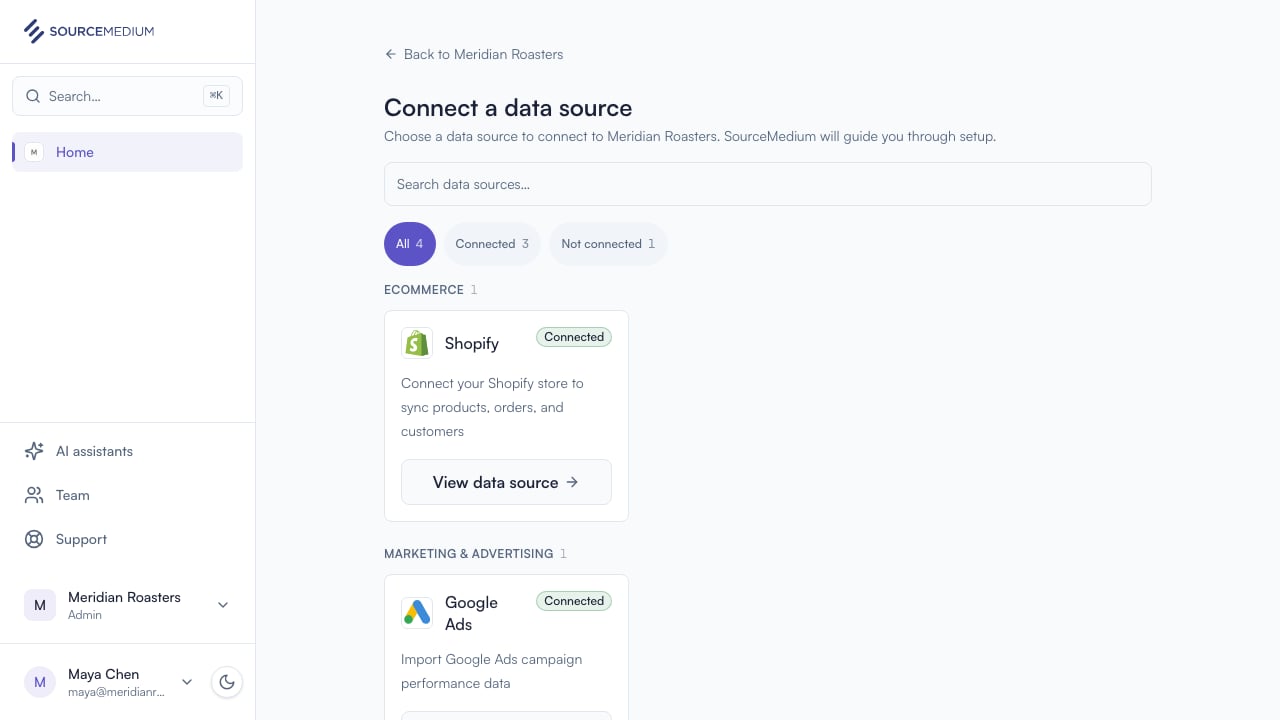
2
Choose Richpanel
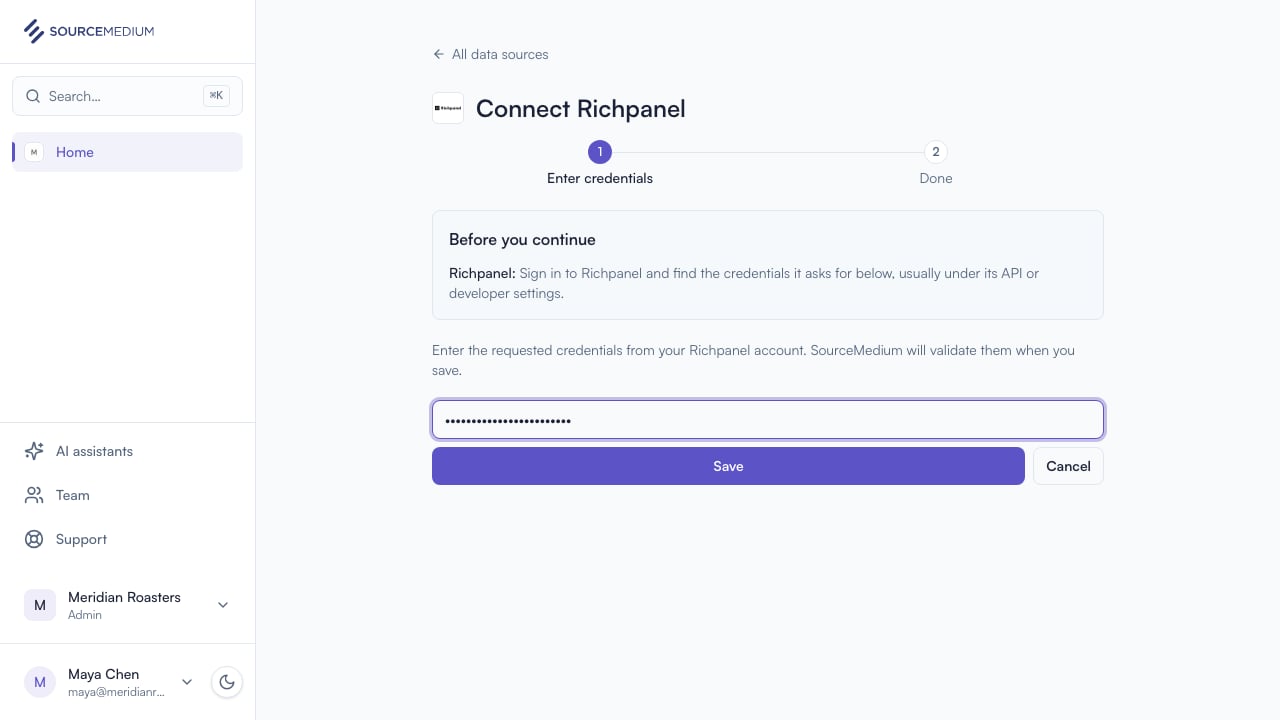
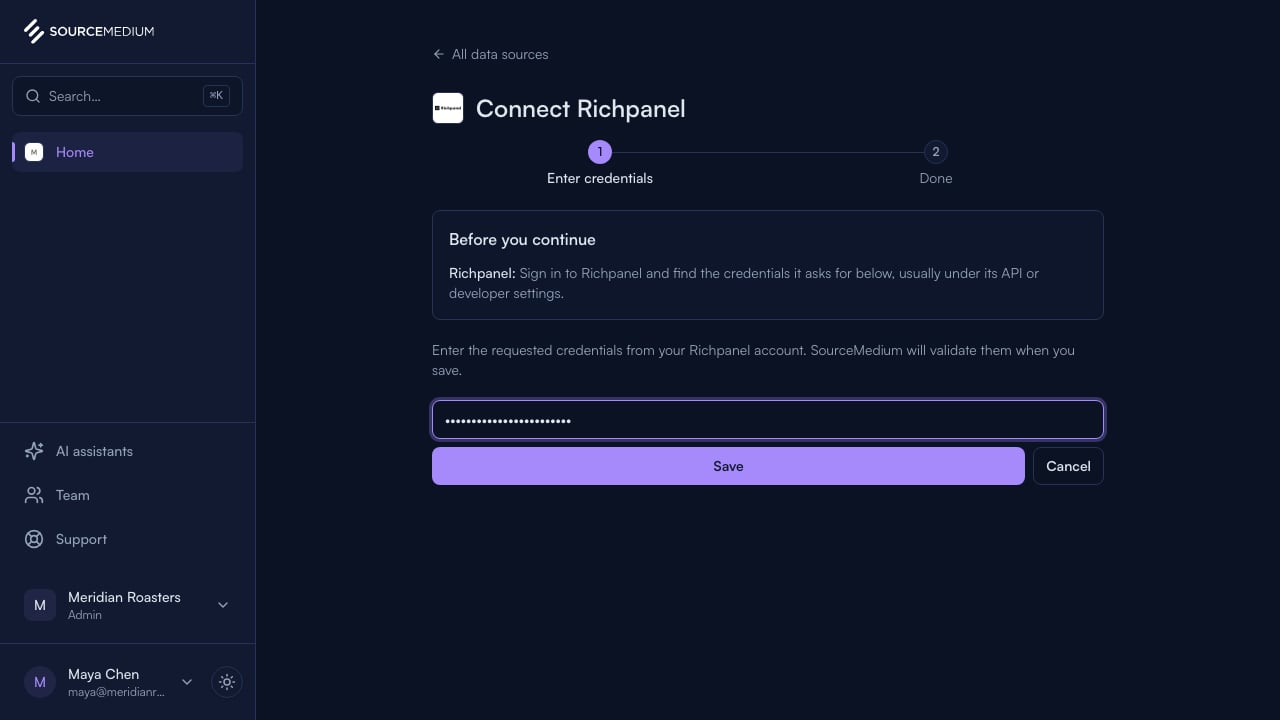
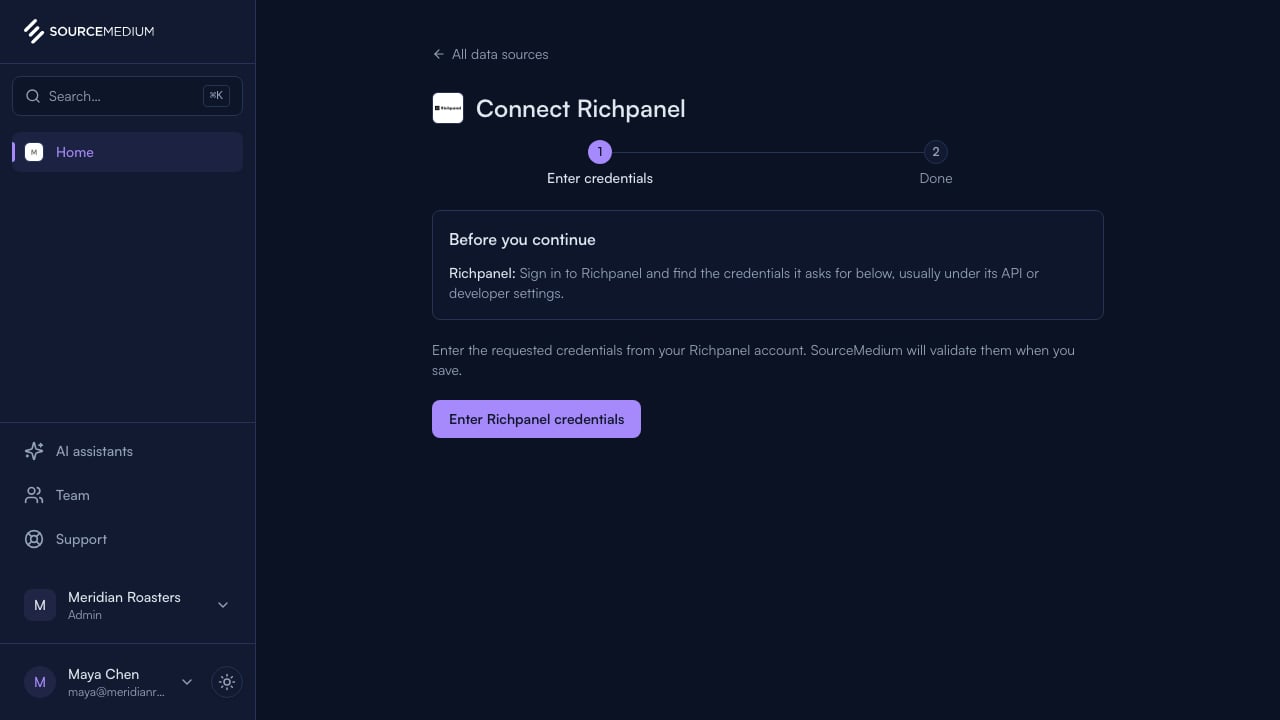
Connect opens Richpanel’s guided flow, with its credentials step ready.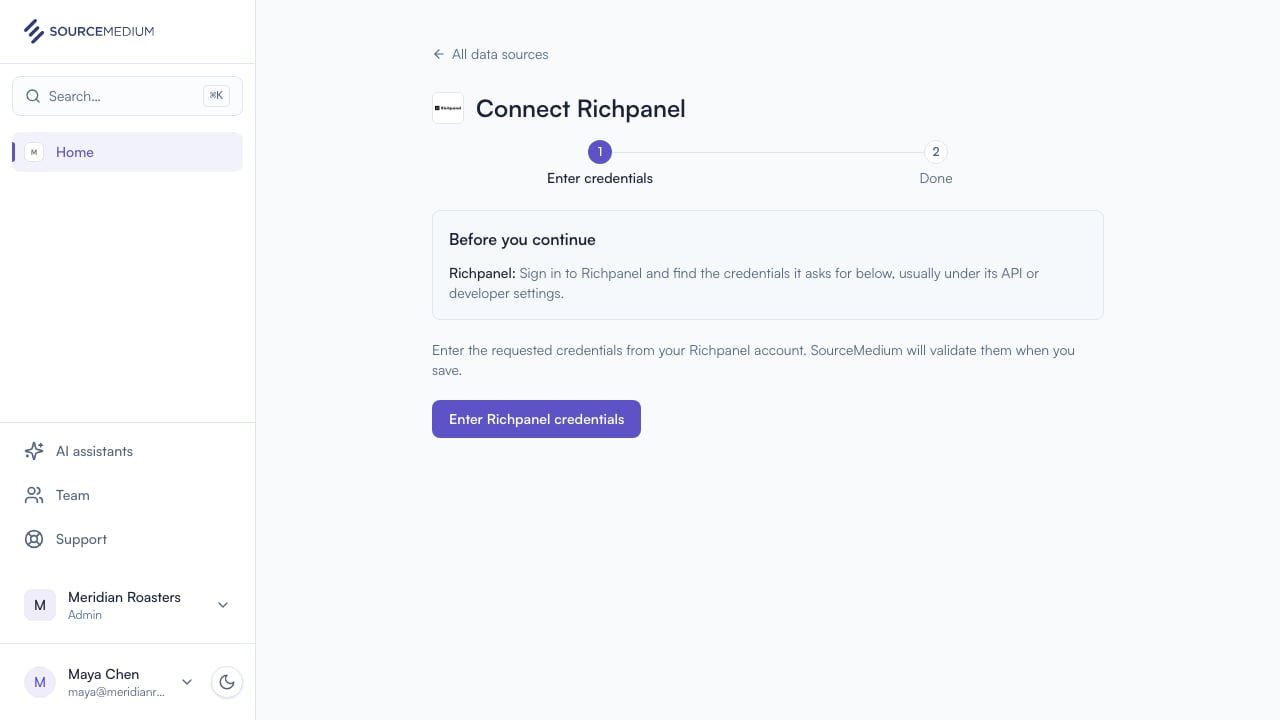
3
Paste the API key
Paste the key from your Richpanel account. When you save, SourceMedium validates it with Richpanel and securely stores accepted keys.