You need the Editor role (or Admin) in your workspace for this. See
Roles & permissions.
1
Open your store
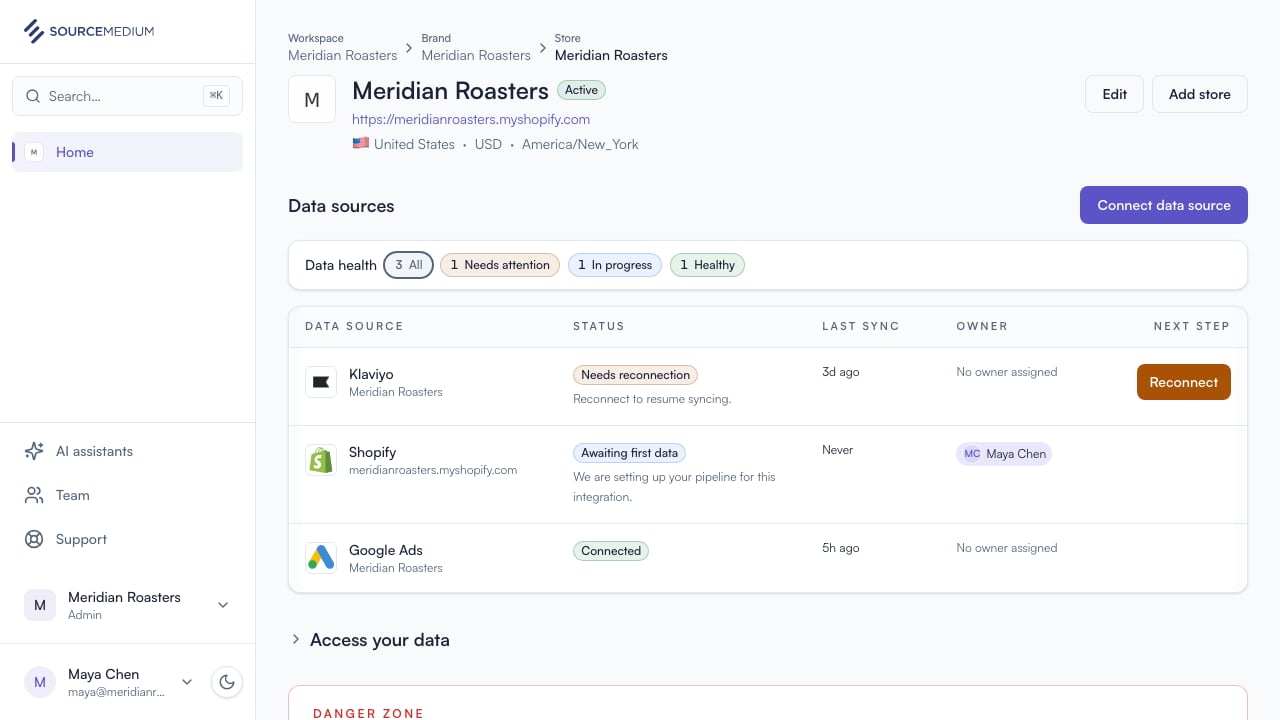
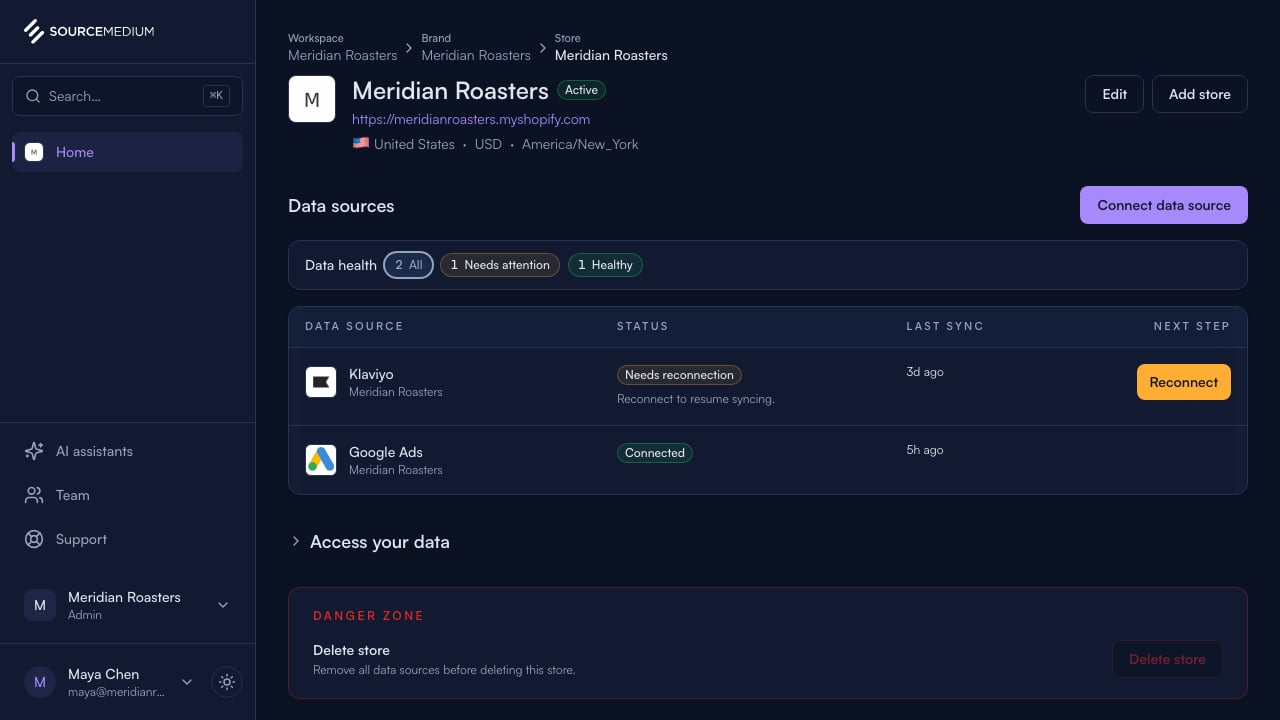
Start from your store page, where your data sources live.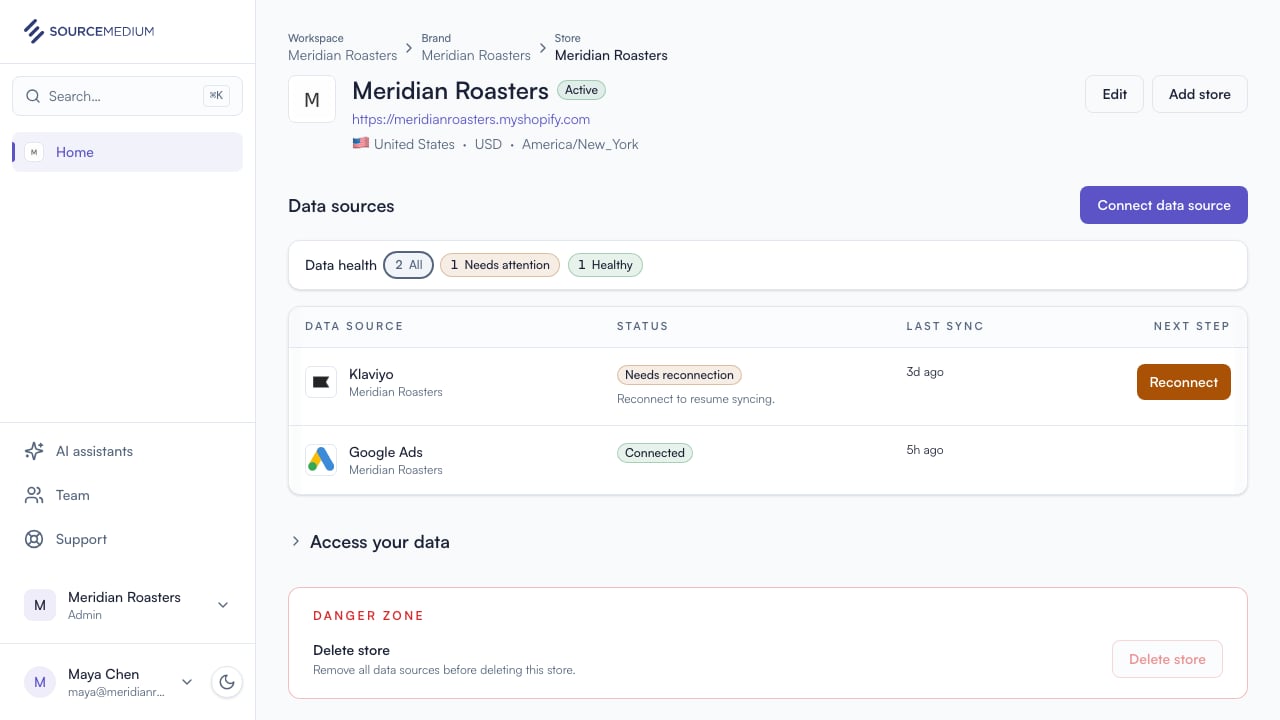
2
Open the data source list
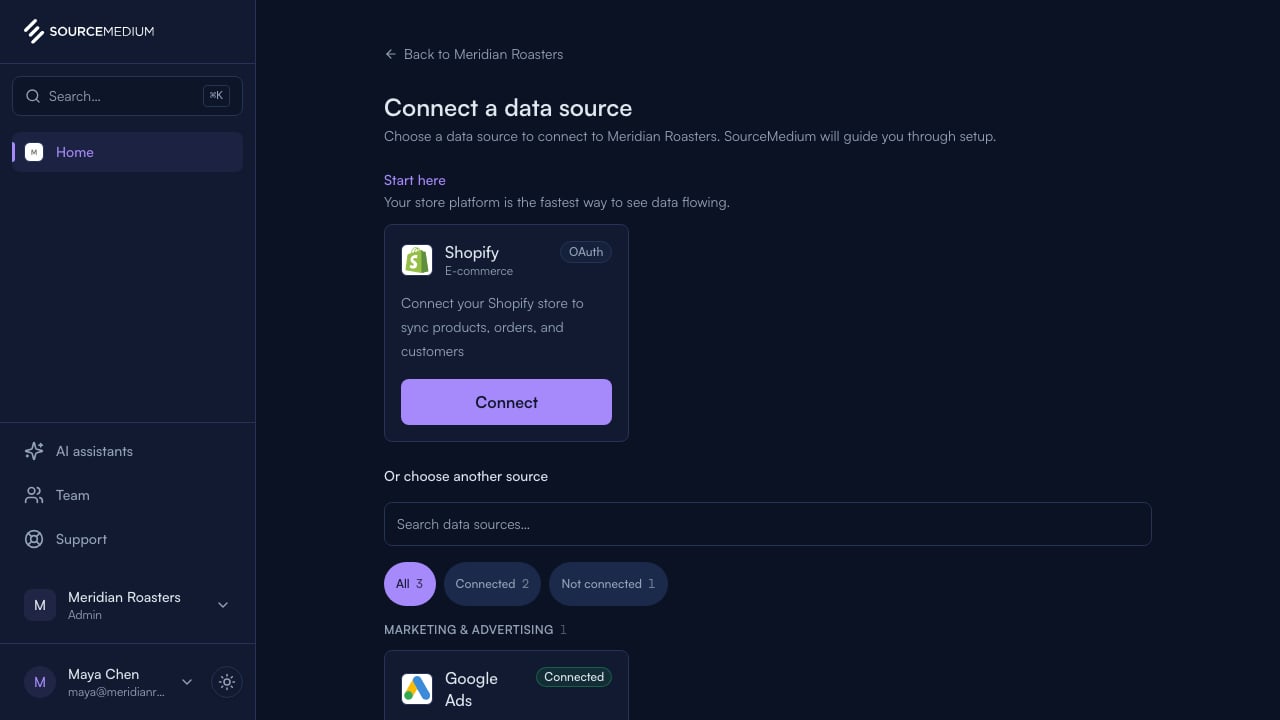
Connect data source opens the full list of sources available to connect.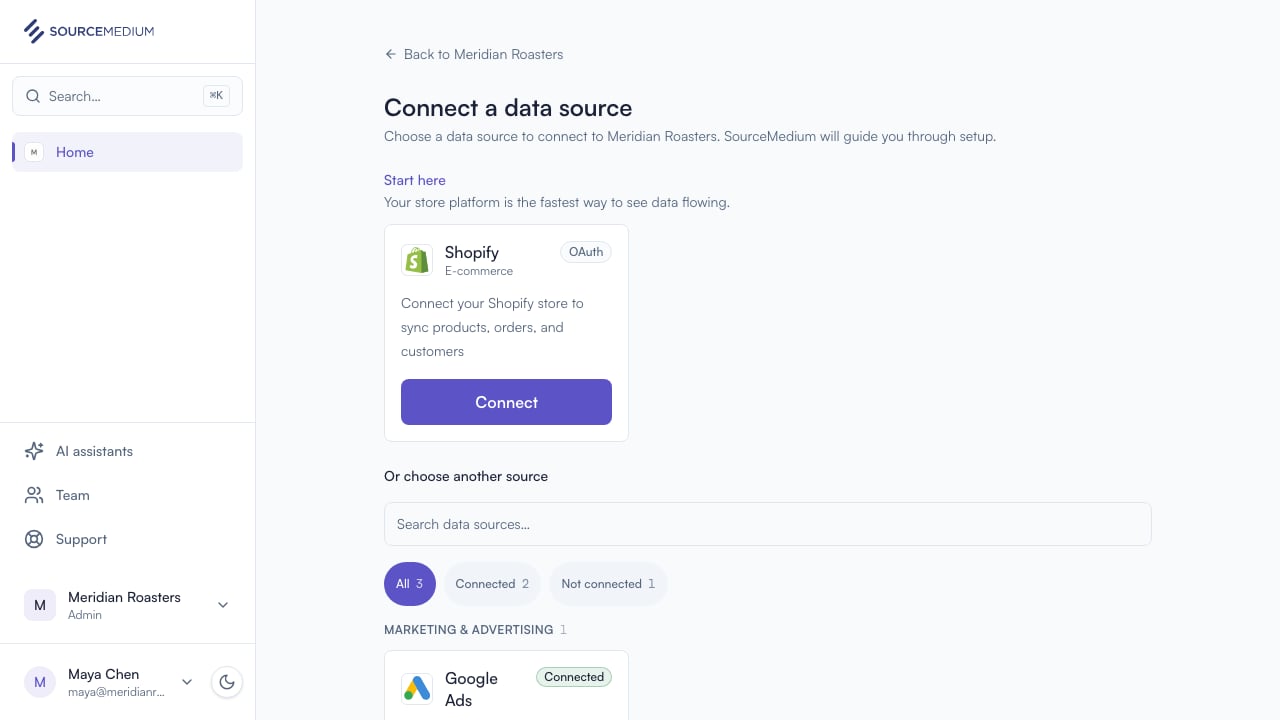
3
Choose Shopify
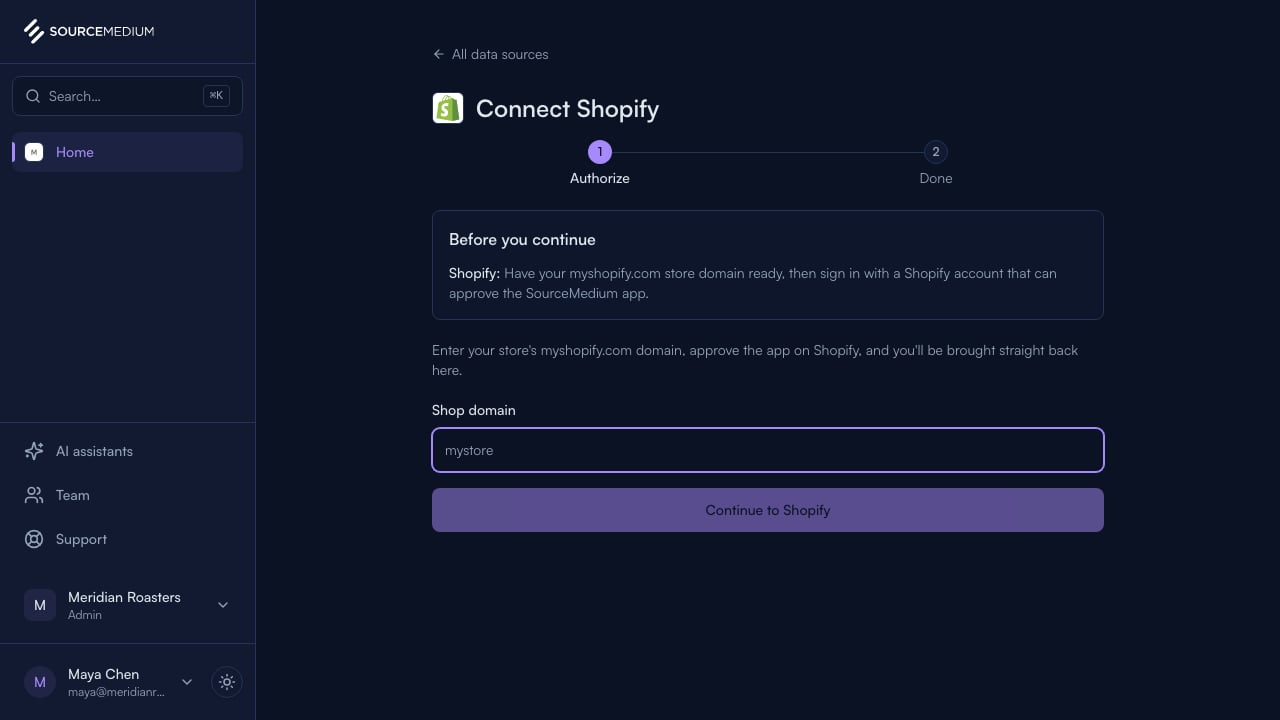
Pick Shopify and enter your store’s domain.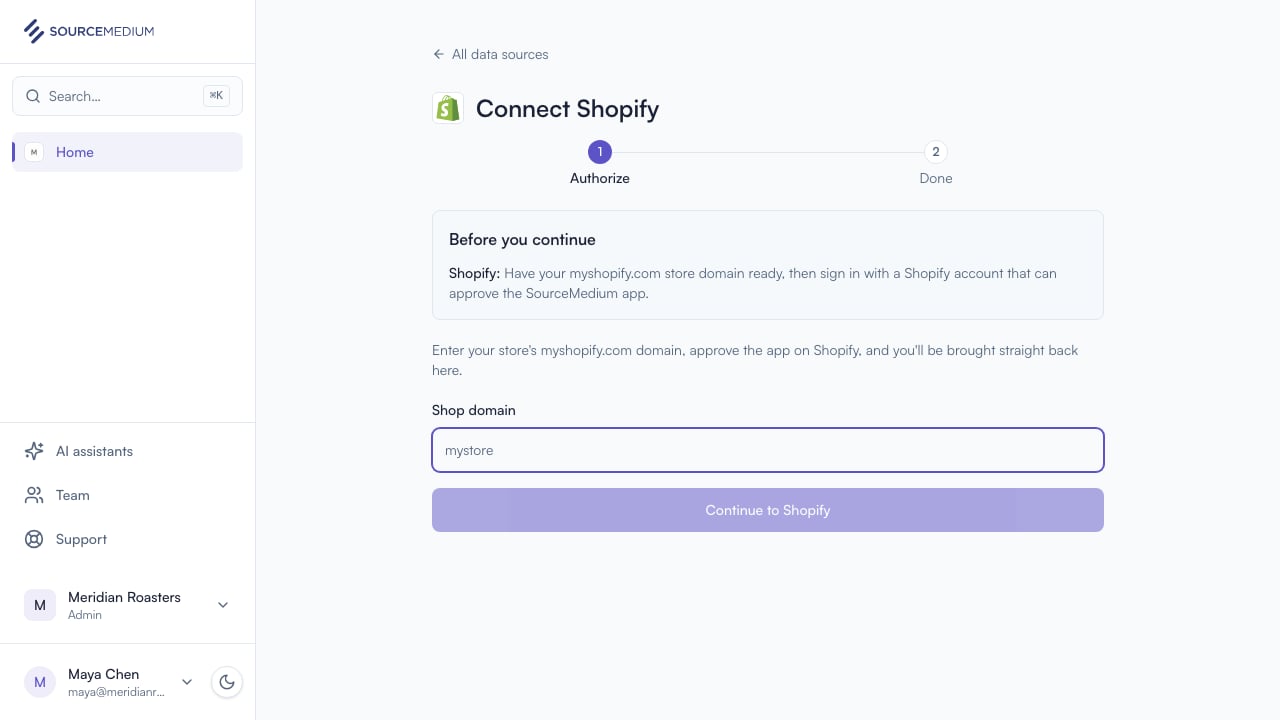
4
Approve access in Shopify
You’re taken to Shopify to approve access, then brought straight back. The whole connection happens in this tab.
5
Confirm setup has started
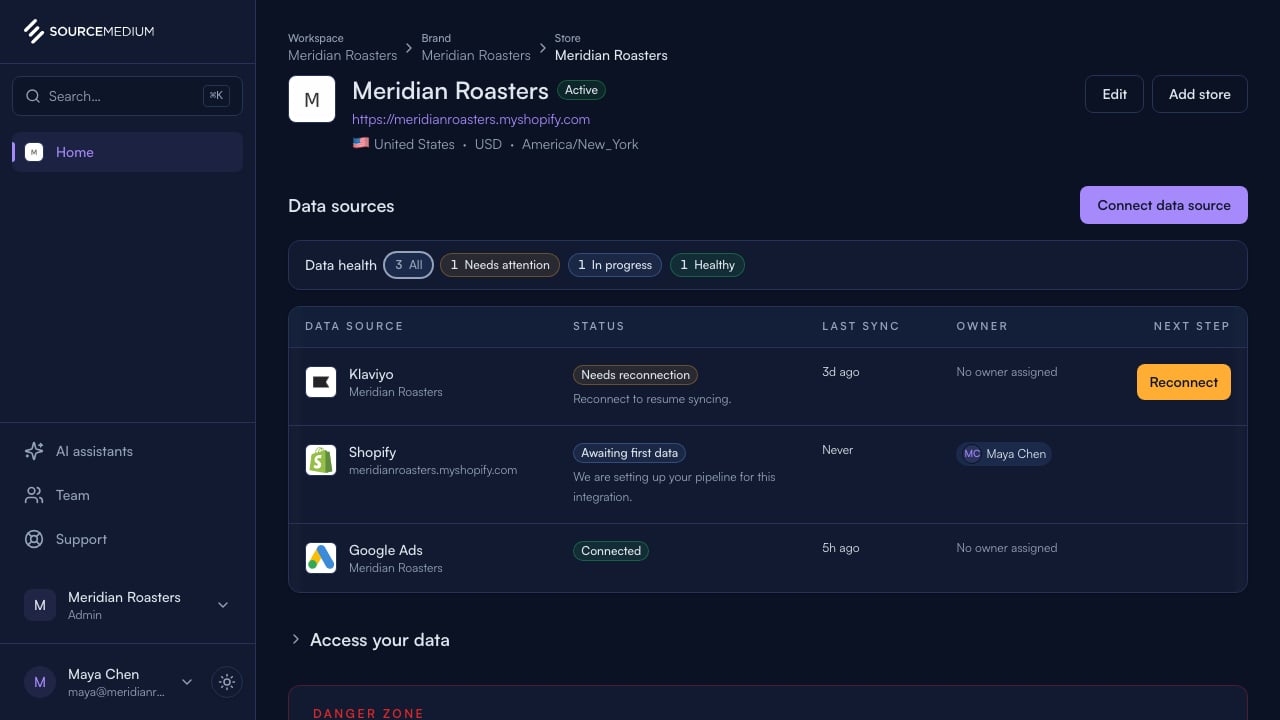
Shopify now shows Awaiting first data while SourceMedium sets up your pipeline.