1
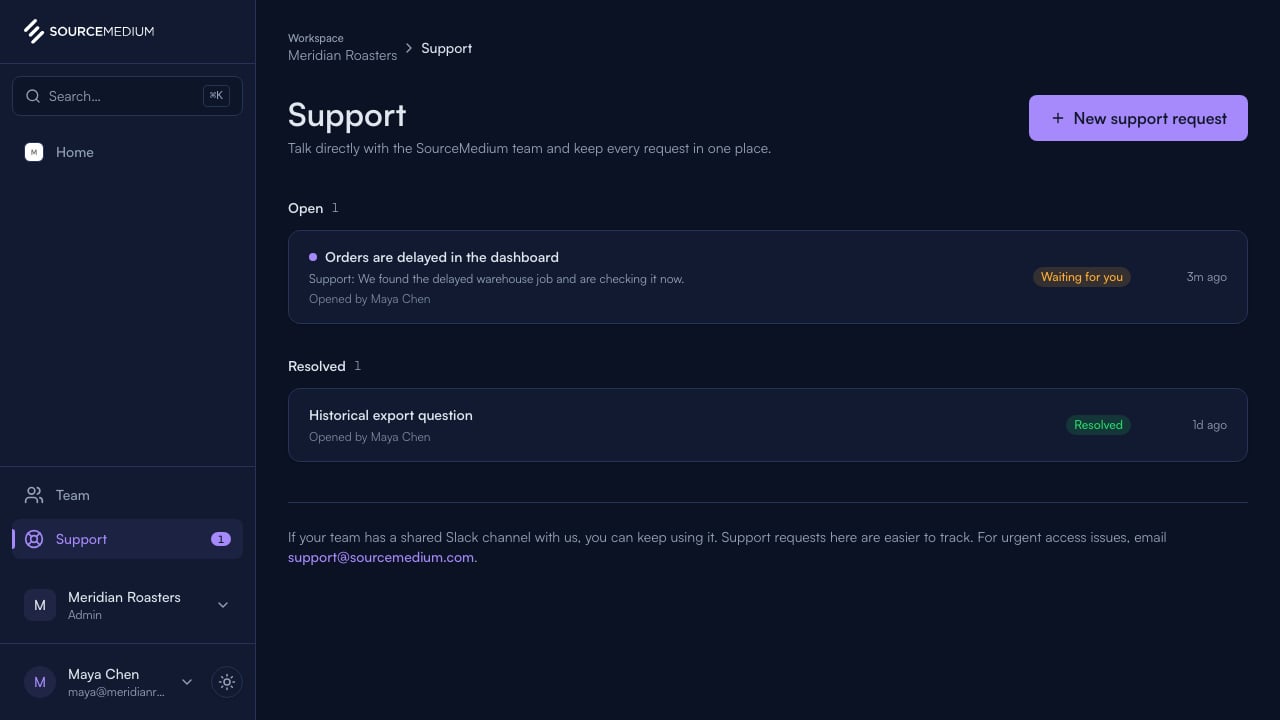
Open Support
Support keeps your open and resolved requests in one place, each with a clear status.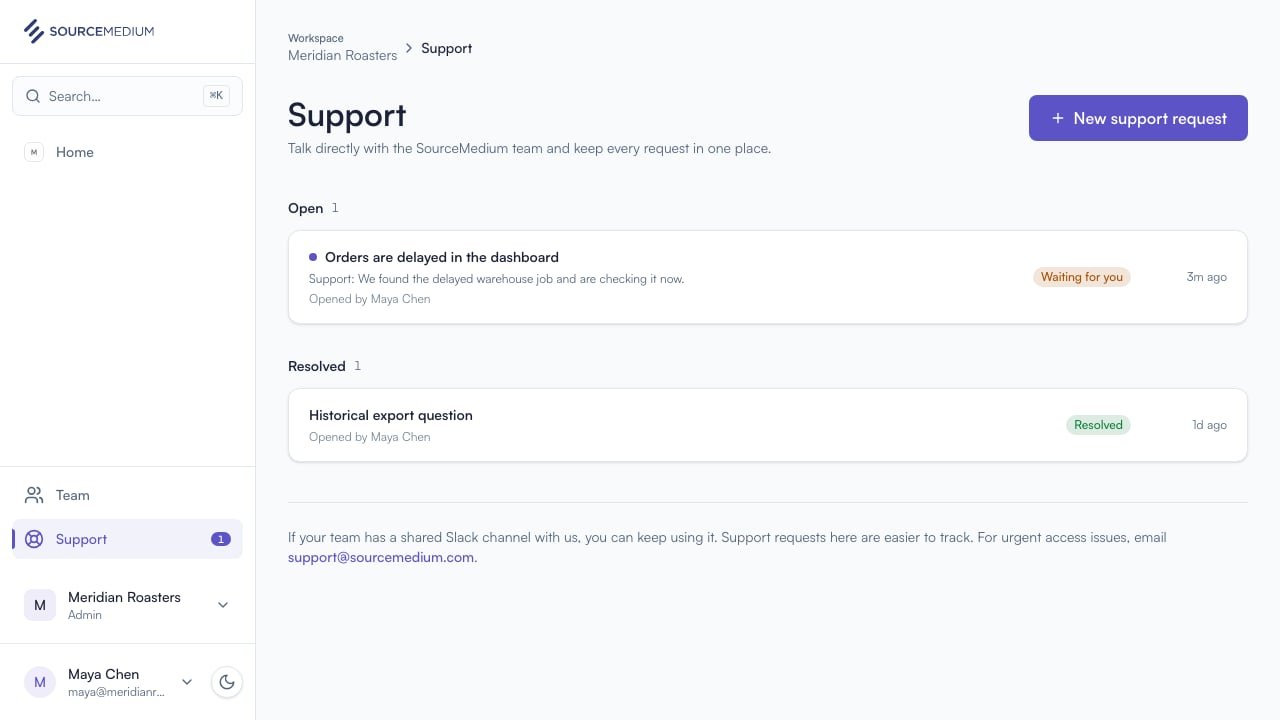
2
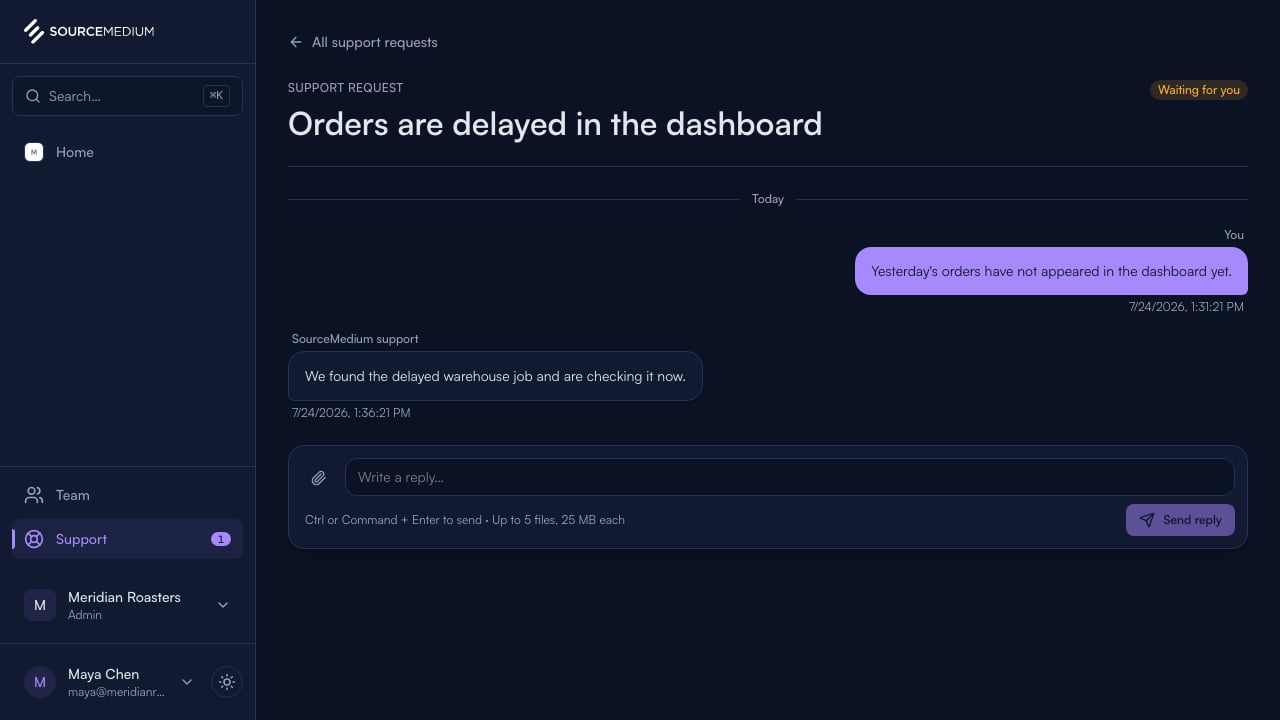
Read the latest reply
Open a request to see the full conversation and reply in context.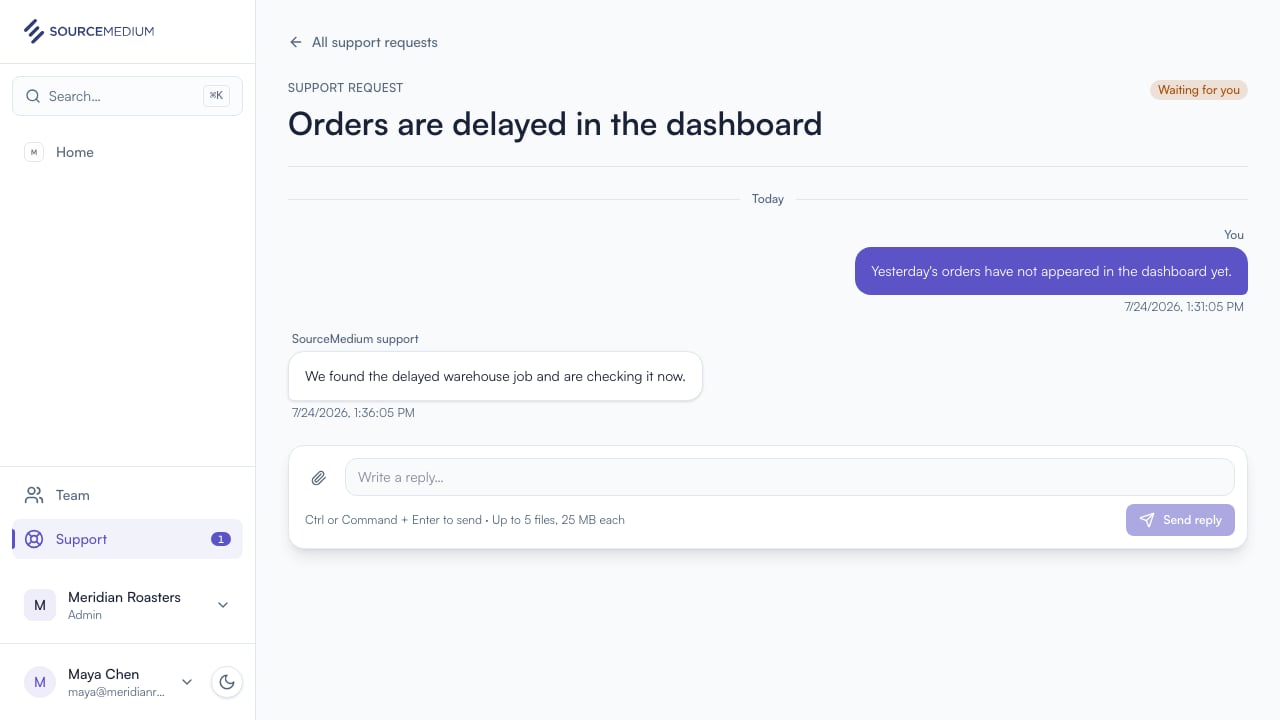
3
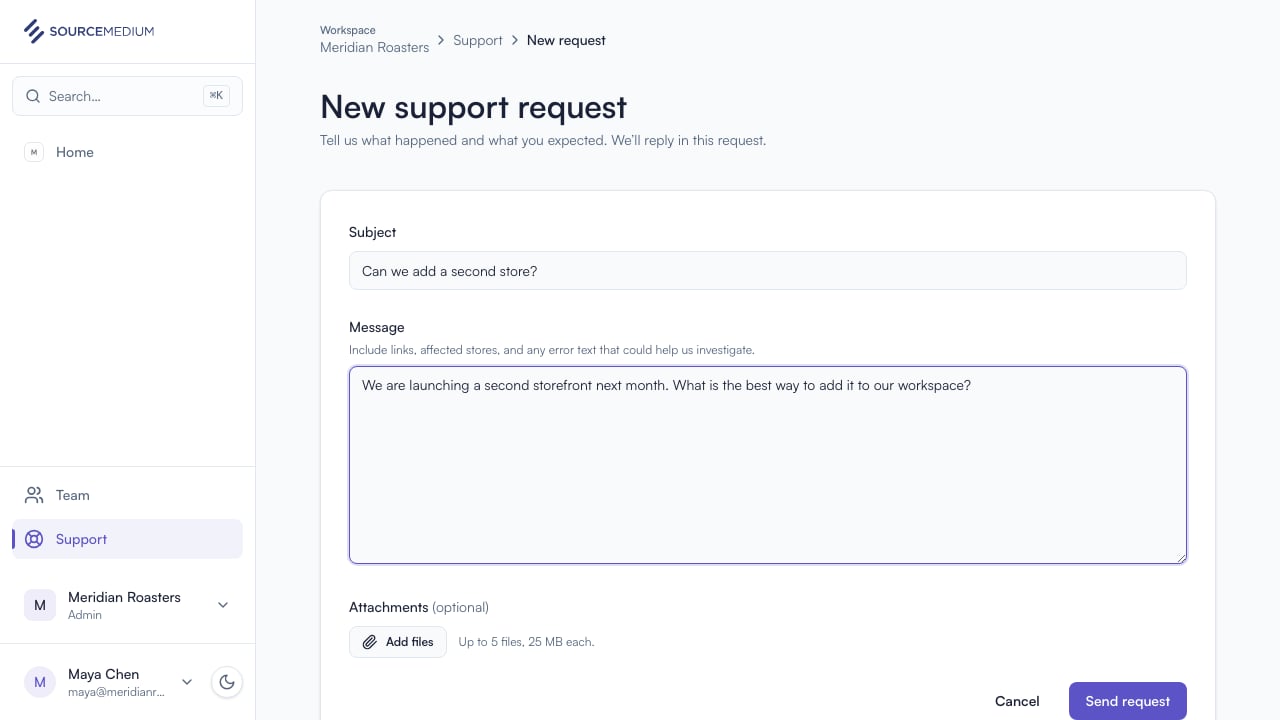
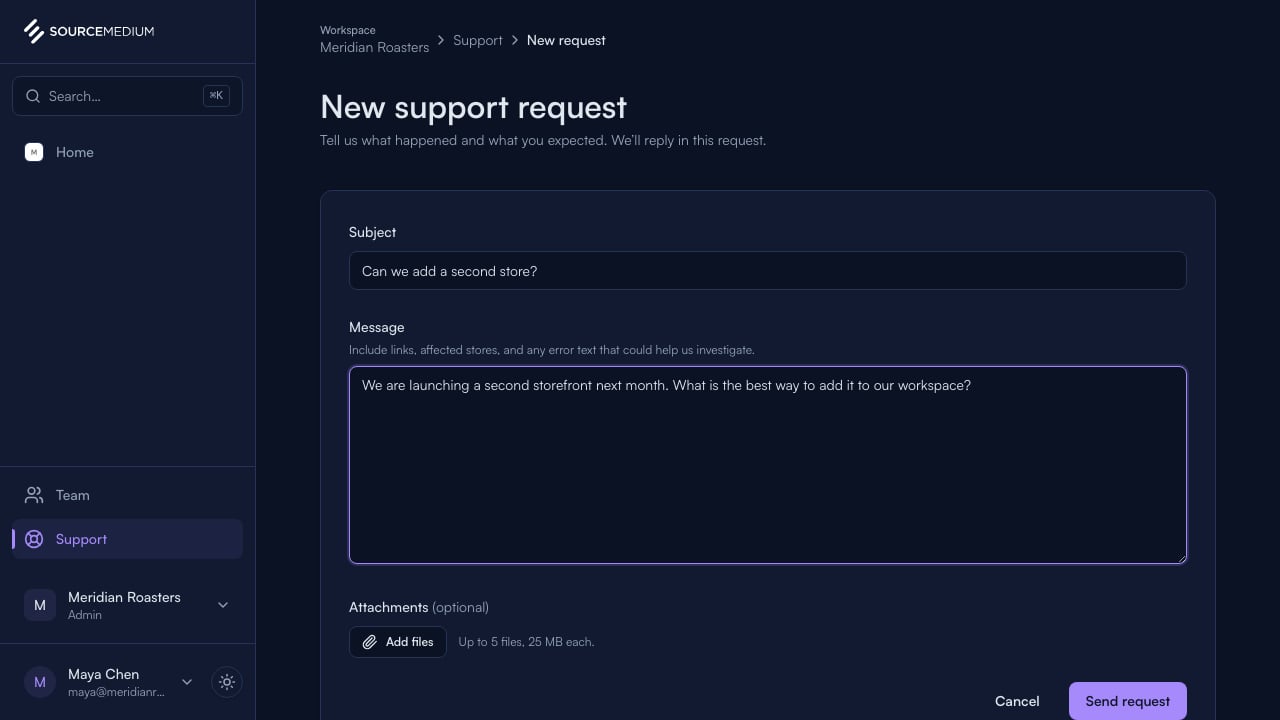
Start a new request
Describe what you need and add any useful files. When you send, it opens as a support request and replies land right here.