1
Open your workspace as an app
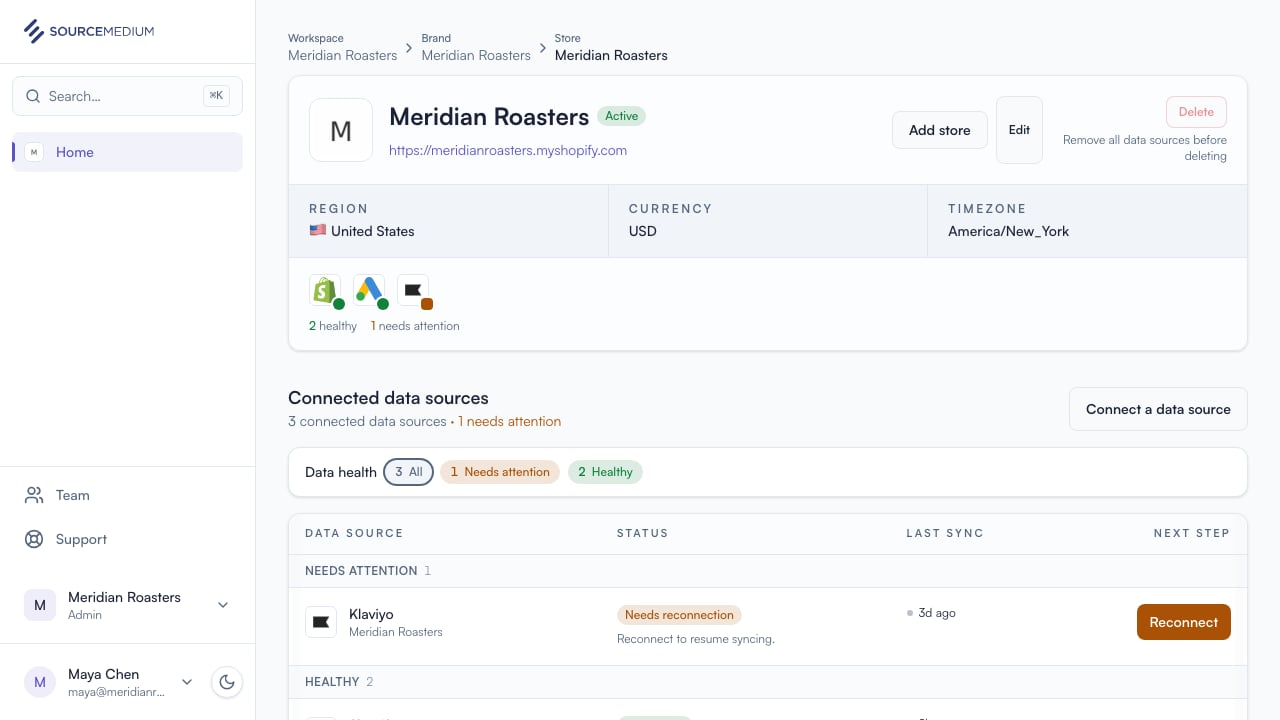
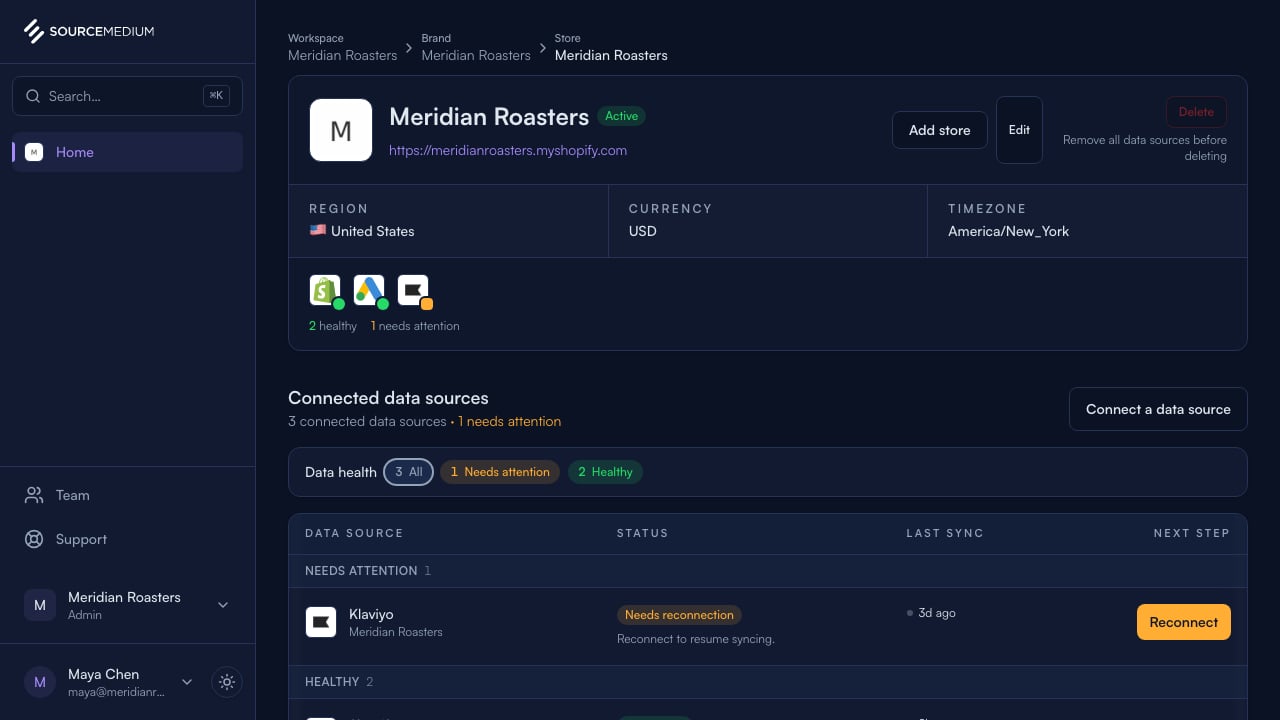
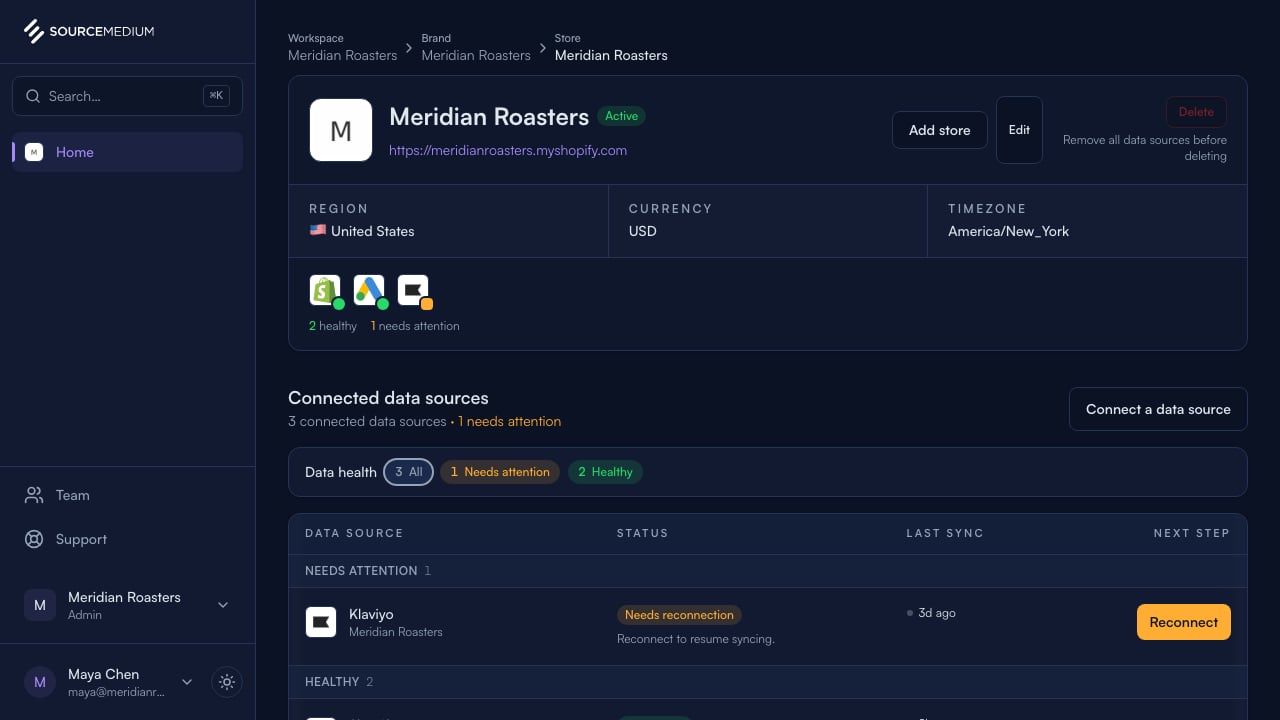
Use your browser menu to install the SourceMedium workspace (Add to Home Screen on a phone). It opens with your store health, data sources, team, and support.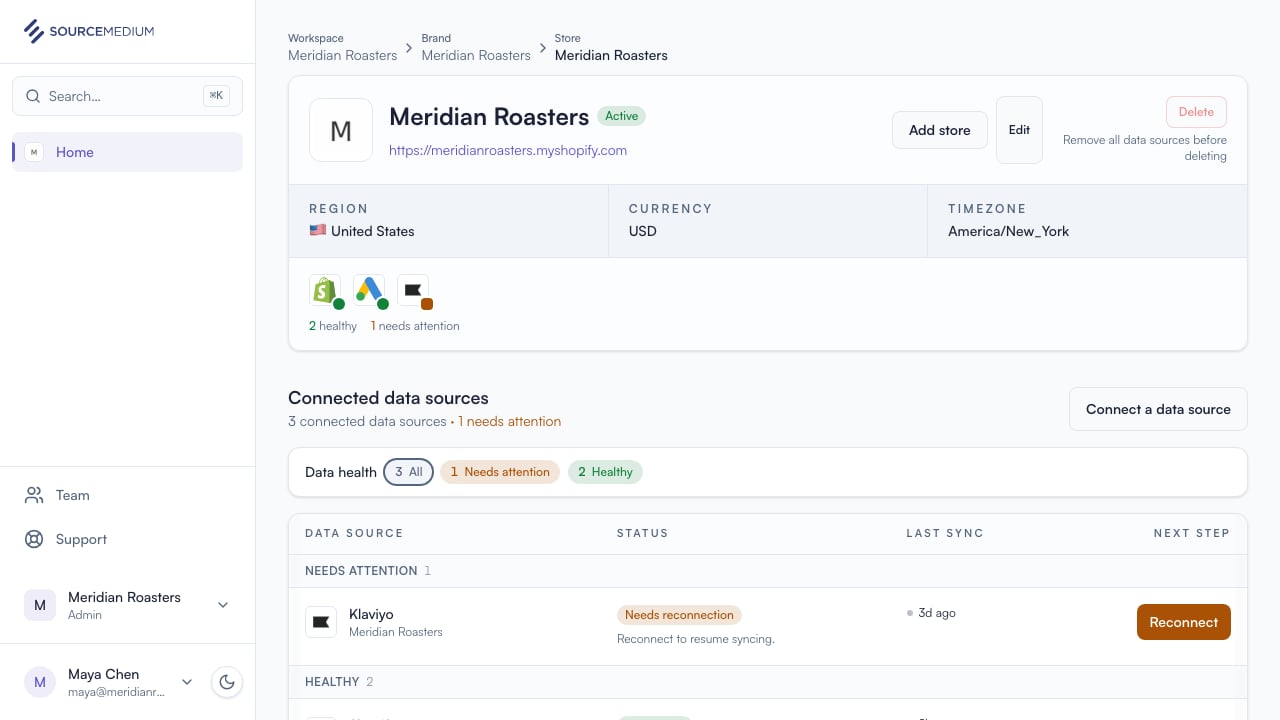
2
See when you are offline
If the connection drops, SourceMedium shows an offline screen. Reconnect before trying again.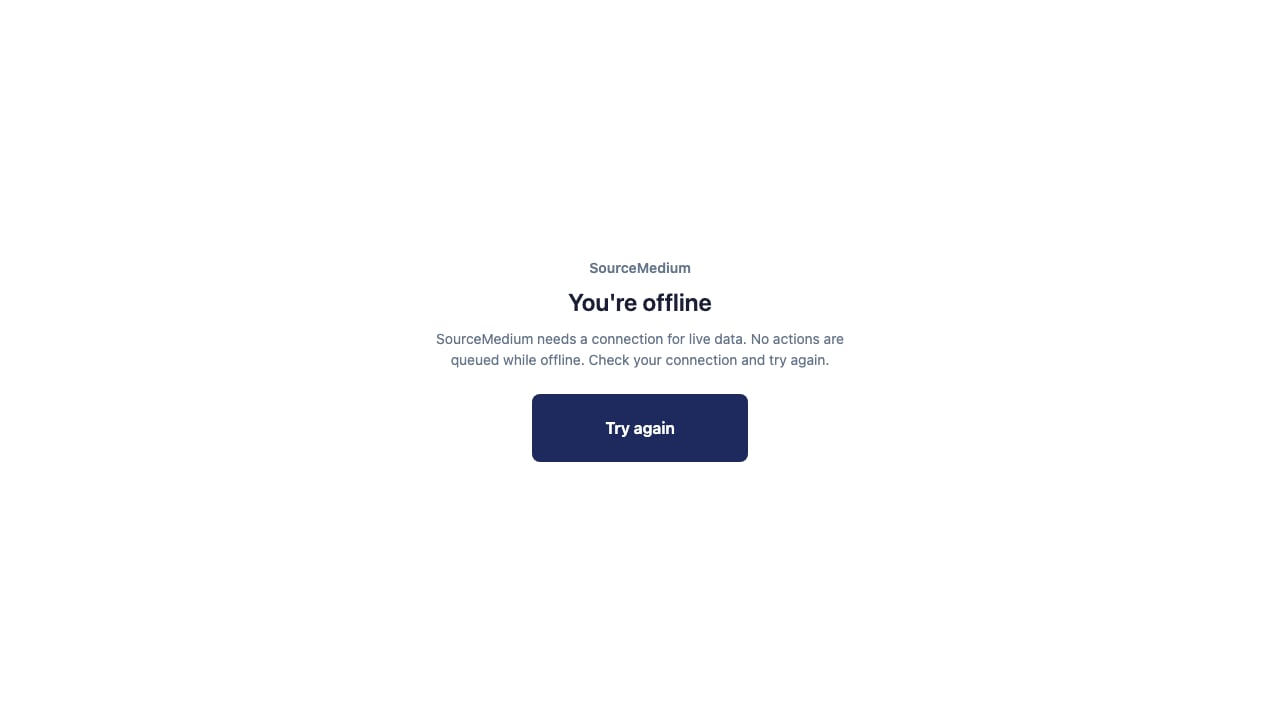
3
Reconnect and try again
Once you are back online, select Try again to return to your workspace.