This is the scheduled daily report. It is not SourceMedium Agent. Use SourceMedium Agent when you want to ask questions; use this page when you want a recurring snapshot in a channel.
What the report includes
By default the report shows:- Net revenue
- Orders
- AOV
- Spend
- CPA
- ROAS
- CVR
- New customers
- Repeat customers
- New subscriptions
- Cancelled subscriptions
Set it up
What to have ready:- The Slack channel the report should post to. A dedicated channel keeps the report out of active discussion threads.
- Which Shopify store(s) and brand(s) the report should cover.
- Your metric list, if you want something other than the defaults.
- Open a support request from your workspace or email support@sourcemedium.com and ask for the daily Slack report.
- Tell us the channel, the stores, and the metrics.
- The SourceMedium team installs the app for your Shopify store and confirms when the first report has posted.
Move it to another channel
-
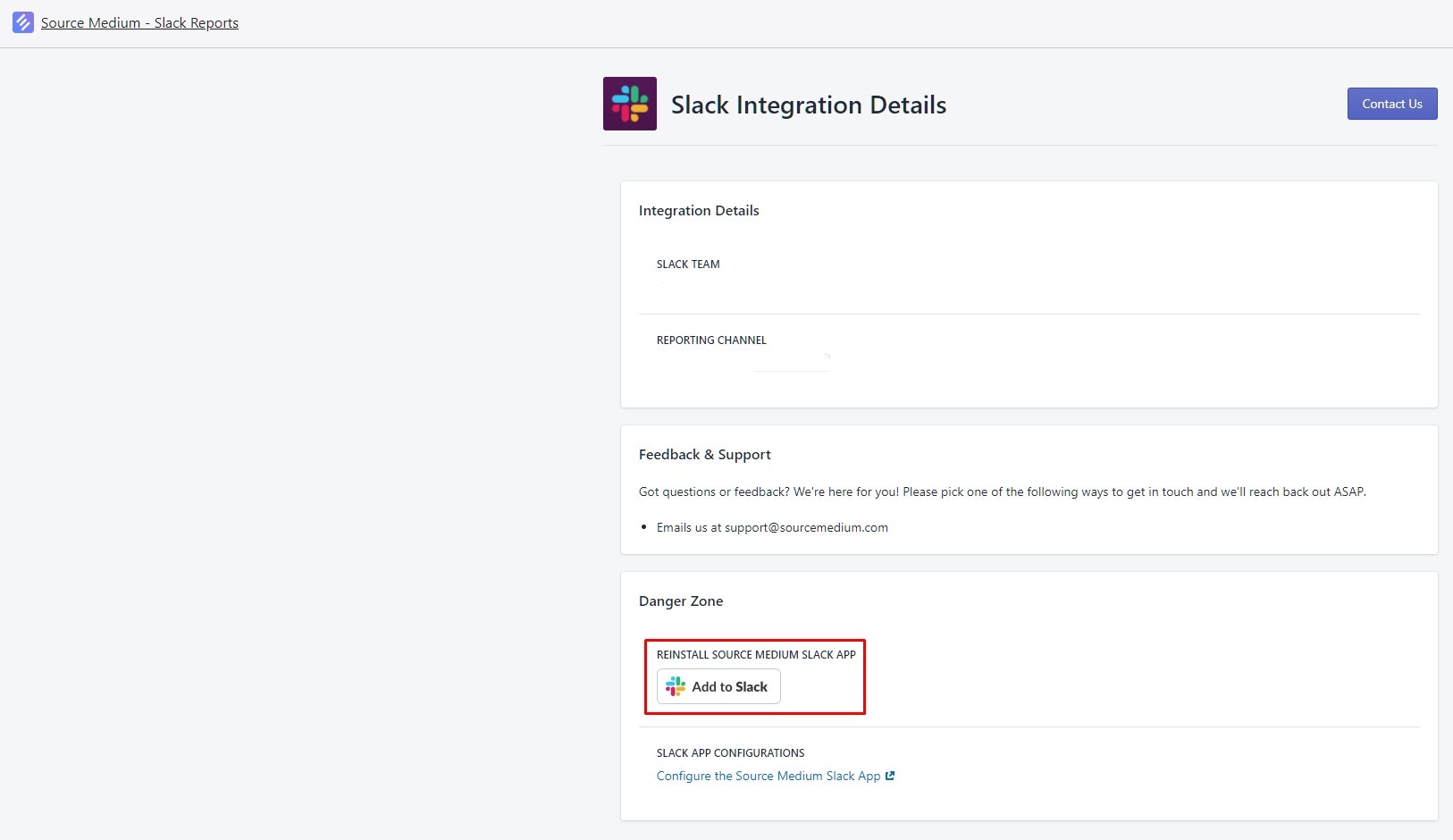
In your Shopify admin, open Apps and select SourceMedium - Slack Reports.

-
Select Add to Slack and choose the new channel. This reinstalls the report in that channel.