You need the Editor role (or Admin) in your workspace for this. See
Roles & permissions.
1
Open Insights
Insights is where SourceMedium works on your data on a schedule: reports, briefings and alerts, and what each one found.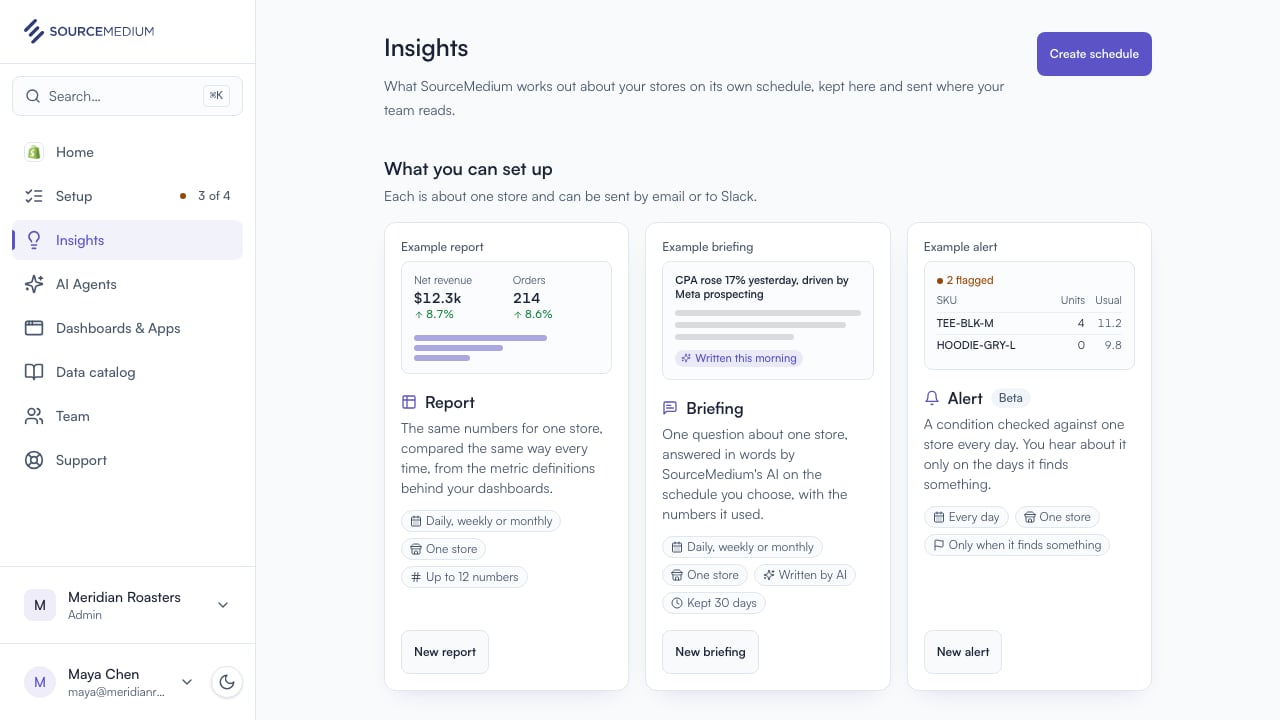
2
Choose a report
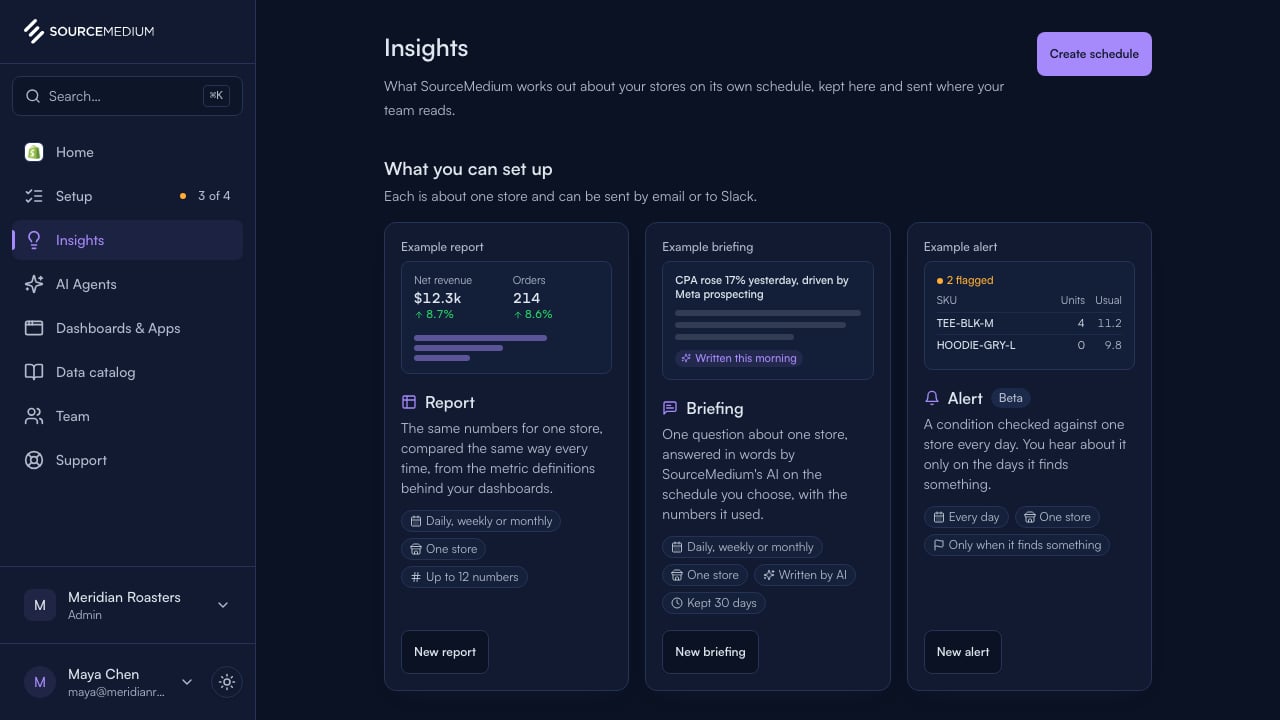
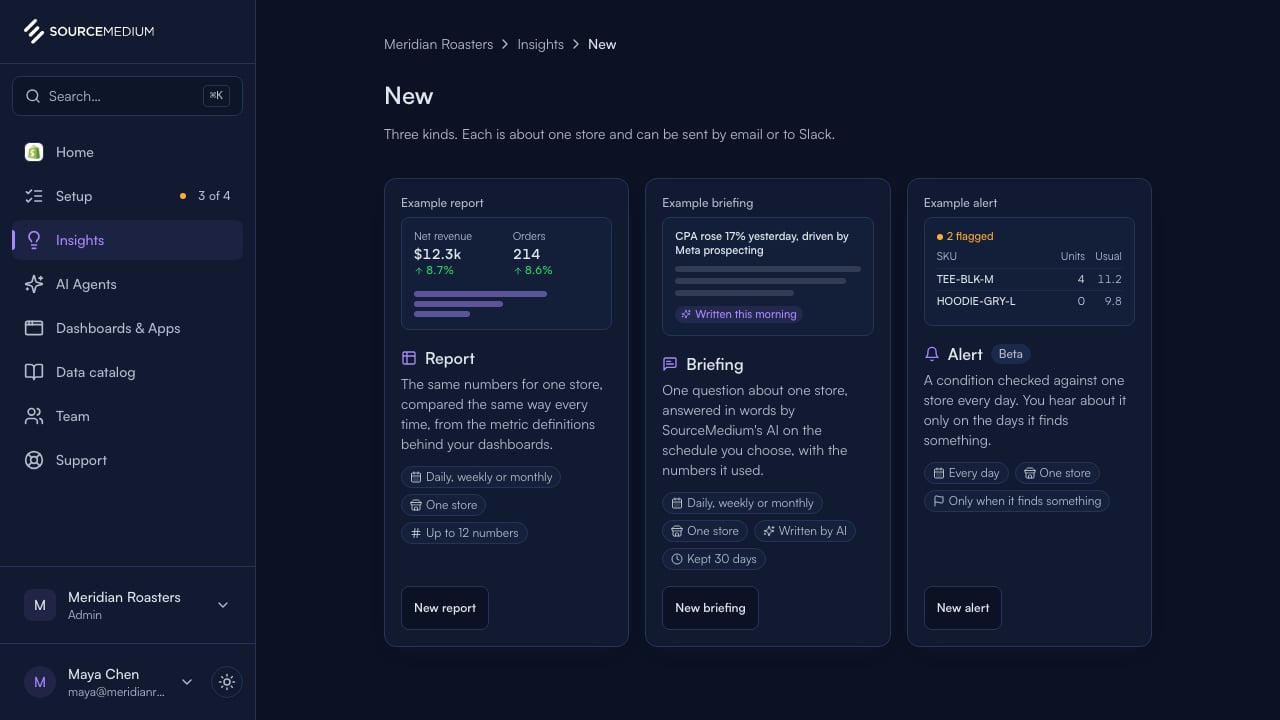
Select New. A report sends chosen numbers, compared the same way each time; a briefing answers a question; an alert flags what needs attention.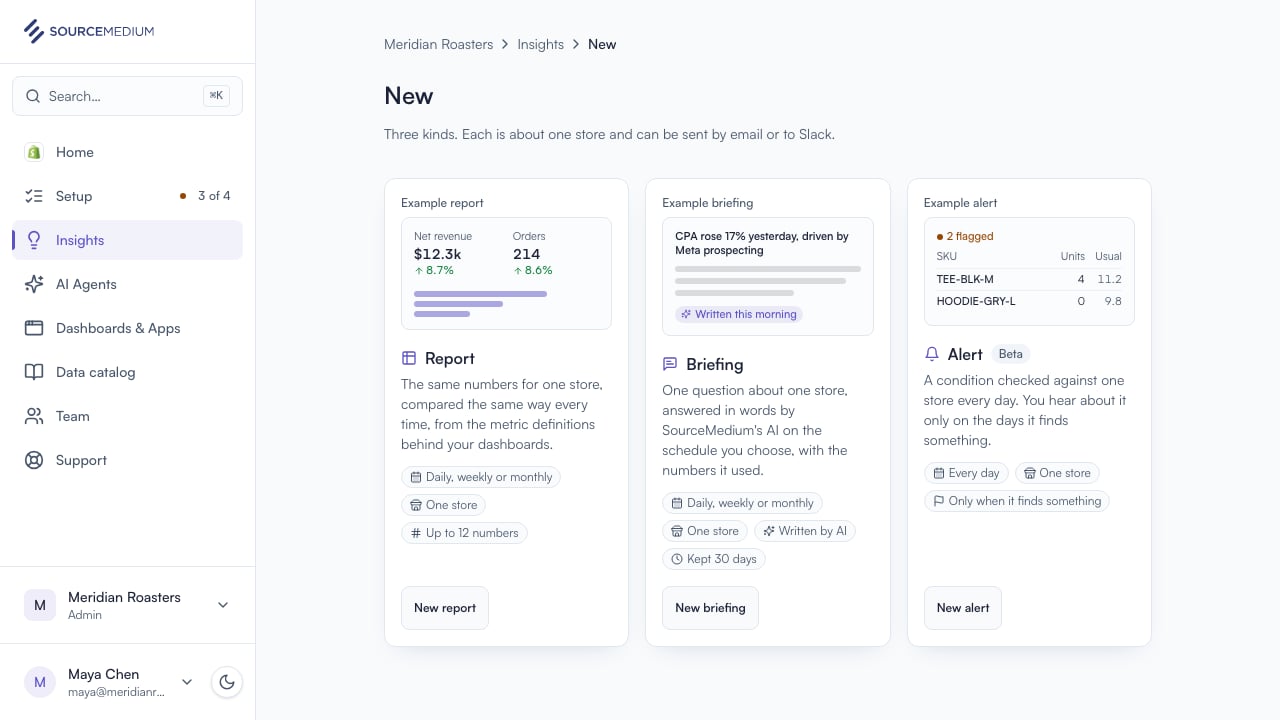
3
Start from the sales summary
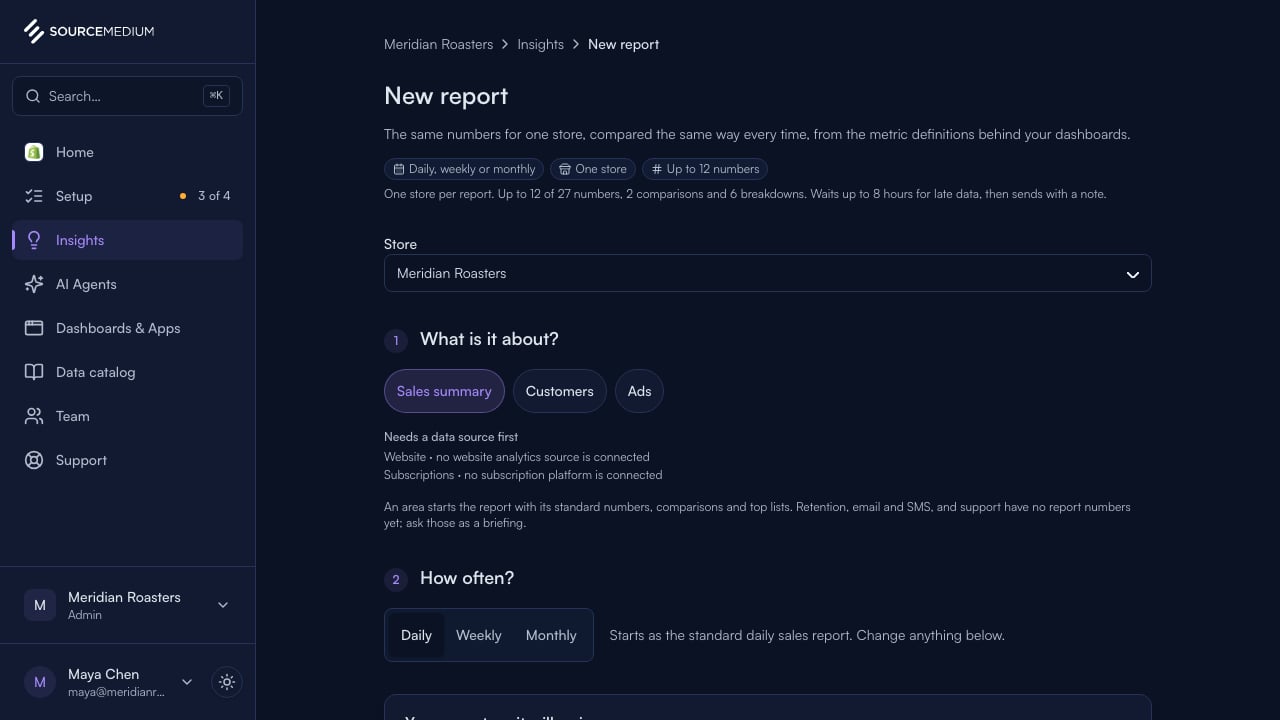
Pick what the report is about. Sales summary starts you with revenue, orders and average order value for the store.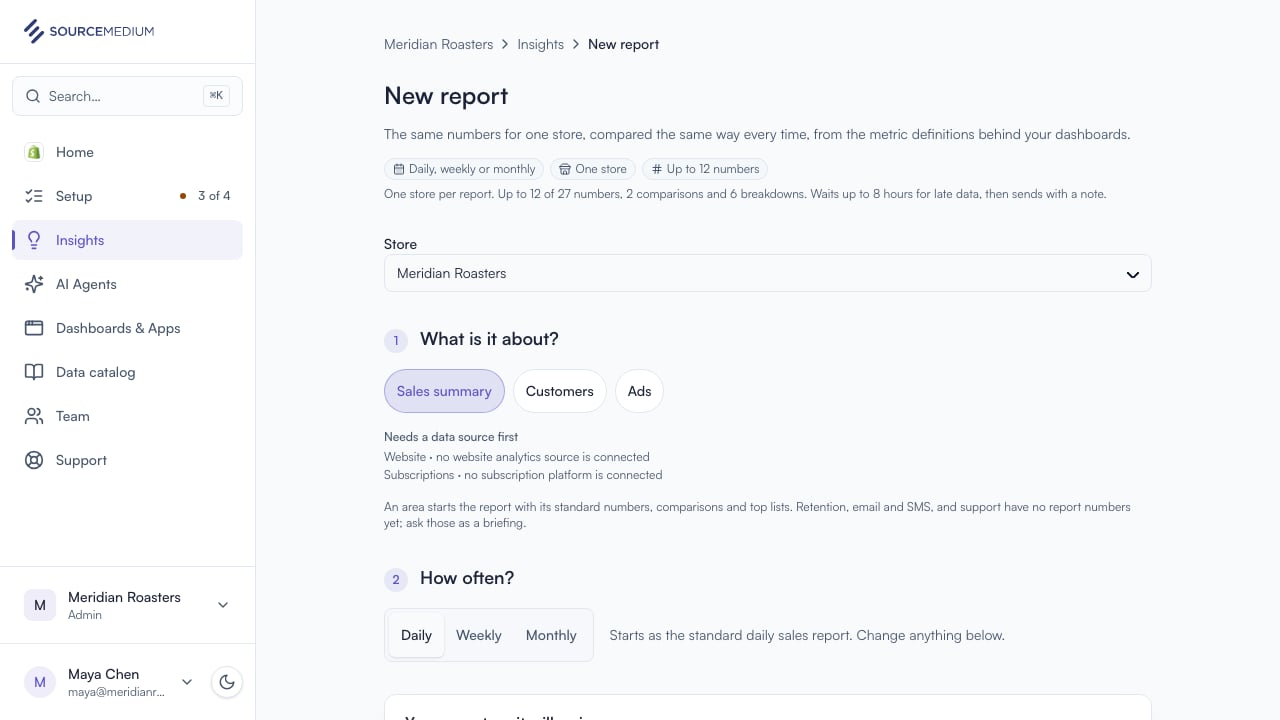
4
Name it and choose the numbers
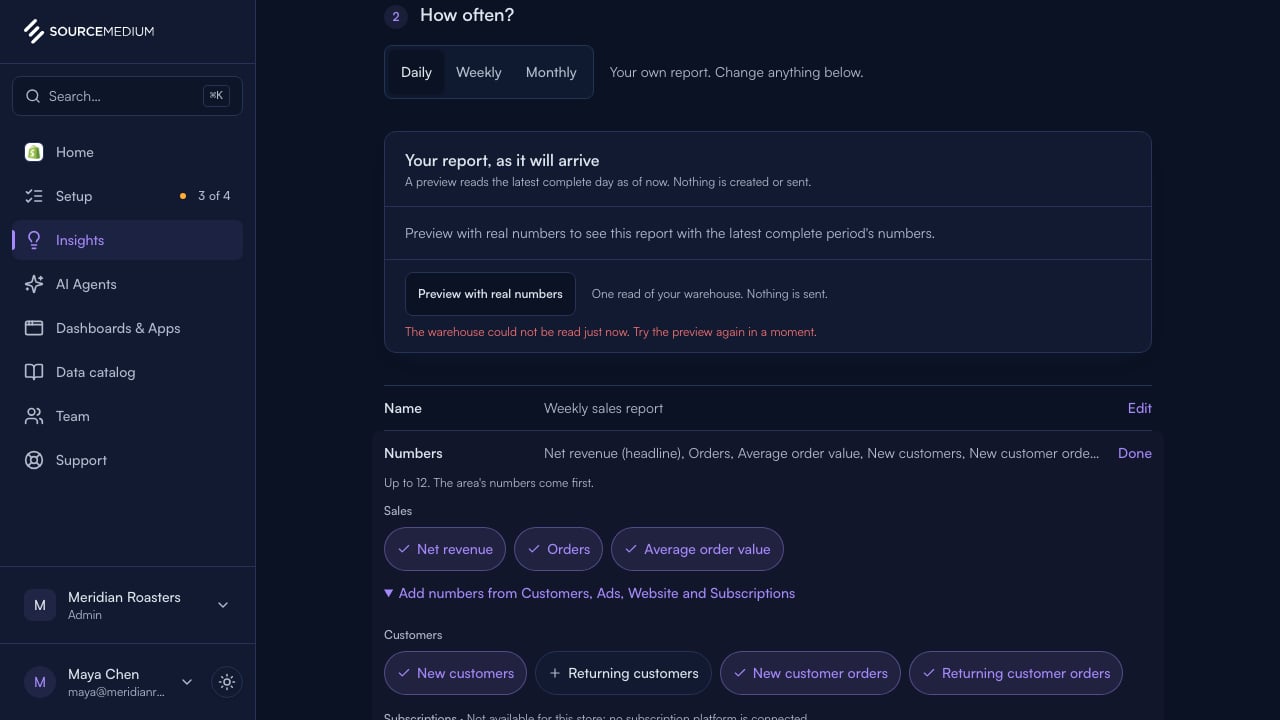
Give it a name your team will recognise, then tick the numbers it should carry. Numbers a store cannot feed yet say why.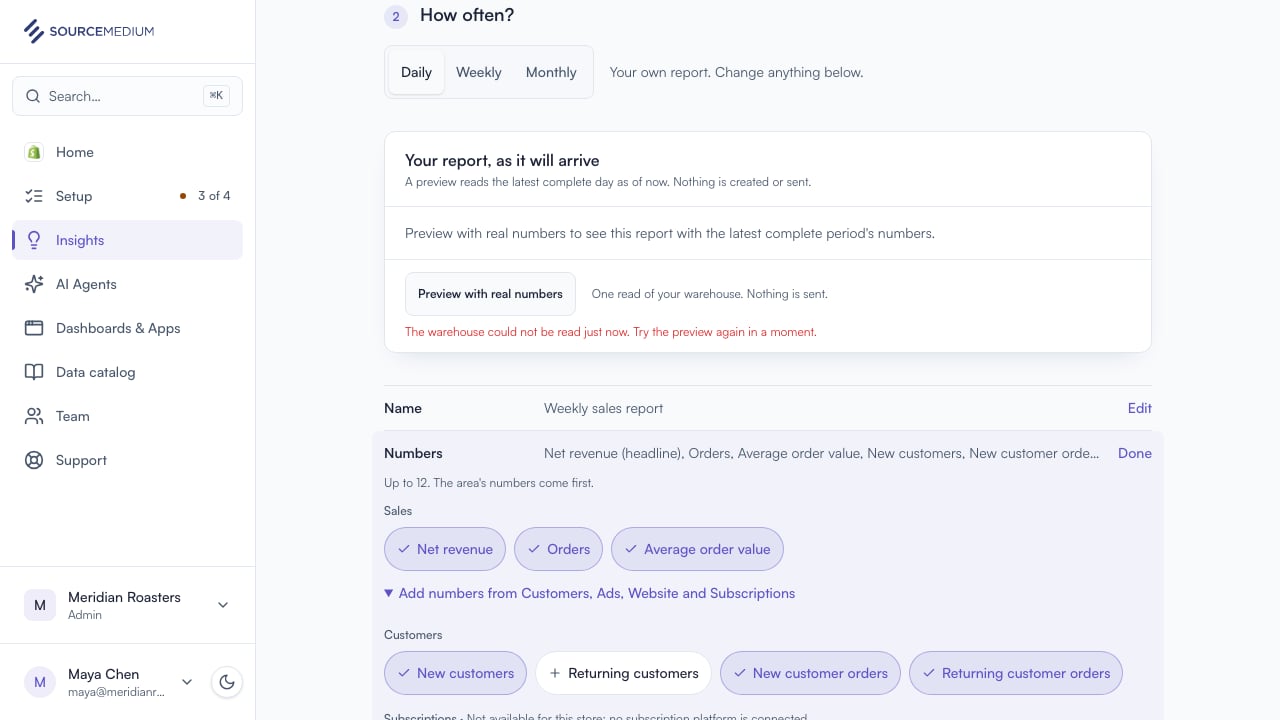
5
Choose how often, and who gets it
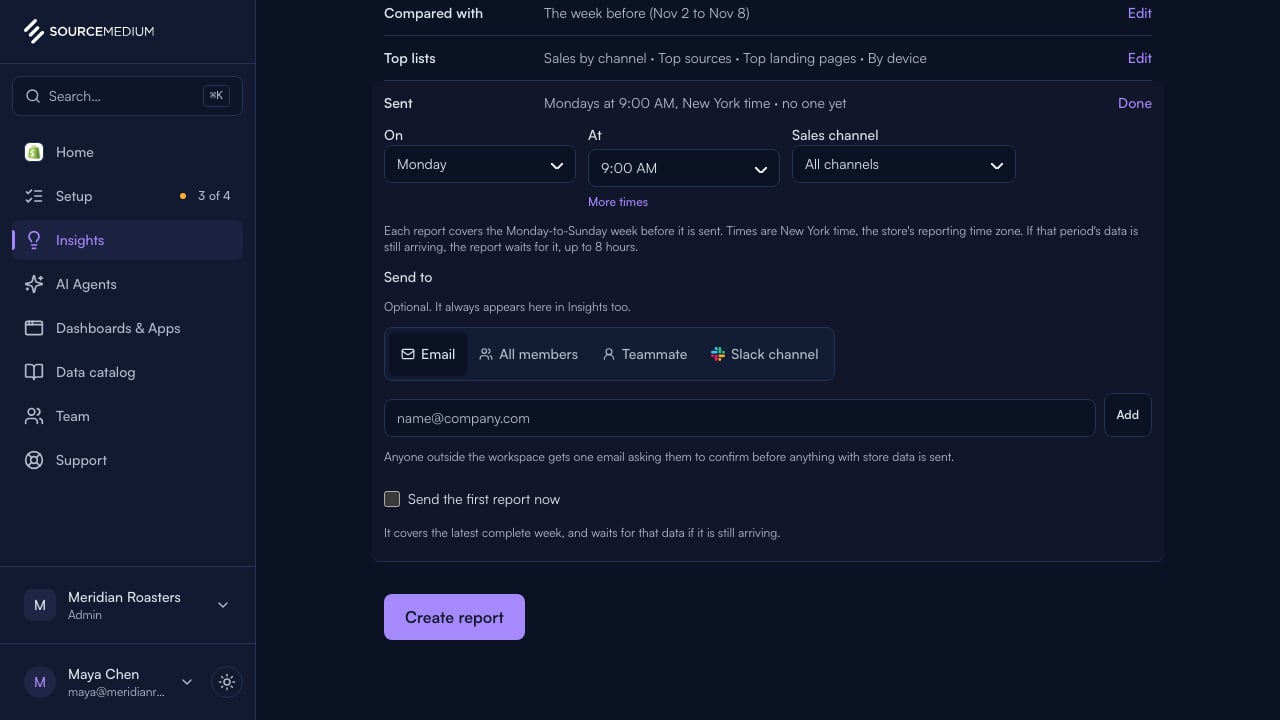
Weekly arrives every Monday morning in the store’s time zone. It goes to every member by email; add a Slack channel or an outside address if you like.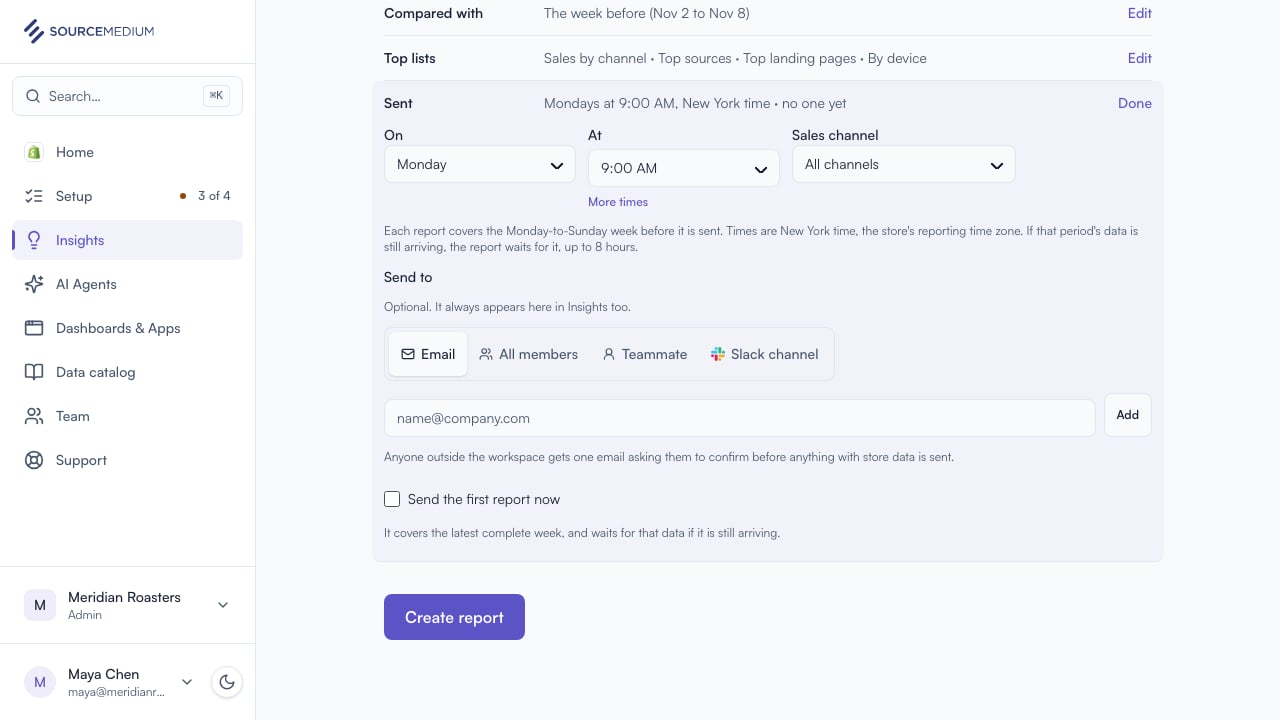
6
Create the report
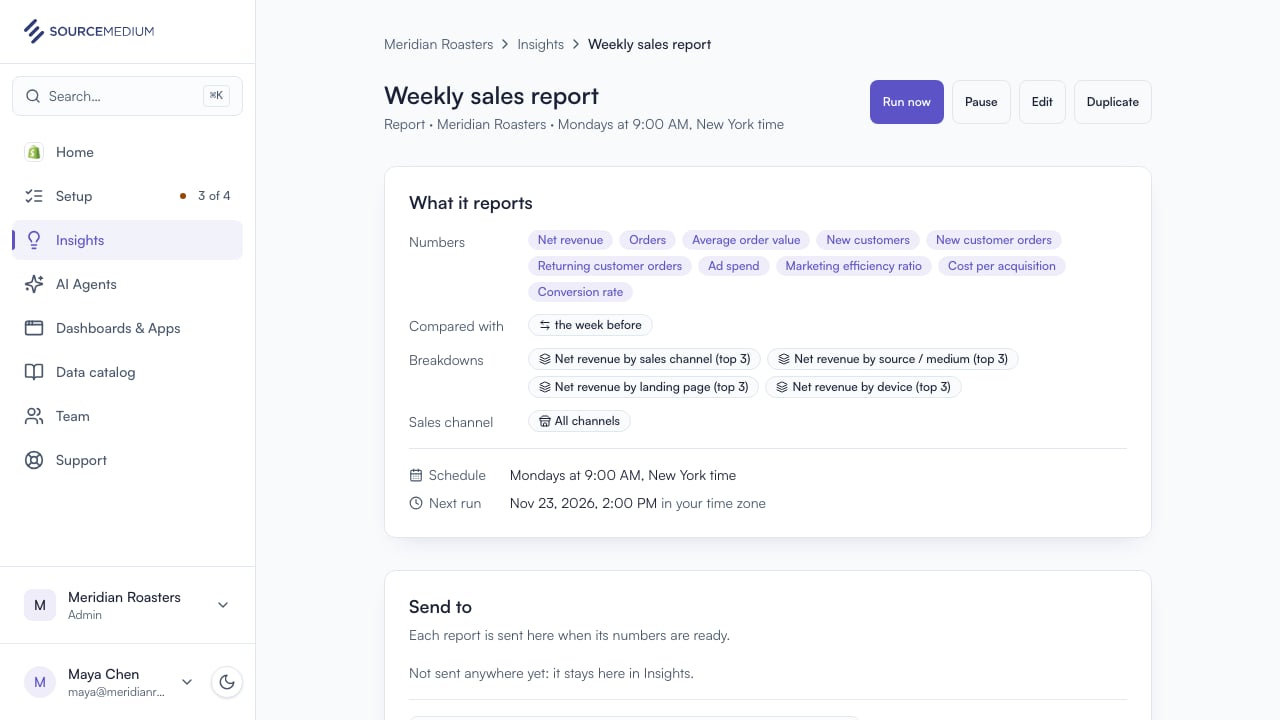
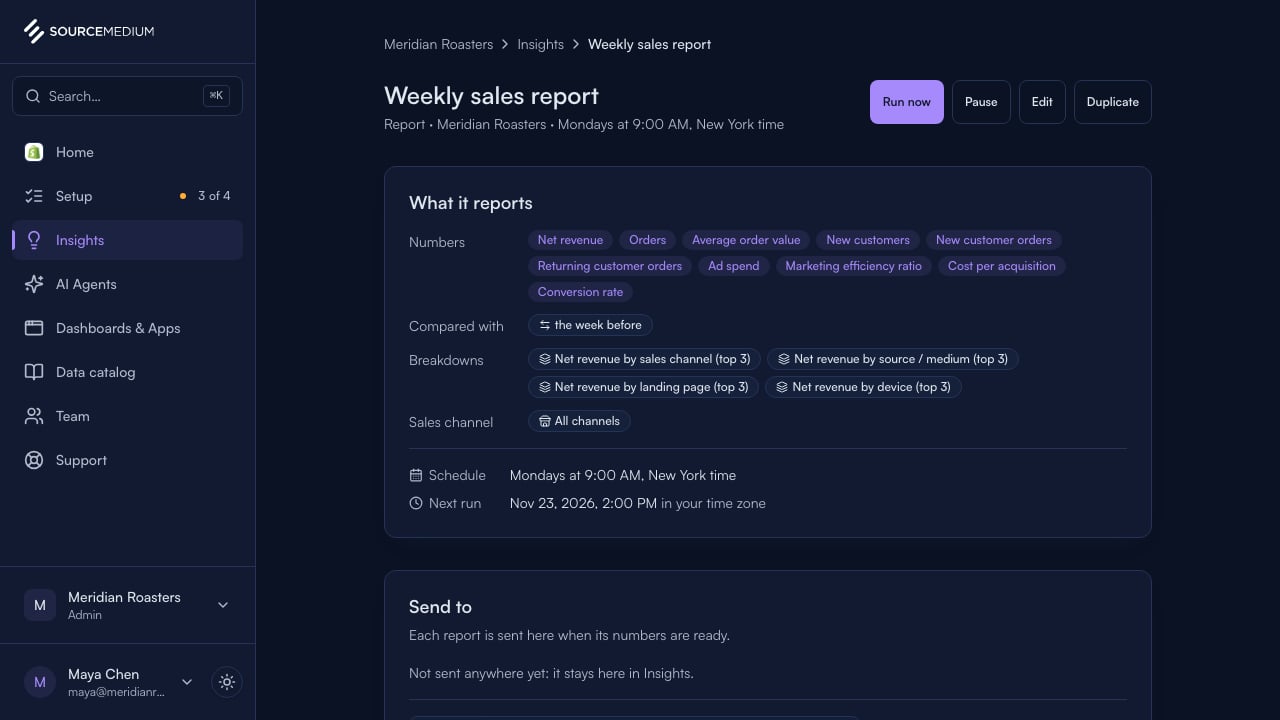
Select Create report. Its page shows what it reports, how it compares, and where it goes; the first edition arrives on schedule.