

-
Visit the Apps section of your Shopify store and Select SourceMedium - Slack Reports.

-
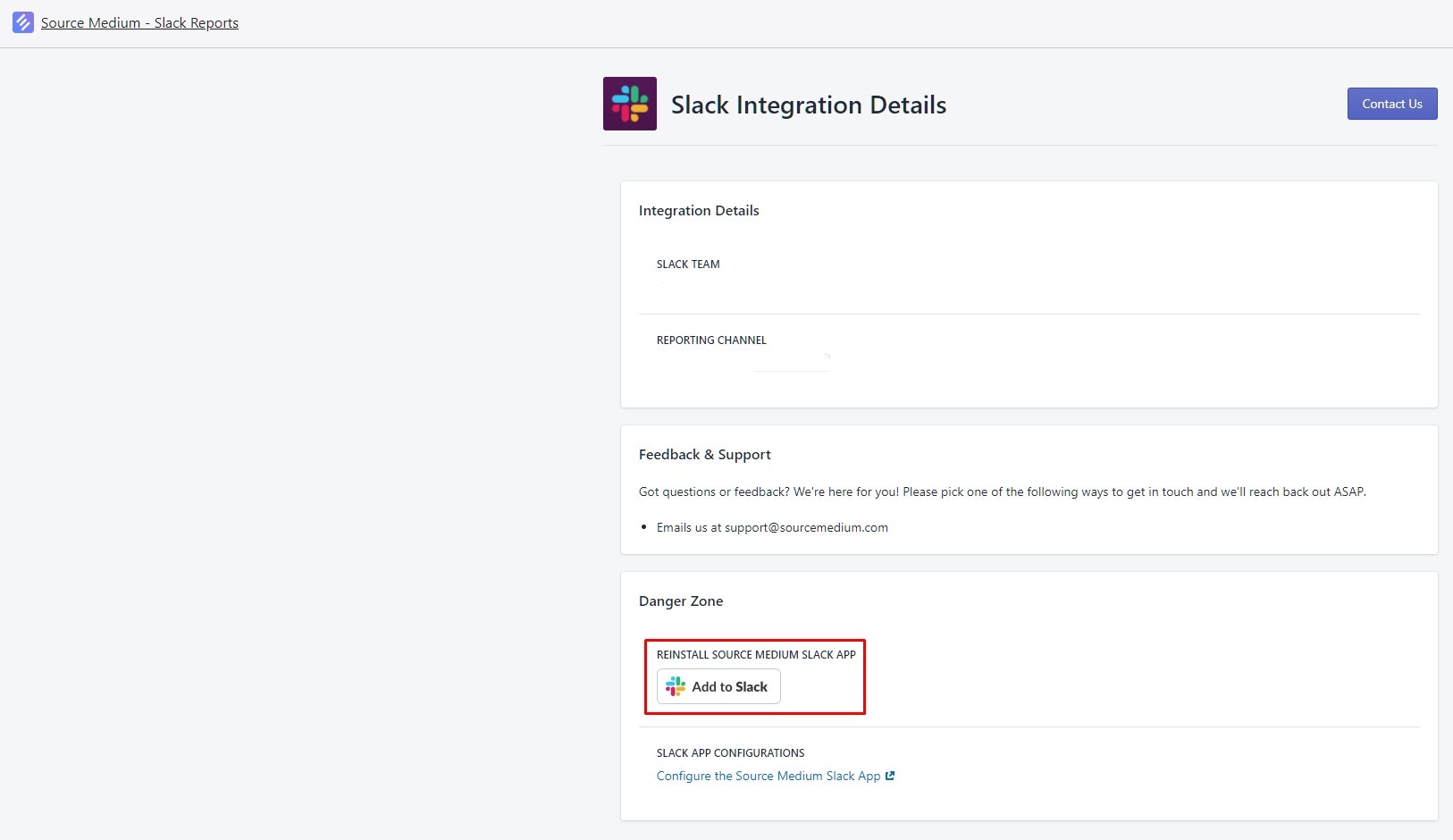
Select the Add to Slack button. This will allow you to re-install it into another channel within your Slack. We recommend installing in a channel dedicated to the report to decrease the noise and the traffic of any active discussion channel.
Account Management
How to move your Slack report bot to another Slack channel
Step-by-step guide to reinstalling the SourceMedium Slack Bot to a different channel in your workspace