1
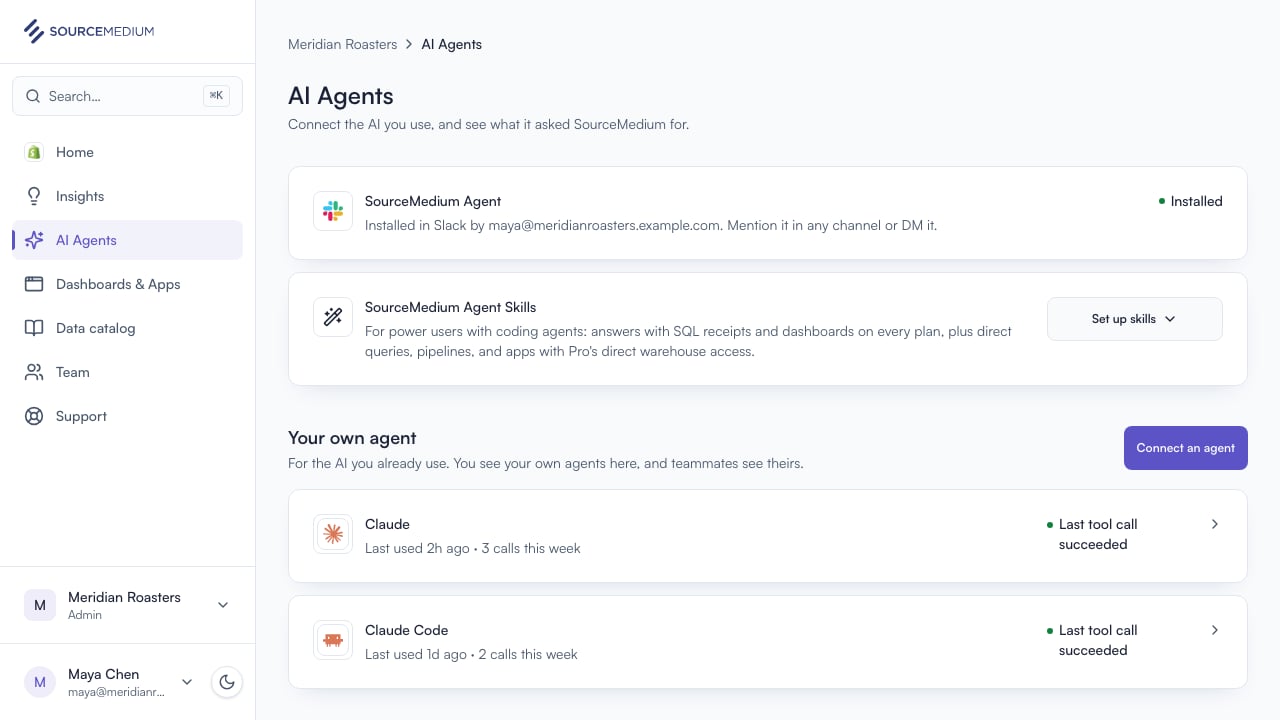
Open AI Agents
SourceMedium Agent answers questions from your data for your whole team, in Slack. It sits at the top of AI Agents.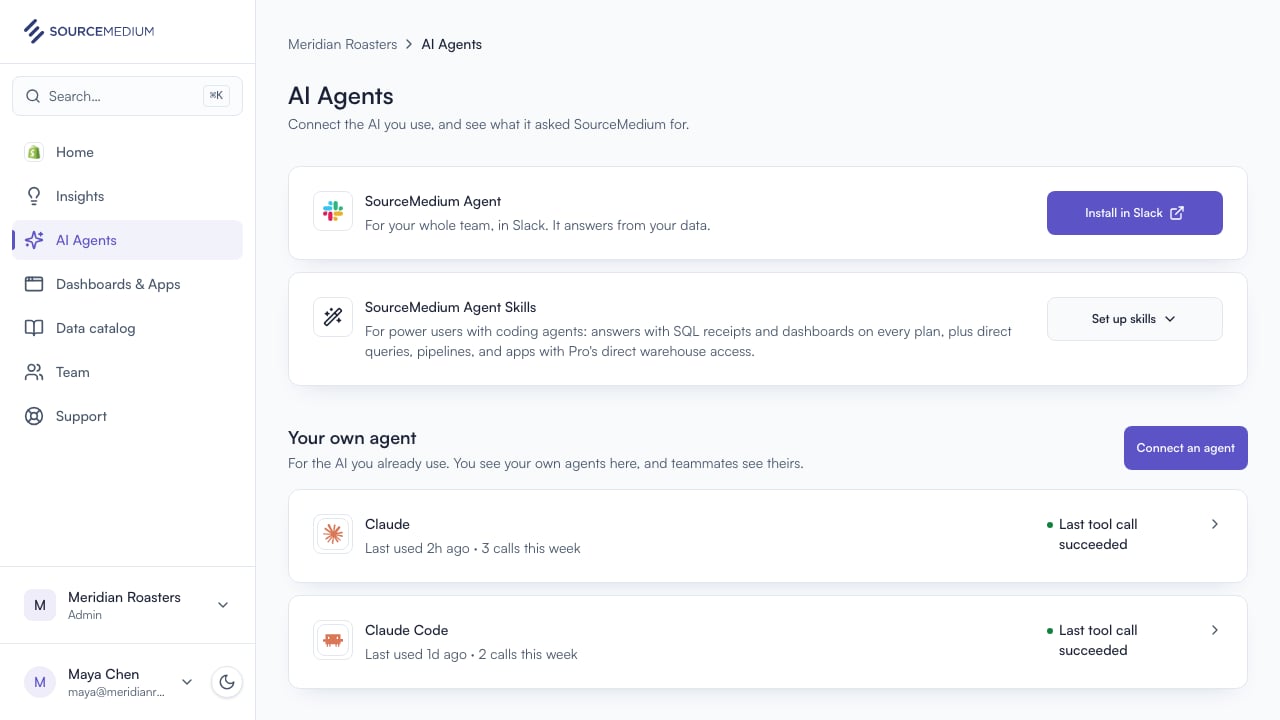
2
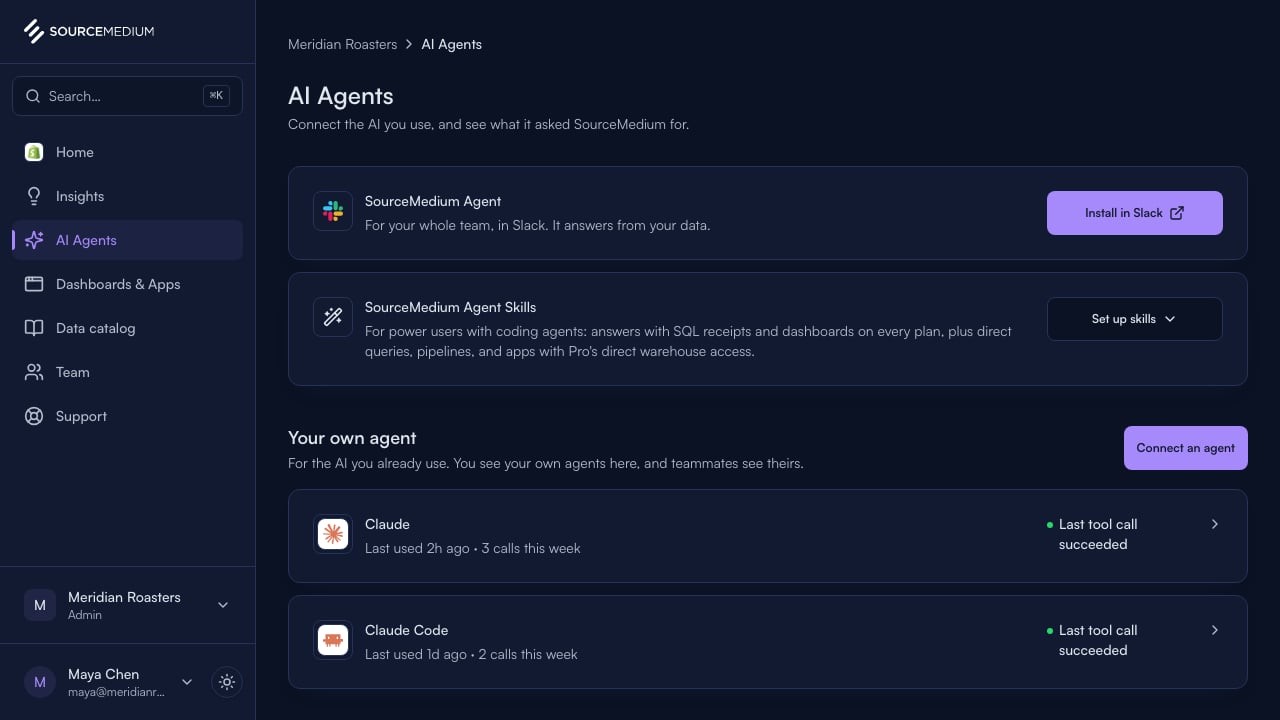
Install in Slack
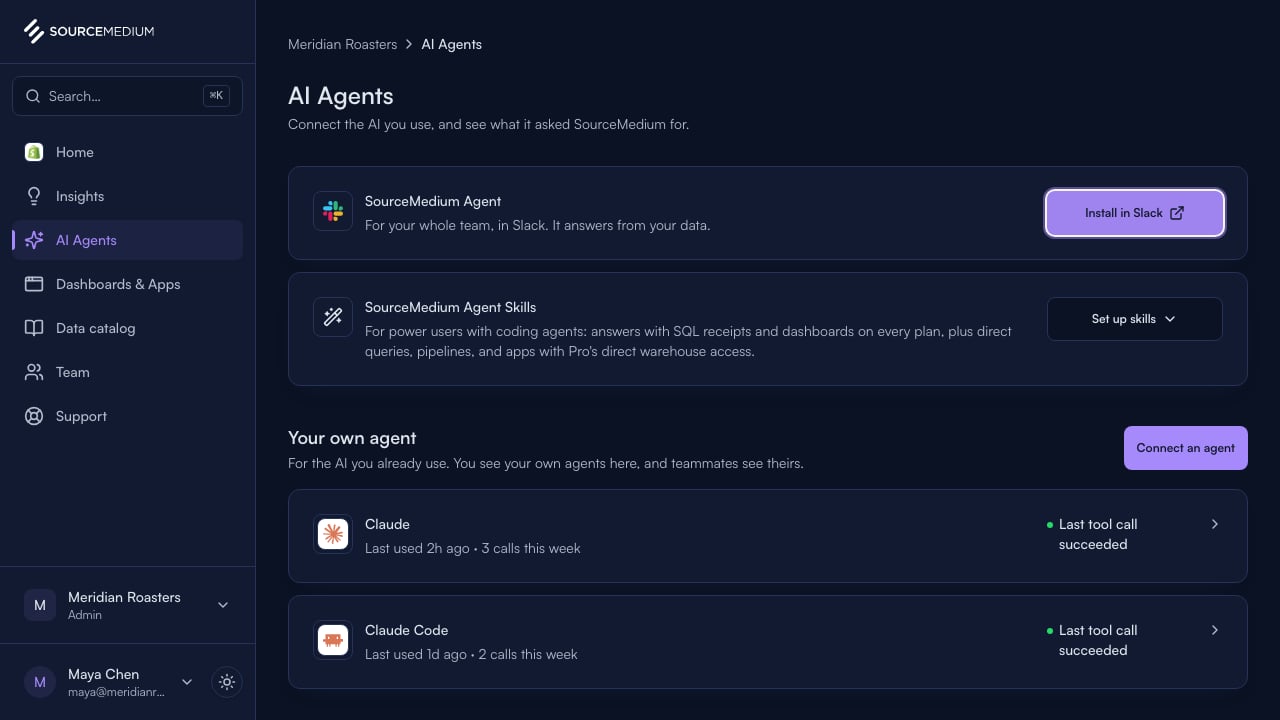
Select Install in Slack. Slack asks you to approve the app for your workspace; approve it as the account that is an admin or editor here, with the same email you use in SourceMedium.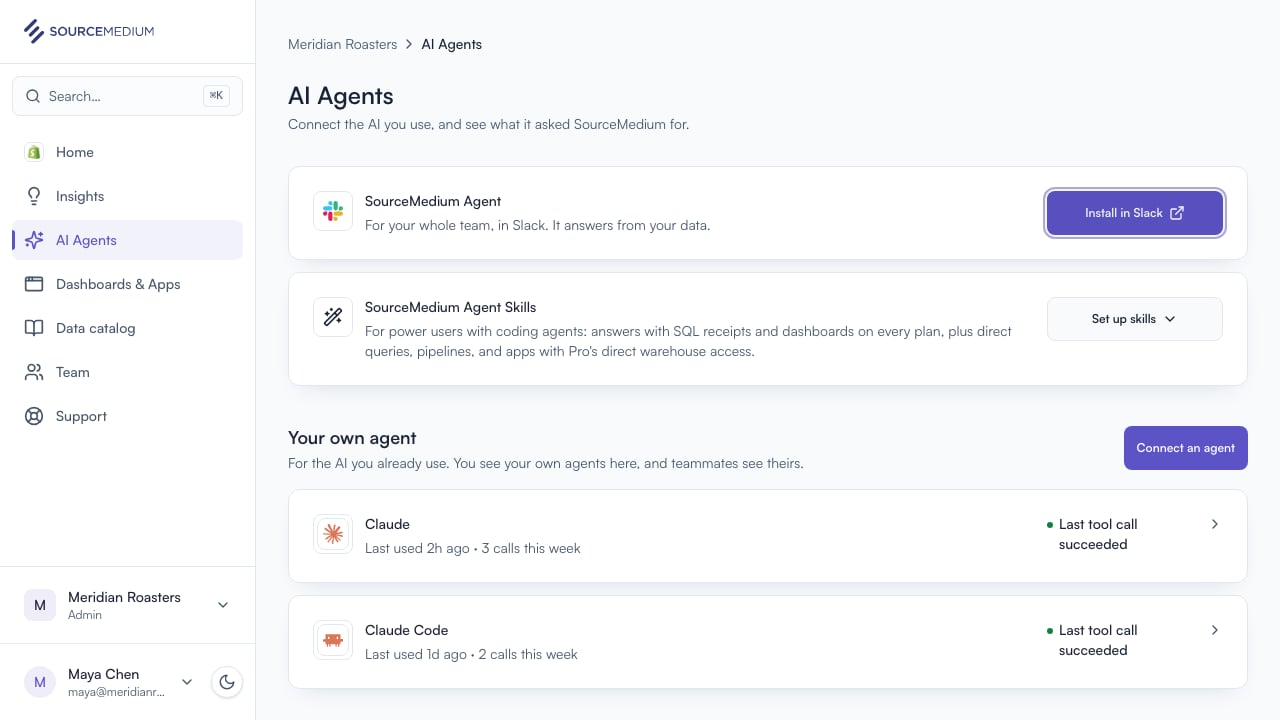
3
See it installed
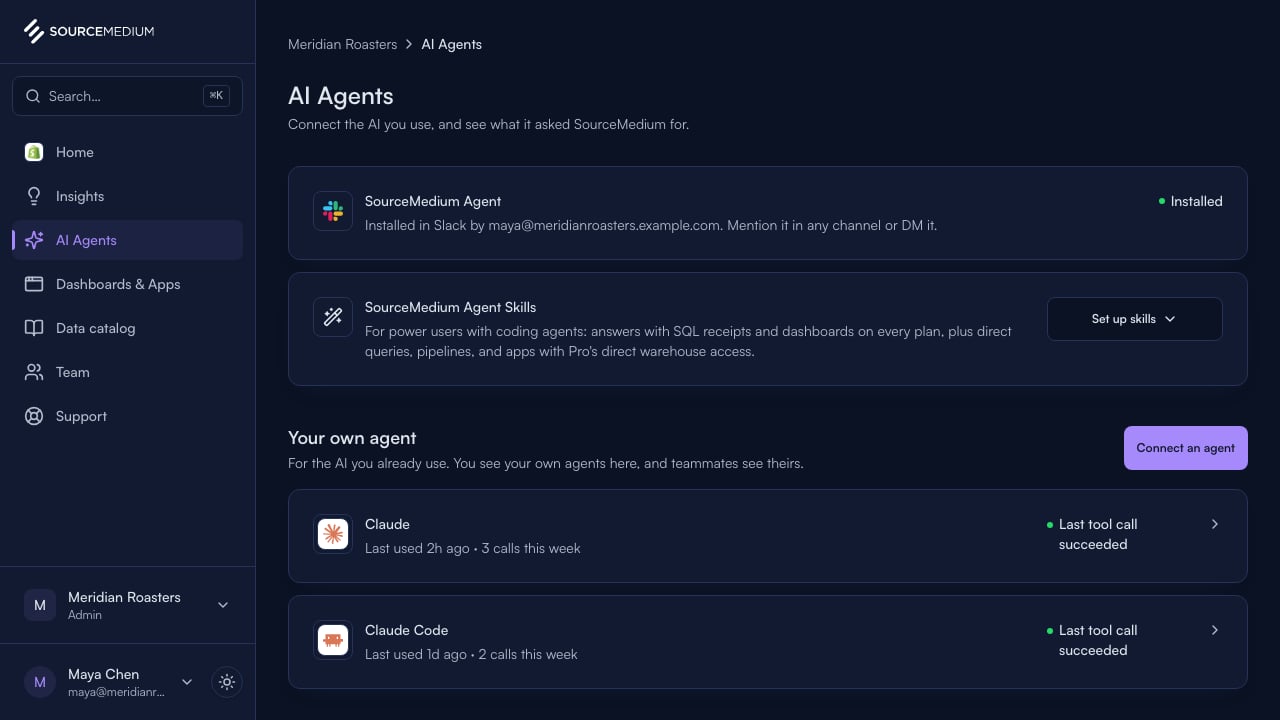
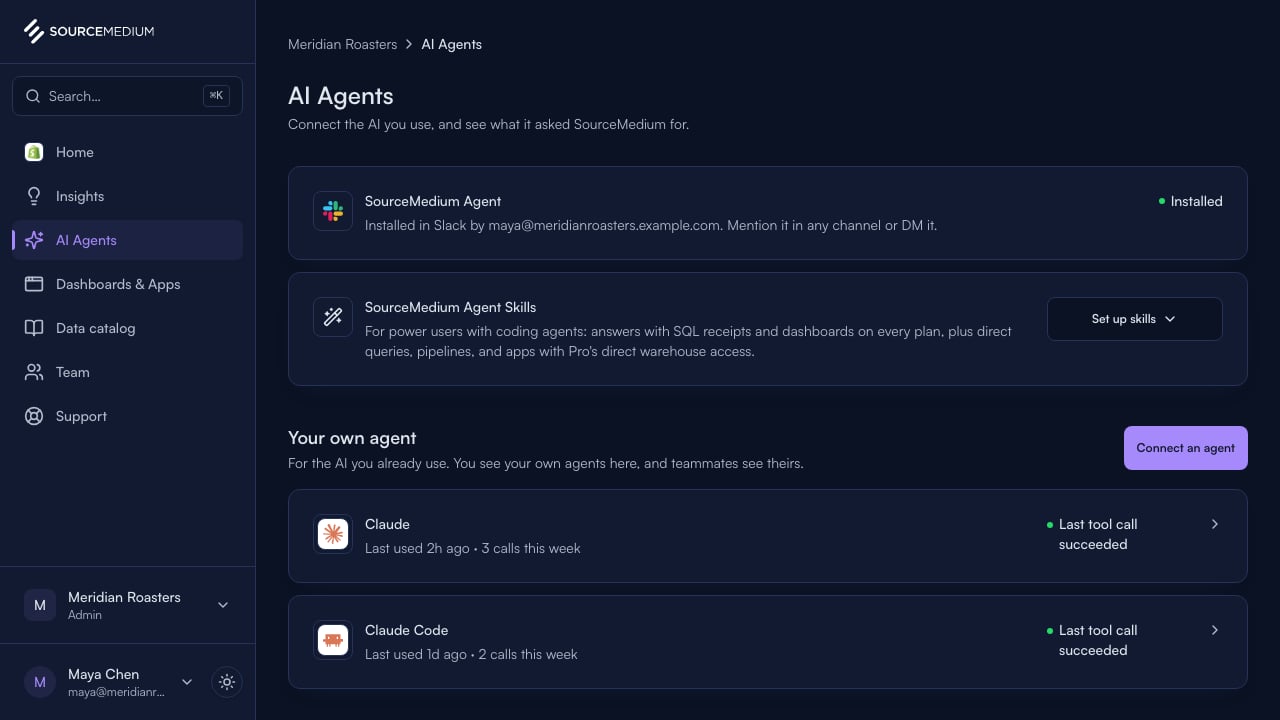
Back in AI Agents, the row reads Installed, with who installed it.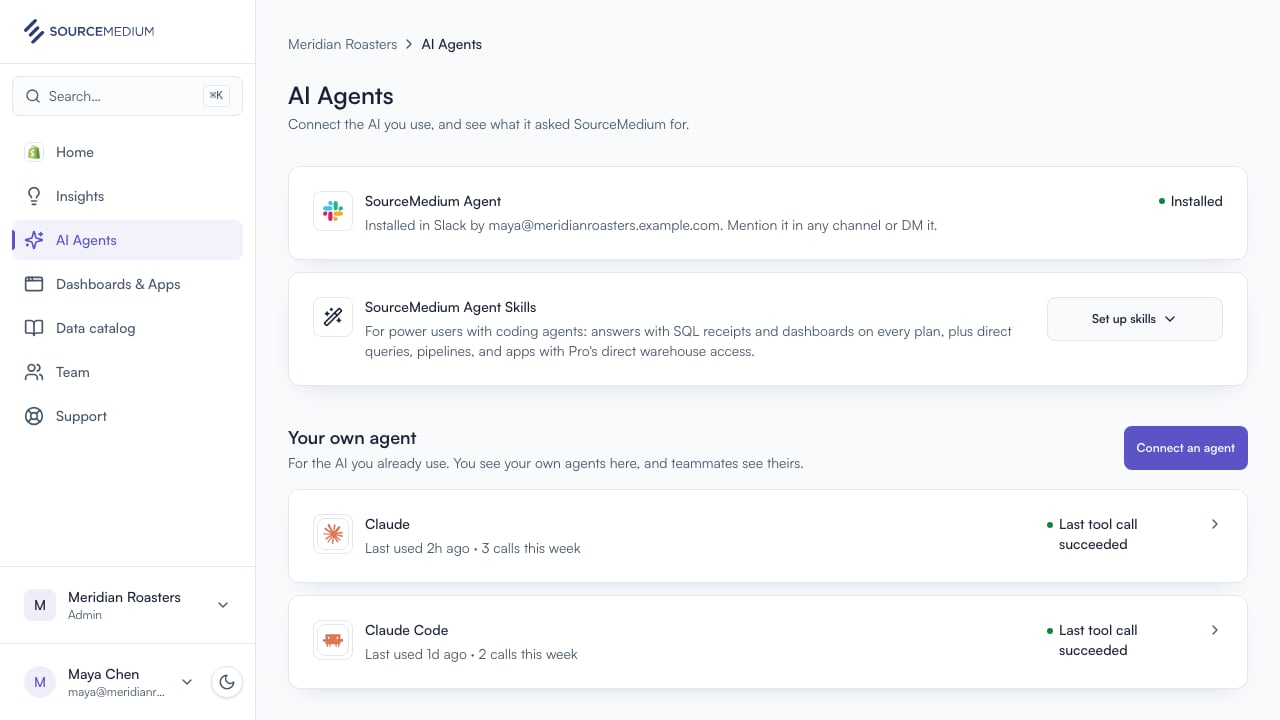
4
Bring it into a channel
In Slack, invite @SourceMedium to a channel and mention it with your question, or send it a direct message. It answers from your data.