1
Open AI Agents
SourceMedium Agent and Agent Skills up top. Your own agent below.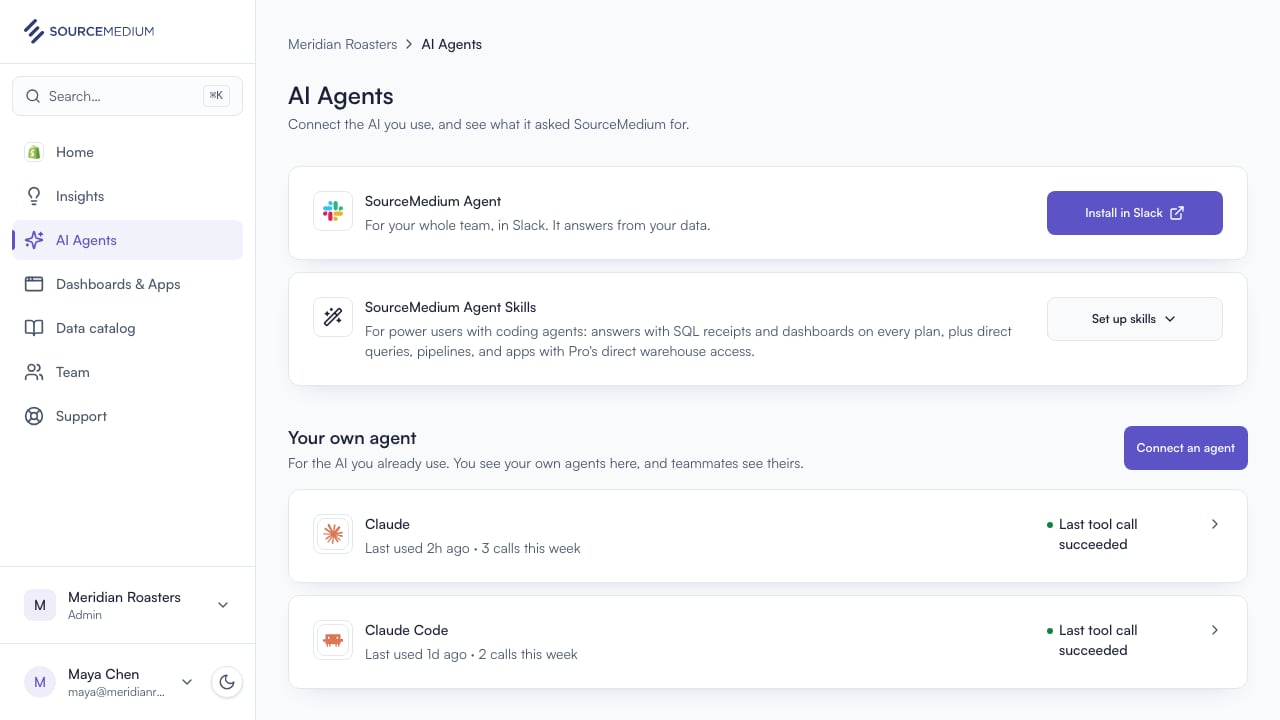
2
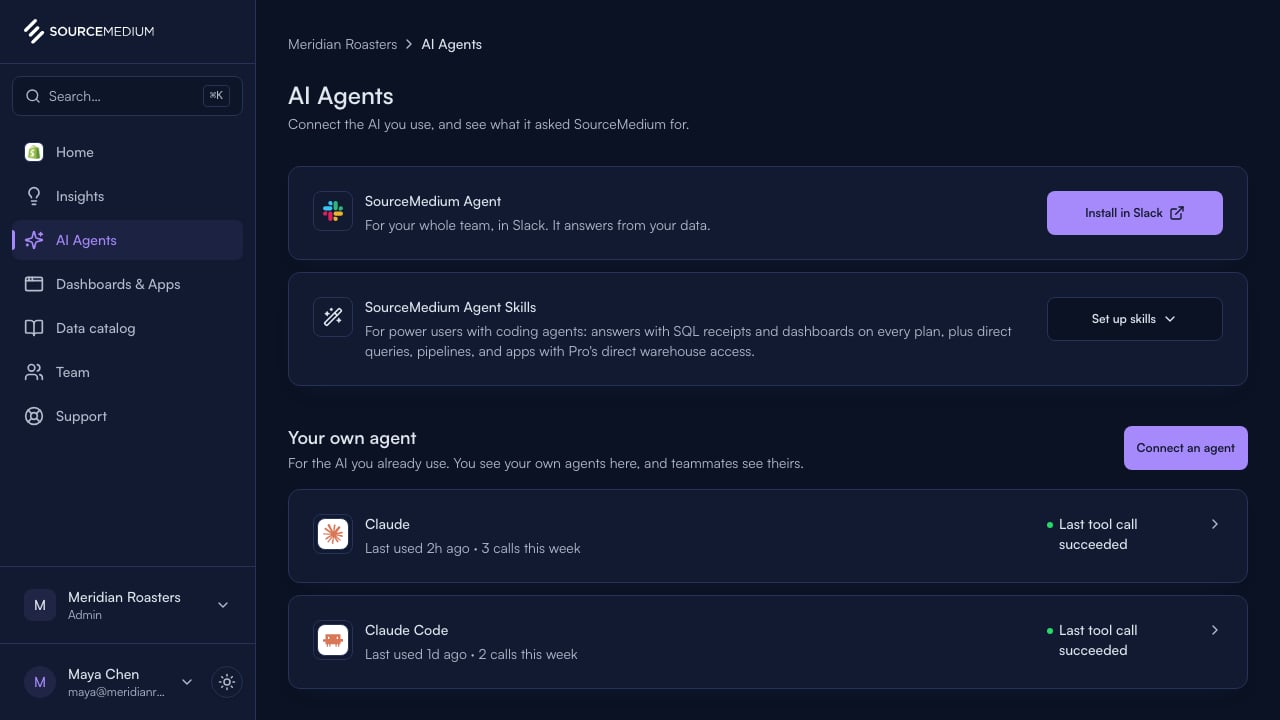
See your connected agents
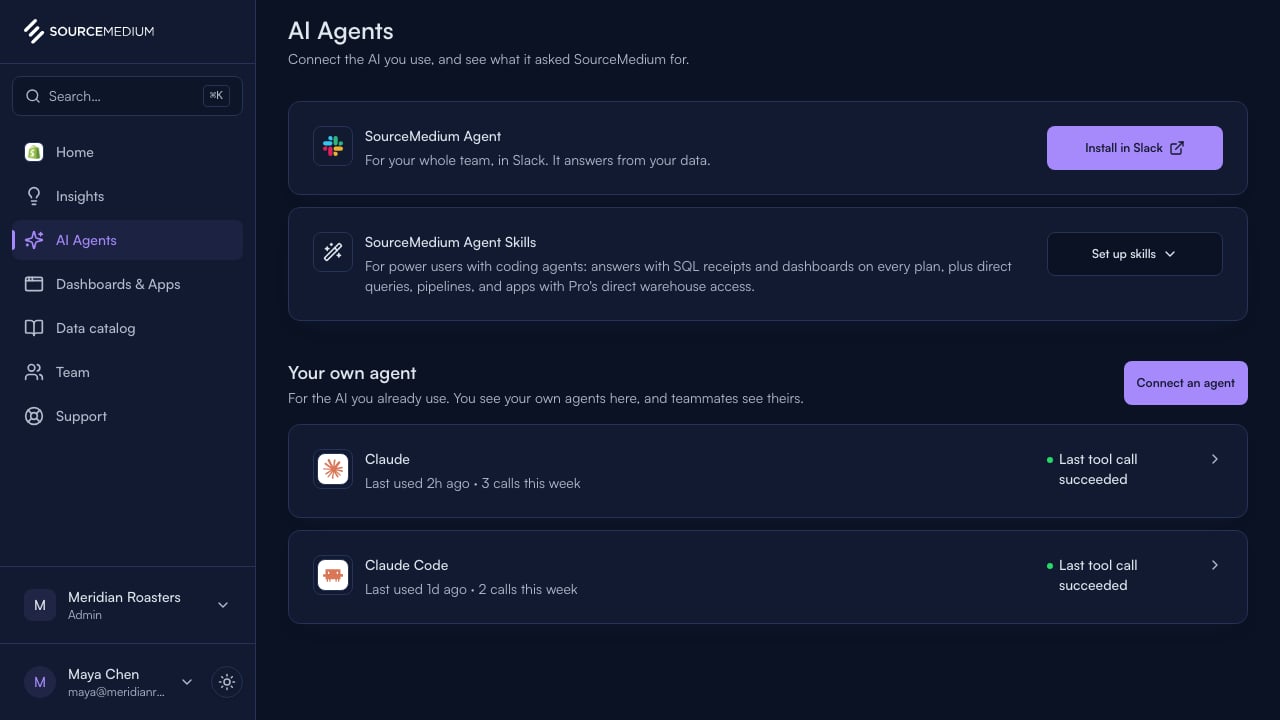
Every agent you’ve connected, and when it was last used.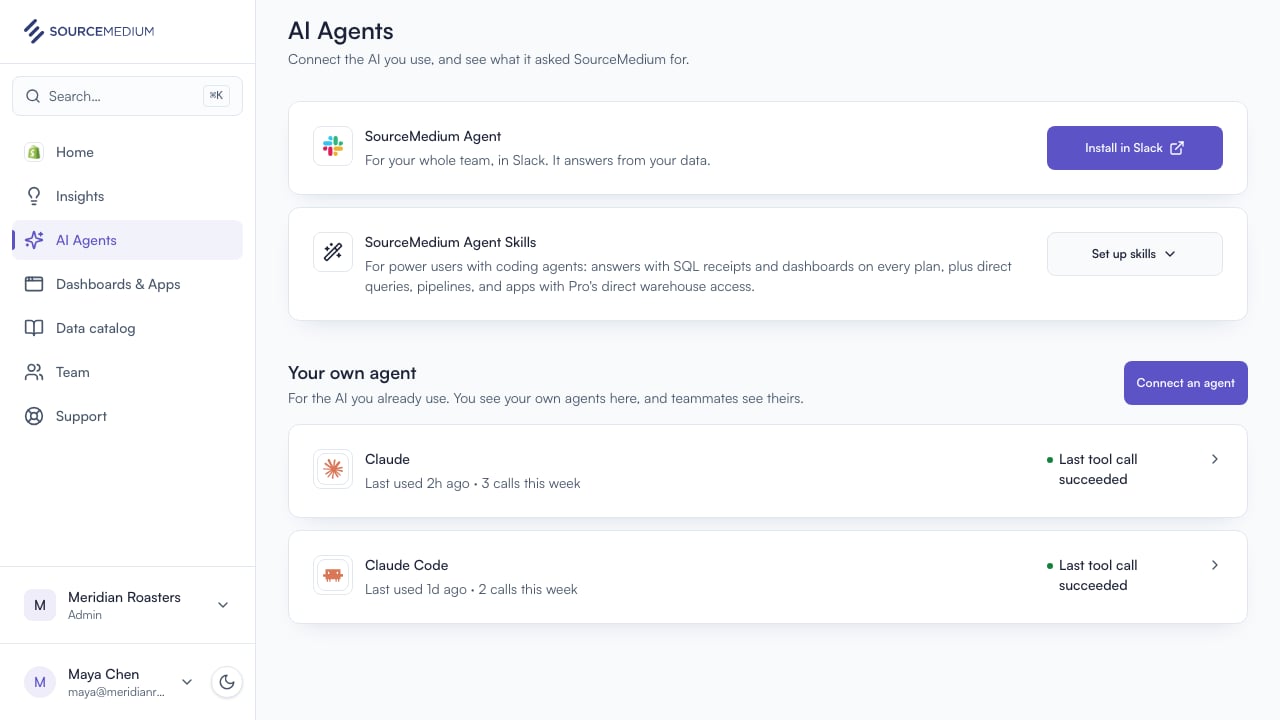
3
Connect an agent in one message
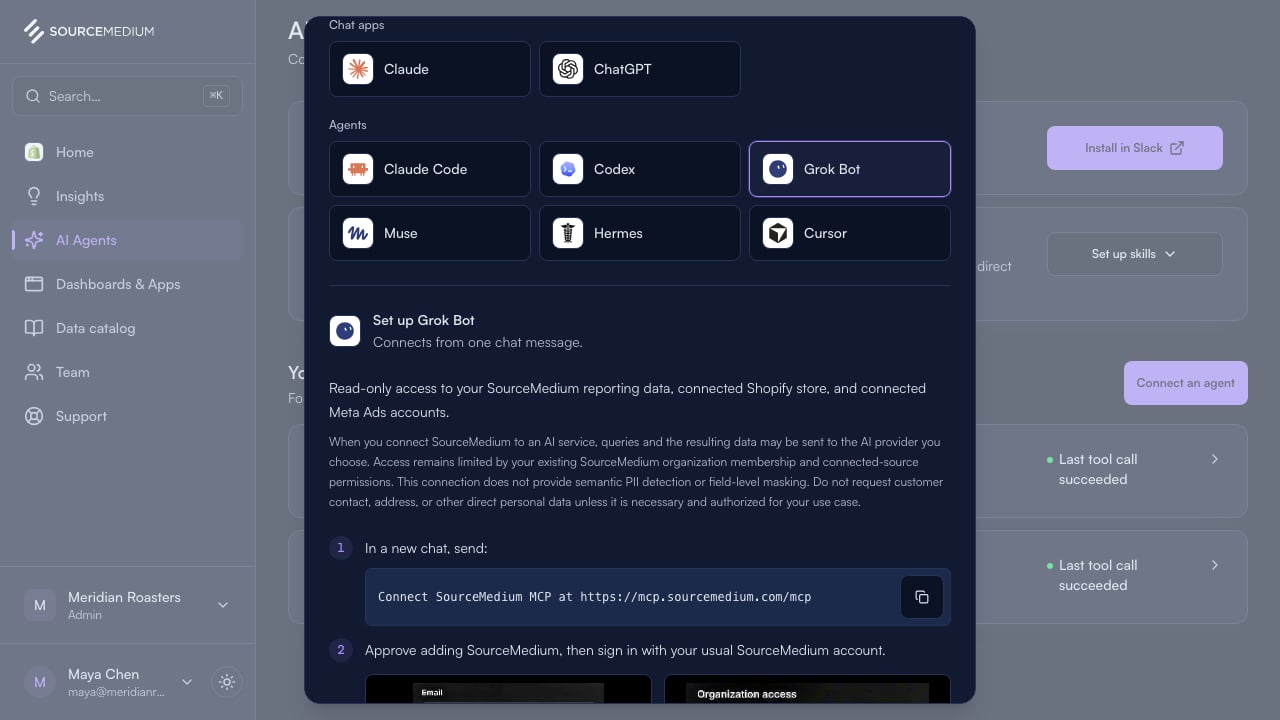
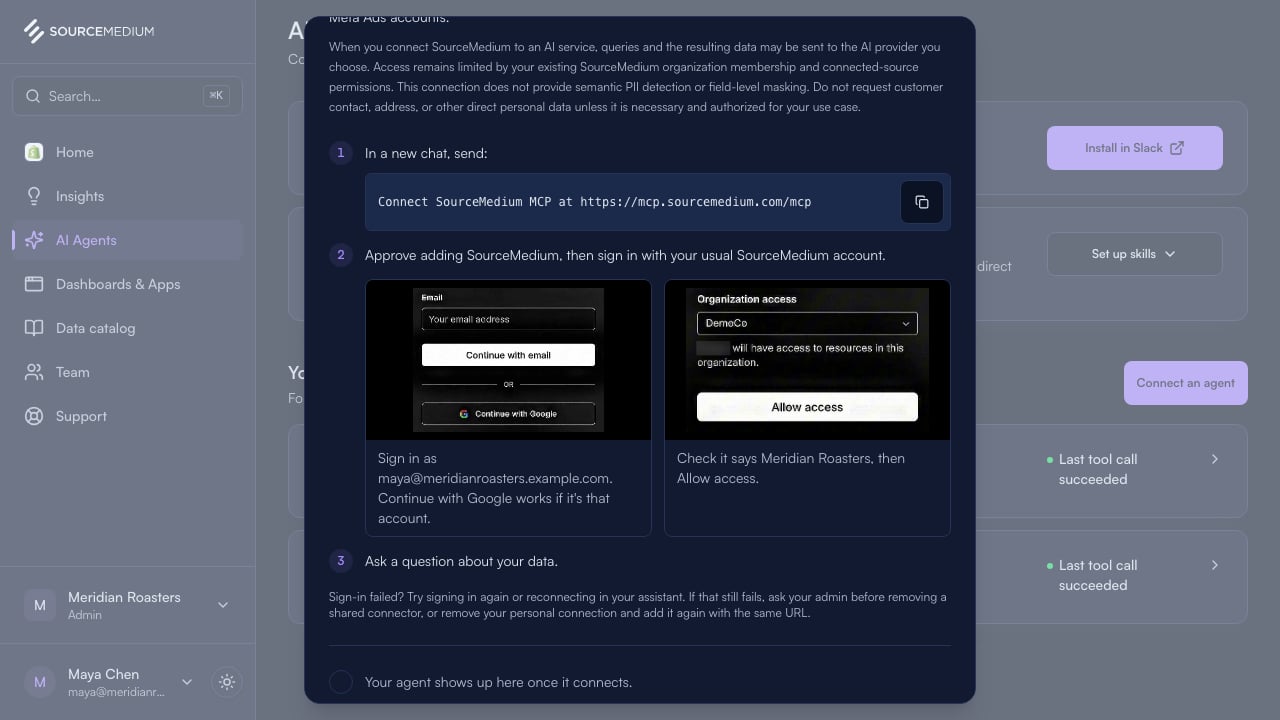
Grok Bot and Muse: send one message, then sign in. The page confirms it.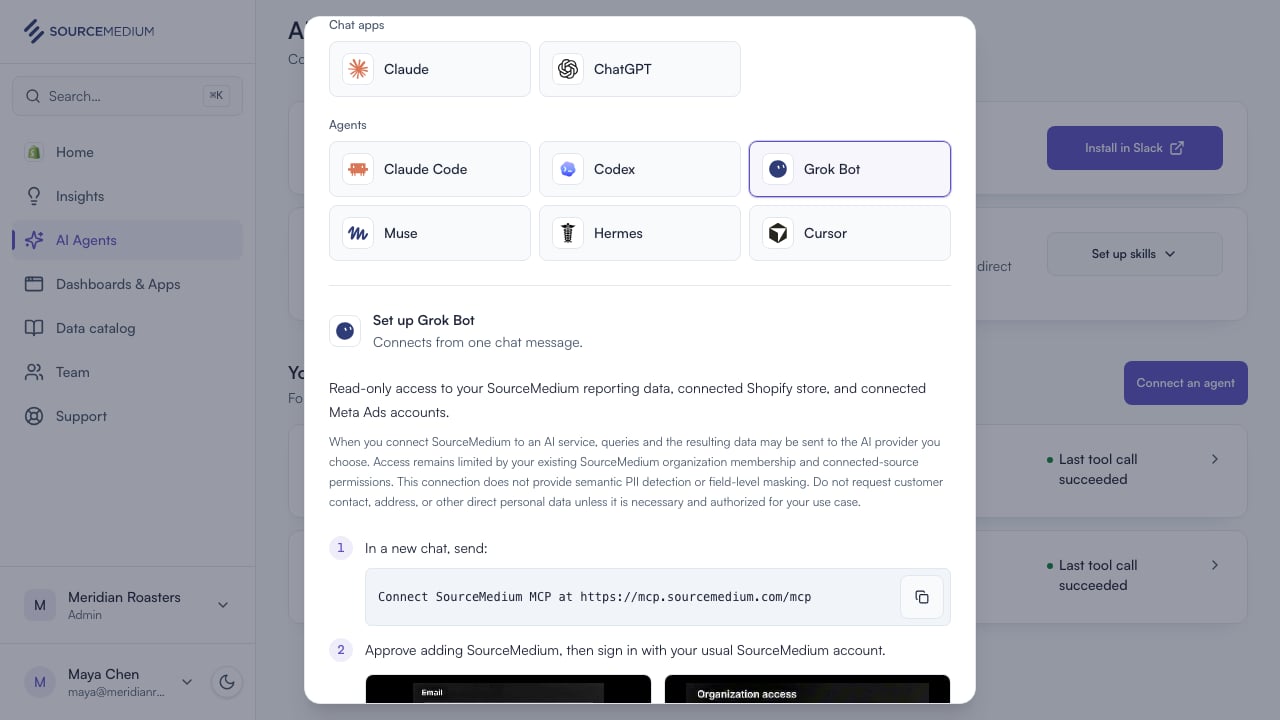
4
What the sign-in asks
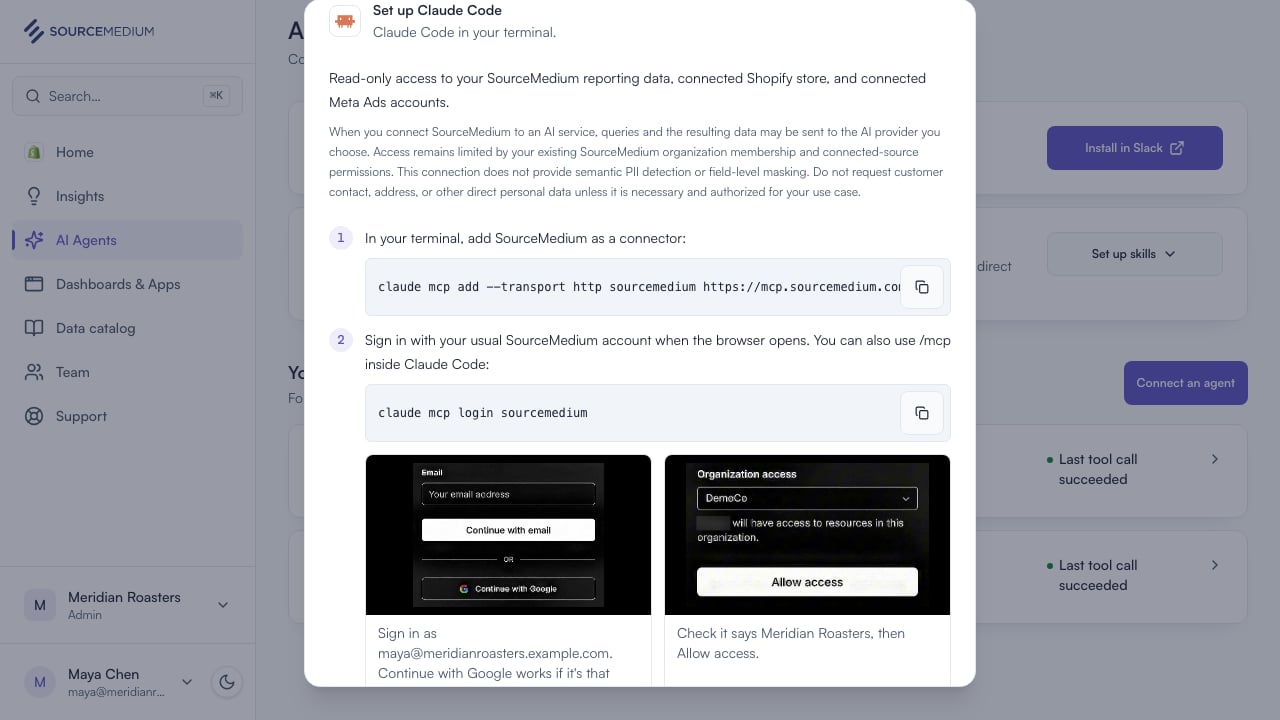
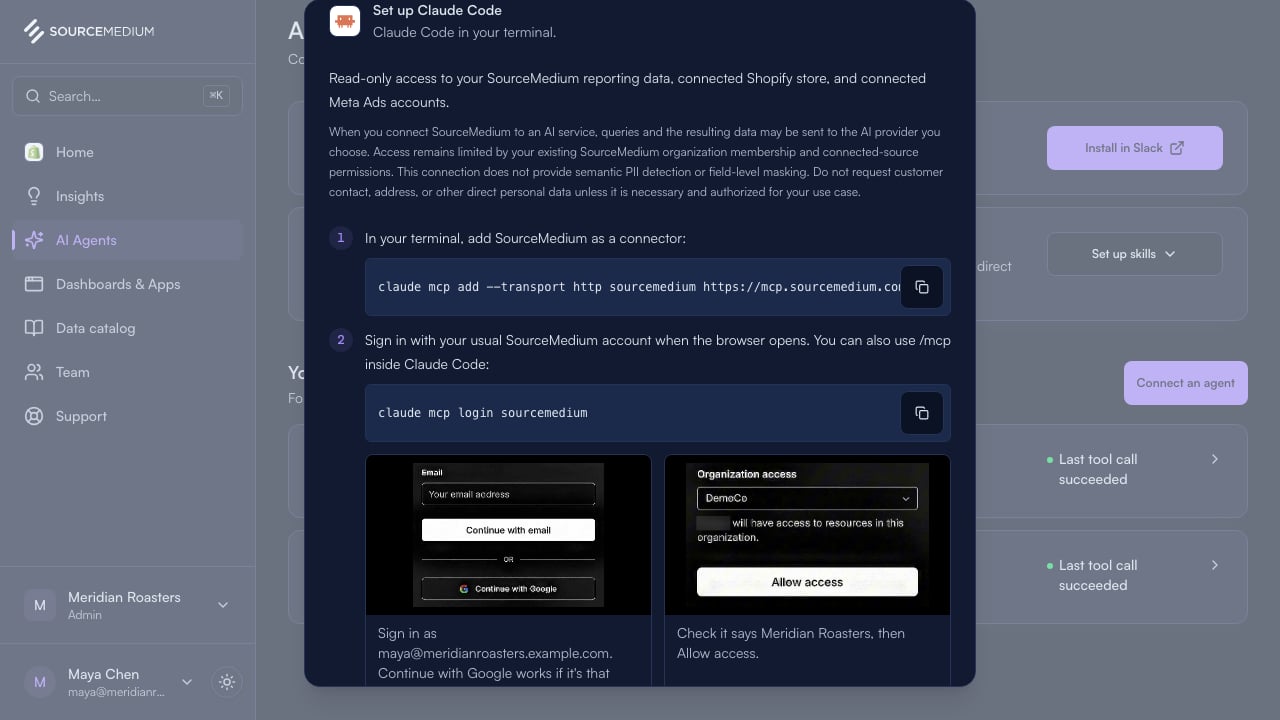
When your agent opens the sign-in: use the email you use here, then pick your organization and allow access.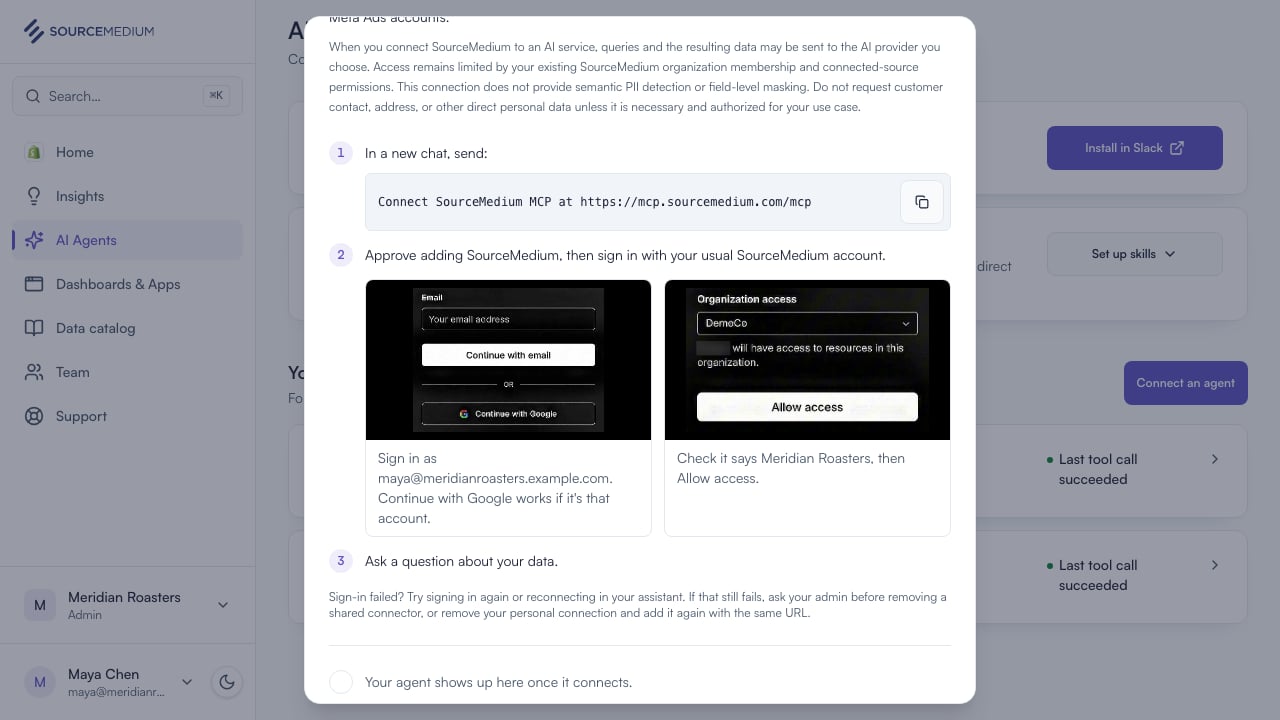
5
Pick your AI tool
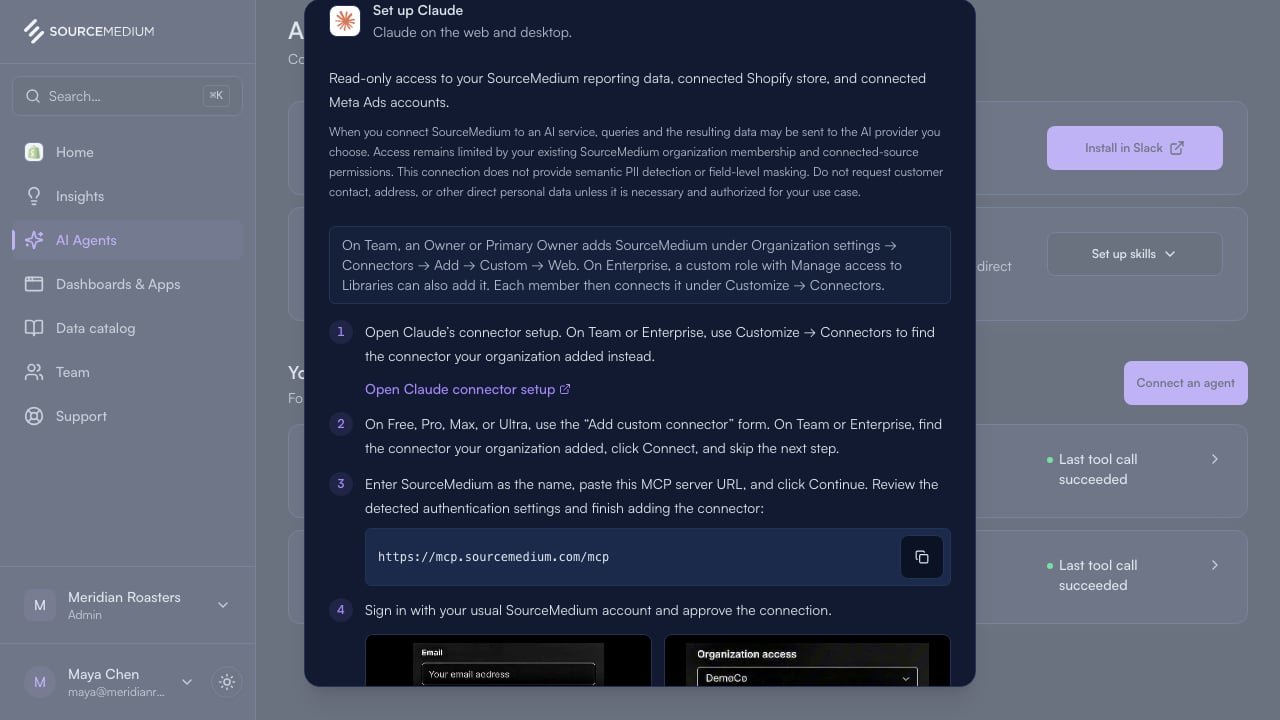
Claude or ChatGPT: paste the URL into its settings.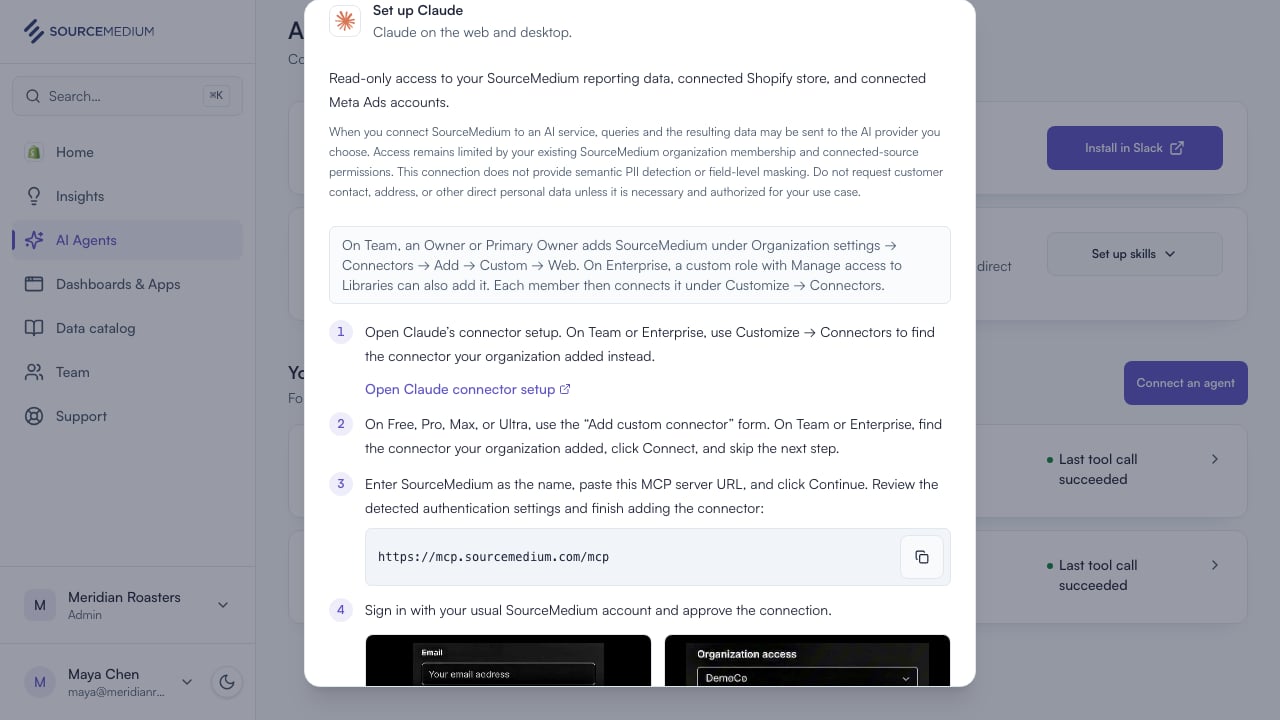
6
Agents use the same URL
Claude Code, Codex, Hermes, and Cursor: add the same URL, then sign in.