> ## Documentation Index
> Fetch the complete documentation index at: https://docs.sourcemedium.com/docs/llms.txt
> Use this file to discover all available pages before exploring further.

# Finish payment and start setup

> Return from checkout, meet your Customer Solutions Engineer, and continue to Slack and data-source setup.

Watch the short narrated walkthrough, or follow the written steps and
screenshots below.

<Frame>
  <video controls className="w-full aspect-video" src="https://mintcdn.com/sourcemedium/vJWhKdrmNWXiJXVp/images/product-tours/payment-complete/demo.mp4?fit=max&auto=format&n=vJWhKdrmNWXiJXVp&q=85&s=b31d6d94db1b177715d5de8b1e011334" poster="/images/product-tours/payment-complete/02-continue-into-guided-setup.png" data-path="images/product-tours/payment-complete/demo.mp4" />
</Frame>

<Steps>
  <Step title="Return from checkout">
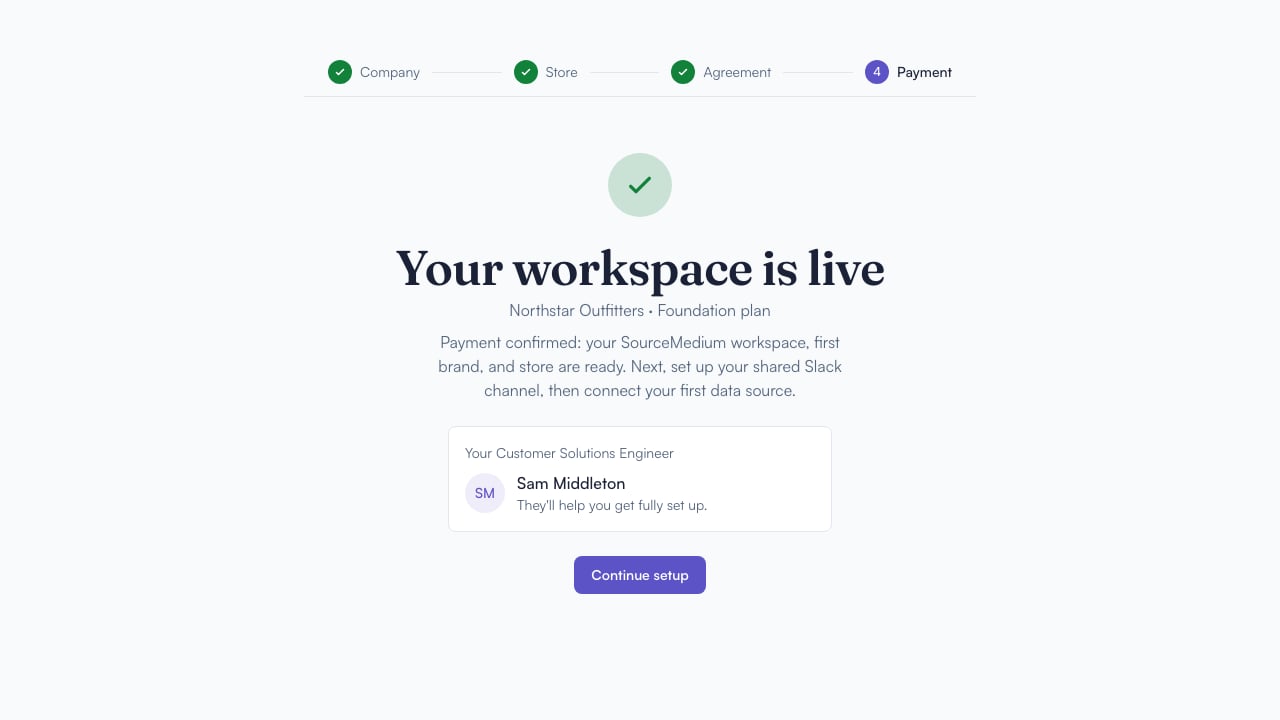
    After payment, SourceMedium confirms that the workspace is live.
  </Step>

  <Step title="Continue into guided setup">
    Meet your Customer Solutions Engineer, then continue to set up your shared Slack channel and first data source.
    <img src="https://mintcdn.com/sourcemedium/vJWhKdrmNWXiJXVp/images/product-tours/payment-complete/02-continue-into-guided-setup.png?fit=max&auto=format&n=vJWhKdrmNWXiJXVp&q=85&s=f7433a2368ded4f3bf3f3fdeedeff144" alt="Continue into guided setup" width="1280" height="720" data-path="images/product-tours/payment-complete/02-continue-into-guided-setup.png" />
  </Step>
</Steps>

## Related

* [Set up a new workspace](/product-tours/self-service-onboarding)
