> ## Documentation Index
> Fetch the complete documentation index at: https://docs.sourcemedium.com/docs/llms.txt
> Use this file to discover all available pages before exploring further.

# Add your SourceMedium workspace to your device

> Install the SourceMedium workspace app on your phone or desktop.

Watch the short narrated walkthrough, or follow the written steps and
screenshots below.

<Frame>
  <video controls className="w-full aspect-video" src="https://mintcdn.com/sourcemedium/zqn7HPal4tuZOKsR/images/product-tours/install-the-app/demo.mp4?fit=max&auto=format&n=zqn7HPal4tuZOKsR&q=85&s=0ae974baa35c1c6ba753a39f27bc6ff0" poster="/images/product-tours/install-the-app/01-open-your-workspace-as-an-app.png" data-path="images/product-tours/install-the-app/demo.mp4" />
</Frame>

<Steps>
  <Step title="Open your workspace as an app">
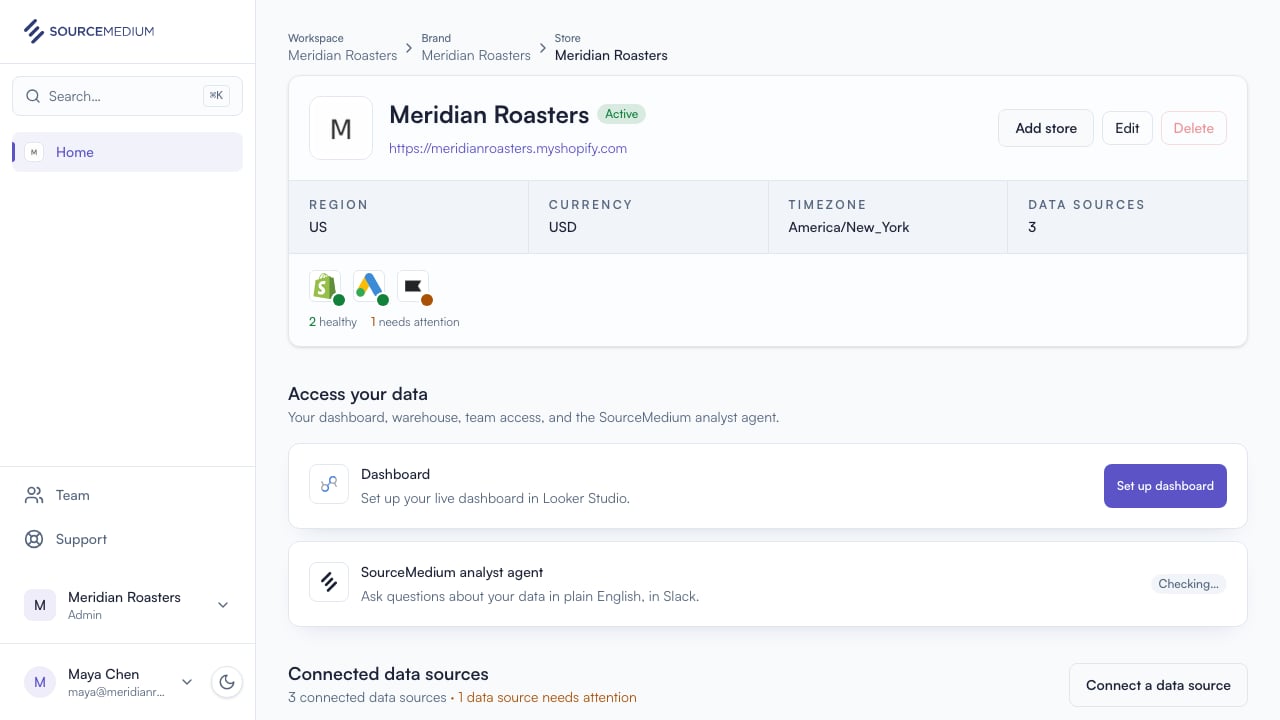
    Use your browser menu to install the SourceMedium workspace (Add to Home Screen on a phone). It opens with your store health, data sources, team, and support.
    <img src="https://mintcdn.com/sourcemedium/zqn7HPal4tuZOKsR/images/product-tours/install-the-app/01-open-your-workspace-as-an-app.png?fit=max&auto=format&n=zqn7HPal4tuZOKsR&q=85&s=bd9fccc3bfef4dd969863562df96366e" alt="Open your workspace as an app" width="1280" height="720" data-path="images/product-tours/install-the-app/01-open-your-workspace-as-an-app.png" />
  </Step>

  <Step title="See when you are offline">
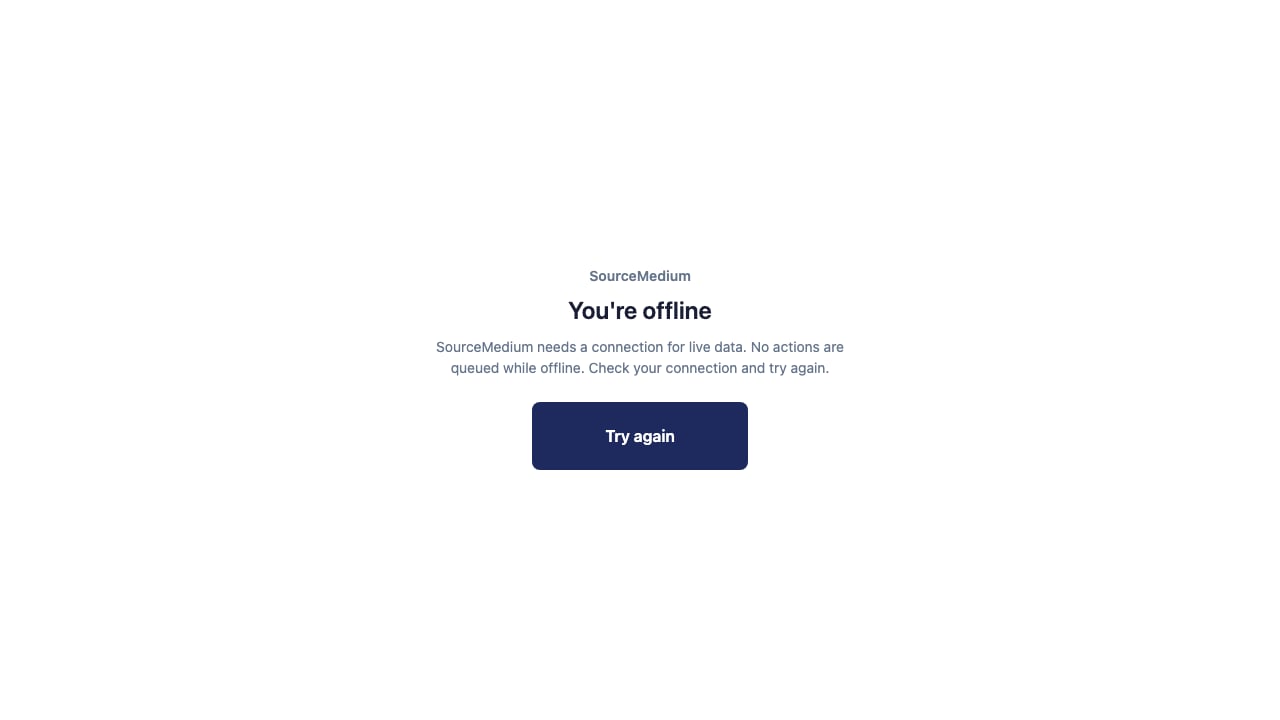
    If the connection drops, SourceMedium shows an offline screen. Reconnect before trying again.
    <img src="https://mintcdn.com/sourcemedium/zqn7HPal4tuZOKsR/images/product-tours/install-the-app/02-see-when-you-are-offline.png?fit=max&auto=format&n=zqn7HPal4tuZOKsR&q=85&s=cb007812550d9d6ec71805d00fc6875c" alt="See when you are offline" width="1280" height="720" data-path="images/product-tours/install-the-app/02-see-when-you-are-offline.png" />
  </Step>

  <Step title="Reconnect and try again">
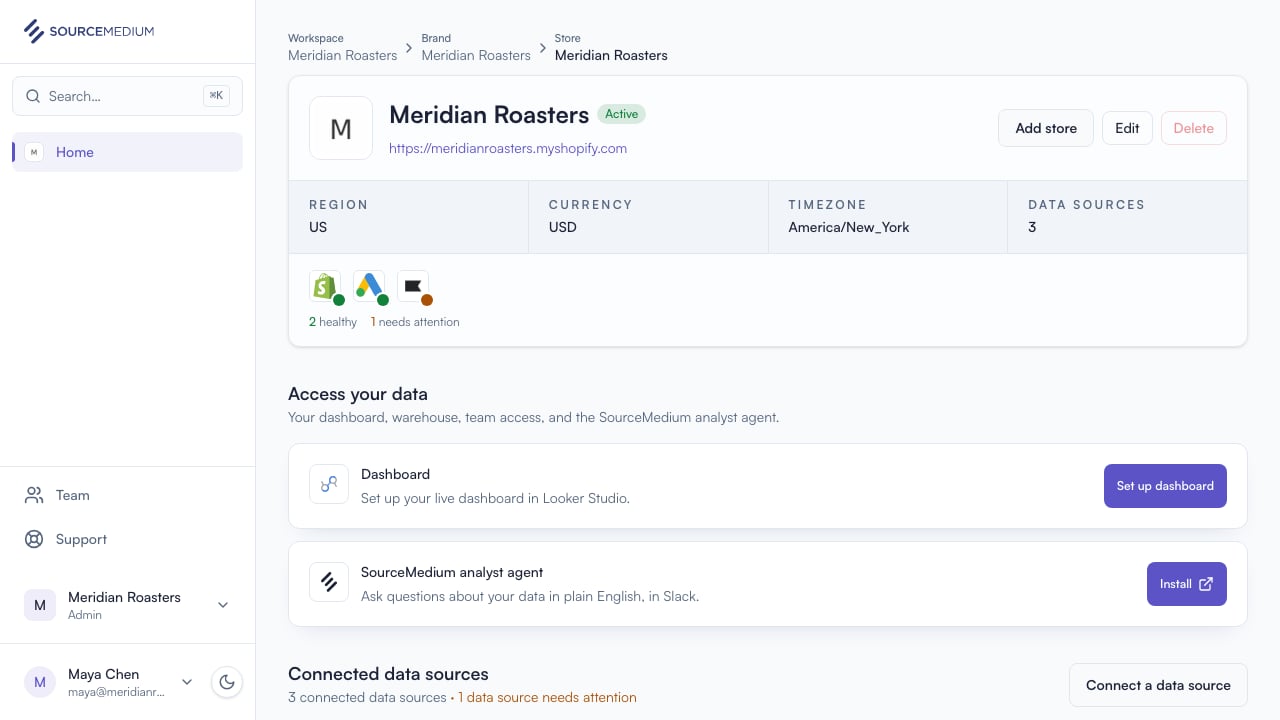
    Once you are back online, select Try again to return to your workspace.
    <img src="https://mintcdn.com/sourcemedium/vJWhKdrmNWXiJXVp/images/product-tours/install-the-app/03-reconnect-and-try-again.png?fit=max&auto=format&n=vJWhKdrmNWXiJXVp&q=85&s=670510590b3367360e65d1df3564b50e" alt="Reconnect and try again" width="1280" height="720" data-path="images/product-tours/install-the-app/03-reconnect-and-try-again.png" />
  </Step>
</Steps>

## Related

* [Understand your workspace](/product-tours/workspace-overview)
