> ## Documentation Index
> Fetch the complete documentation index at: https://docs.sourcemedium.com/docs/llms.txt
> Use this file to discover all available pages before exploring further.
# How do I include marketing spend through the cost tab of the configuration sheet?
> How to add non-integrated marketing spend via the configuration sheet Cost tab so it appears in executive and marketing reporting.
## Requirements
Access to Configuration sheet to input custom marketing spend
**If this is your first time using the Cost tab:**
* Once all steps have been completed, reach out to the SourceMedium team in Slack (or [via email](mailto:support@sourcemedium.com)) letting us know you'd like to enable the custom costs feature
## Background
You can use the cost tab in your configuration sheet to include any `marketing spend` that is outside of your integrated platforms. Any spend that is added to the configuration sheet will then be included in the **Executive-level** and the **Marketing Overview** modules.
## Video Walkthrough
## Steps
1. Open your Configuration Sheet:
* Check your onboarding email thread for the Google Sheets link
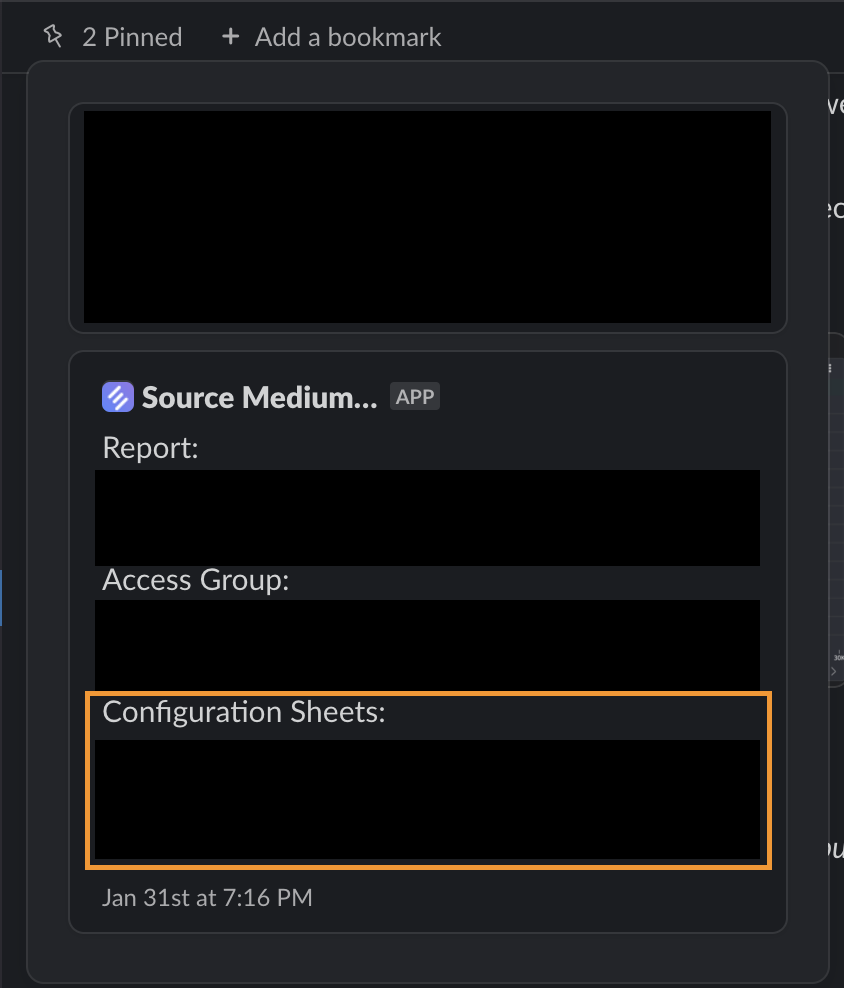
* Check your shared SourceMedium Slack channel for the Configuration Sheet link (often pinned)
* If you can’t find it, email [support@sourcemedium.com](mailto:support@sourcemedium.com)
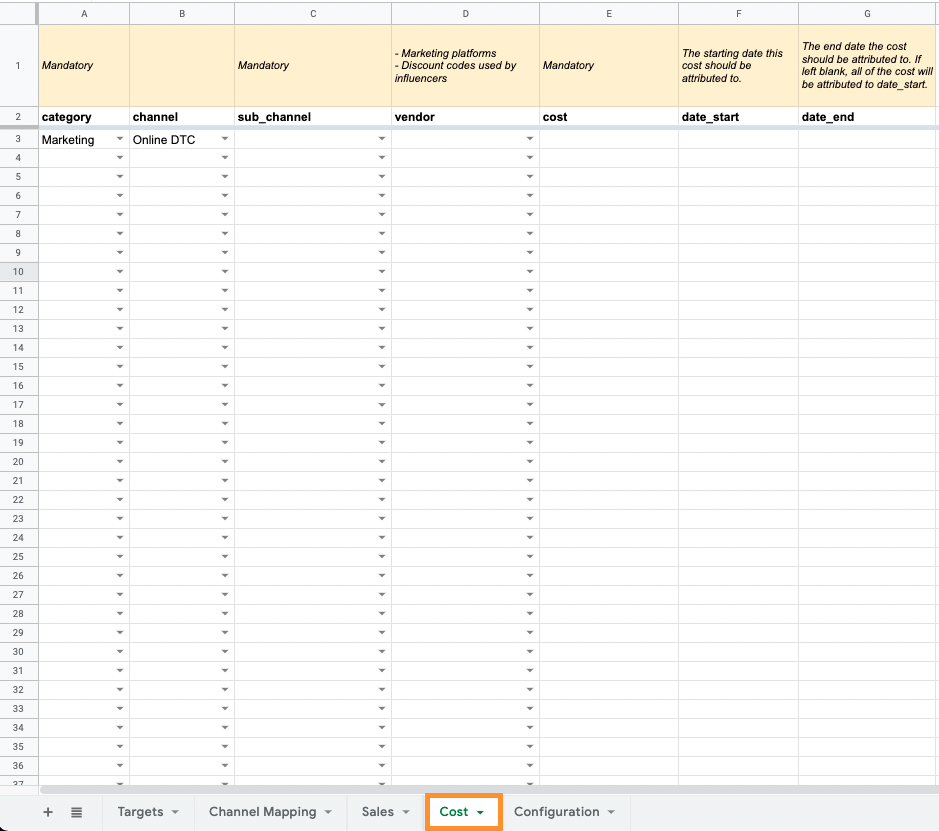 2. In the `Cost` tab, select the appropriate values for each column
1. `category` - select `Marketing`
2. `channel` - select the channel where you're expecting to see returns on this spend (Online DTC, Wholesale, etc.)
3. `sub-channel` - select the sub-channel that the spend is associated with ([new sub-channels can also be added](/data-inputs/configuration-sheet/how_does_channel_mapping_work) within the `Configuration` tab)
2. In the `Cost` tab, select the appropriate values for each column
1. `category` - select `Marketing`
2. `channel` - select the channel where you're expecting to see returns on this spend (Online DTC, Wholesale, etc.)
3. `sub-channel` - select the sub-channel that the spend is associated with ([new sub-channels can also be added](/data-inputs/configuration-sheet/how_does_channel_mapping_work) within the `Configuration` tab)
**Any `sub_channel`containing the following terms (not case sensitive) will be pulled into the `Sponsorships & Influencers` module:**
* `influencer`
* `podcast`
* `newsletter`
* `affiliate`
* `sponsorship`
4. `vendor` - select the specific platform related to the spend (can add additional values in `Configuration` tab)
2. Enter your marketing spend in the `cost` column and applicable dates
* `date_start` and `date_end` will amortize the cost for that spend across the range of `date_start` to `date_end`
*e.g. \$1,000 spend from 10/1/2021 to 10/10/2021 would tack on \$100 spend for each day. If no date\_end is provided, all cost is attributed to `date_start`*
***
## Additional information and related articles
* [Creating order channels and sub-channels (Channel Mapping)](/data-inputs/configuration-sheet/how-can-i-create-order-channels-and-subchannels)